內容簡介
<html>
<p><strong>總結:</strong></p>
<ul>
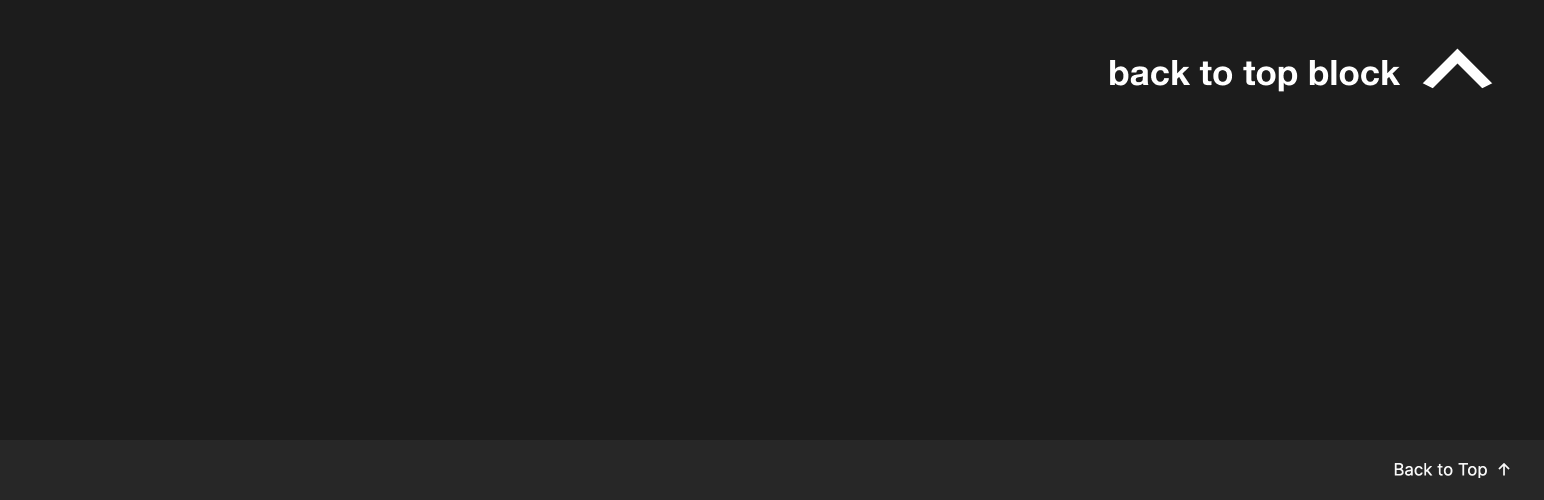
<li>Back to Top Block 是一個可自訂按鈕,讓使用者平滑地滾動回網頁頂部。適用於長篇內容和提升使用者體驗。</li>
</ul>
<p><strong>問題與答案:</strong></p>
<ul>
<li><strong>問題:</strong> Back to Top Block 的主要特點有哪些?</li>
<li><strong>答案:</strong>
<ul>
<li>可自訂按鈕文字-更改文字以配合網站的語言或風格</li>
<li>可選擇顯示圖示-顯示或隱藏向上箭頭圖示</li>
<li>自訂圖示支援-上傳自己的圖示以符合網站的設計</li>
<li>平滑滾動-滾動到頂部時有優雅的動畫效果</li>
<li>支援降低運動-尊重使用者的動態偏好</li>
</ul>
</li>
<li><strong>問題:</strong> 如何運作?</li>
<li><strong>答案:</strong>
<ul>
<li>只需將該區塊添加到您希望回到頂部按鈕出現的頁面或文章中。</li>
<li>當點擊時,按鈕將自動處理滾動到頁面頂部,對於未啟用降低運動偏好的用戶,會呈現平滑動畫。</li>
</ul>
</li>
</ul>
</html>
外掛標籤
開發者團隊
原文外掛簡介
The Back to Top Block adds a customizable button that allows users to smoothly scroll back to the top of your page. Perfect for long-form content and improved user experience.
Key Features:
Customizable Button Text – Change the text to match your site’s language or style
Optional Icon Display – Show or hide the up arrow icon
Custom Icon Support – Upload your own icon to match your site’s design
Smooth Scrolling – Elegant animation when scrolling to top
Reduced Motion Support – Respects user’s motion preferences
How it Works
Simply add the block to your page or post where you want the back-to-top button to appear. The button will automatically handle scrolling to the top of the page when clicked, with smooth animation for users who haven’t enabled reduced motion preferences.