內容簡介
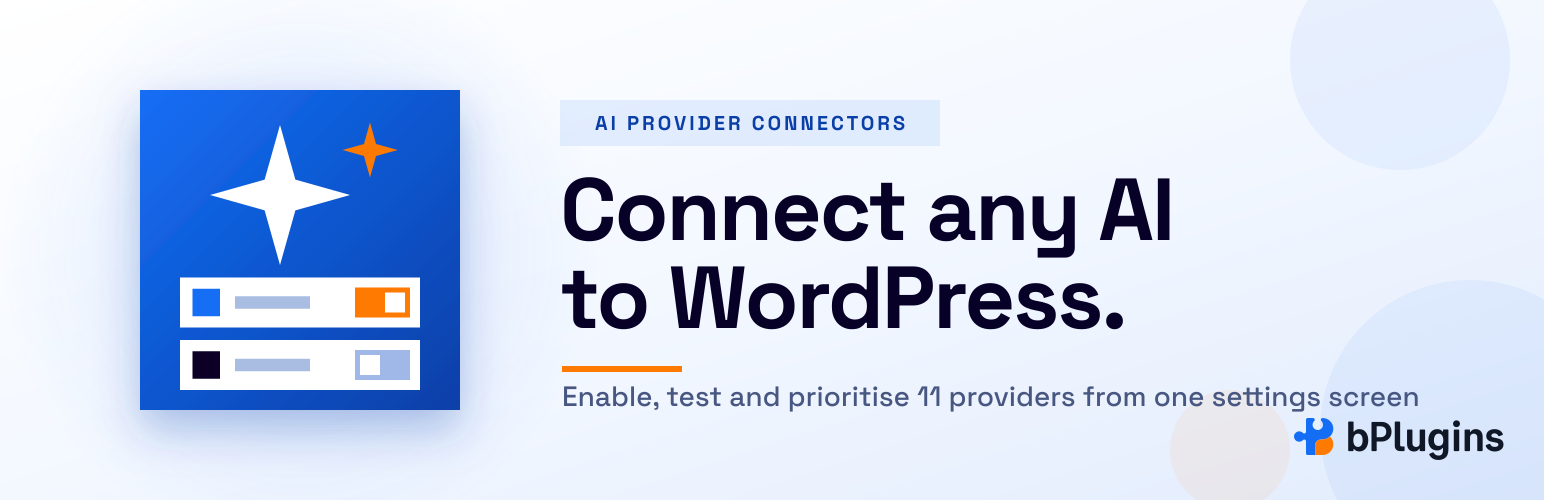
bPlugins AI Provider Connectors 外掛擴展了 WordPress 的 AI 客戶端,提供多達 11 種即用型 AI 供應商的連接功能,讓使用者能夠輕鬆整合並測試不同的 AI 服務,提升網站的智能化應用。
【主要功能】
• 支援 11 種 AI 供應商的即用型連接
• 提供「測試連接」按鈕以驗證 API 金鑰
• 可新增最多五個自訂的 OpenAI 兼容端點
• 提供 AI 供應商儀表板以管理連接狀態
• 支援連接測試結果顯示於工具提示
外掛標籤
開發者團隊
原文外掛簡介
AI Provider Connectors extends the WordPress AI Client and the core Connectors screen (Settings → Connectors) with four features:
11 ready-to-use AI providers. Connector cards for OpenRouter, Mistral AI, Cohere, Groq, xAI (Grok), DeepSeek, Perplexity, Together AI, Fireworks AI, Hugging Face and Replicate. Paste an API key, save it, and every feature that uses the WordPress AI Client (such as the AI plugin’s excerpt and summary tools) can route through that provider — exactly like the built-in Anthropic, OpenAI and Google providers.
Test Connection button. A “Test Connection” button next to the “Connected” badge — and inside the expanded edit panel — for every supported provider. Clicking it re-validates the stored API key against the provider’s live API and shows the result in a tooltip.
Custom providers. Add up to five OpenAI-compatible endpoints of your own — a hosted API that is not bundled, or a local model server such as Ollama, LM Studio or vLLM — and they behave exactly like the bundled ones.
AI Providers dashboard. A Settings → AI Providers screen where you switch providers on or off, see at a glance which ones are connected, run connection tests, manage custom providers, and drag providers into the order the AI Client should try them. When a feature needs an AI provider, the first connected provider in your list that supports the task is used.
Bundled providers
OpenRouter
Mistral AI
Cohere
Groq
xAI (Grok)
DeepSeek
Perplexity
Together AI
Fireworks AI
Hugging Face
Replicate
Already supported by Test Connection
Anthropic, OpenAI, Google — when their respective AI Provider plugins are active.
Non-AI connectors (such as Akismet) are not live-tested because they require provider-specific verification flows.
Security and best practices
All connection tests run server-side; API keys are never sent to the browser.
Tests and the priority page are gated by the manage_options capability, the standard REST nonce, and admin nonces.
Keys can be supplied via the Connectors screen, via a PHP constant, or via an environment variable — checked in that order. The names follow the WordPress convention {PROVIDER_ID}_API_KEY, for example OPENROUTER_API_KEY, HUGGINGFACE_API_KEY or REPLICATE_API_KEY; custom providers use their own ID the same way.
Connectors and API keys are managed entirely by WordPress core; this plugin only registers providers with the AI Client, just like the official AI Provider plugins.
Source code
The full source code is developed in the open on GitHub: https://github.com/ah-polash/b-ai-provider-connectors
External services
When you click Test connection, open the AI Providers screen (which checks providers that have a key), or when the WordPress AI Client sends a prompt through one of the bundled providers, this plugin sends requests to that provider’s API using the API key you stored. Only providers you enabled and configured are contacted. Custom providers contact whatever endpoint you entered. Each provider’s terms and privacy policy apply:
OpenRouter — https://openrouter.ai/terms, https://openrouter.ai/privacy
Mistral AI — https://legal.mistral.ai/terms/get-started/, https://legal.mistral.ai/terms/privacy-policy/
Cohere — https://cohere.com/terms-of-use, https://cohere.com/privacy
Groq — https://groq.com/terms-of-use, https://groq.com/privacy-policy
xAI — https://x.ai/legal/terms-of-service, https://x.ai/legal/privacy-policy
DeepSeek — https://platform.deepseek.com/downloads/DeepSeek%20Terms%20of%20Use.html, https://platform.deepseek.com/downloads/DeepSeek%20Privacy%20Policy.html
Perplexity — https://www.perplexity.ai/hub/legal/terms-of-service, https://www.perplexity.ai/hub/legal/privacy-policy
Together AI — https://www.together.ai/terms-of-service, https://www.together.ai/privacy
Fireworks AI — https://fireworks.ai/terms-of-service, https://fireworks.ai/privacy-policy
Hugging Face — https://huggingface.co/terms-of-service, https://huggingface.co/privacy
Replicate — https://replicate.com/terms, https://replicate.com/privacy
The AI Providers settings screen shows a short video. Its preview thumbnail is loaded from YouTube’s image server (i.ytimg.com), and the player itself is only embedded from youtube-nocookie.com after you press play. YouTube terms: https://www.youtube.com/t/terms — Google privacy policy: https://policies.google.com/privacy