內容簡介
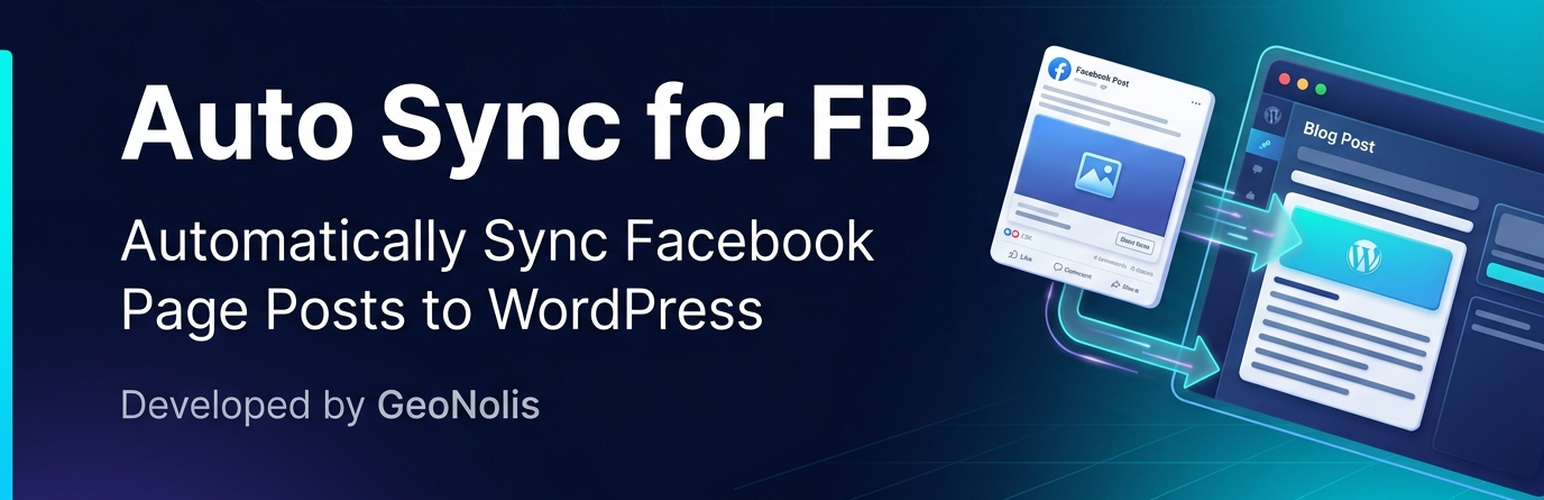
Auto Sync for FB 外掛可將您的 Facebook 專頁與 WordPress 網站連接,透過 Facebook Graph API 自動匯入專頁文章,簡化內容管理流程,提升網站更新效率。
【主要功能】
• 自動匯入 Facebook 專頁文章為 WordPress 部落格文章
• 直接下載文章圖片至媒體庫並設為特色圖片
• 重複資料檢查引擎,避免重複匯入文章
• 原生 WP-Cron 排程功能,支援多種時間設定
• 提供手動「立即同步」和「測試連線」按鈕
• 令牌交換工具,輕鬆獲取永久 Facebook 專頁存取令牌
外掛標籤
開發者團隊
原文外掛簡介
Auto Sync for FB connects your Facebook Page to your WordPress site via the Facebook Graph API.
Key Features:
* Automatically imports Facebook Page posts as WordPress blog posts.
* Downloads post images directly into the WordPress Media Library and sets them as Featured Images (_thumbnail_id).
* Deduplication Engine: Tracks _fb_post_id in post meta so posts are never imported twice.
* Native WP-Cron scheduling (Hourly, Every 2 Hours, Twice Daily, or Daily).
* Manual “Sync Now” and “Test Connection” buttons in WP Admin.
* Choice of Published vs Draft status, default category, and author.
* Token Exchange Tool: Easily exchange short-lived tokens for permanent (never-expiring) Facebook Page Access Tokens.
How to Get Facebook Credentials
Go to Facebook for Developers.
Create an App (Type: Other / Business).
Select Use Case “Manage everything on your Page”. Add business_management to minimum proposed permissions.
Select Tools/Graph API Explorer and create User token with pages_show_list, business_management, pages_read_engagement permissions.
Get Page Access Token for your page, with the same permissions as above.
Copy your Facebook Page ID (found in your Page’s About section or URL).
How to Get a Never-Expiring (Permanent) Token
Short-lived Facebook tokens expire in 1-2 hours. To get a permanent token that never expires:
Copy your App ID and App Secret from your Facebook Developer App Settings (Settings > Basic).
Enter your App ID, App Secret, and temporary Page Access Token into the plugin settings.
Click Exchange for Never-Expiring Token.
The plugin will exchange your short-lived token via Facebook Graph API for a permanent Page Access Token and automatically save it into your settings!