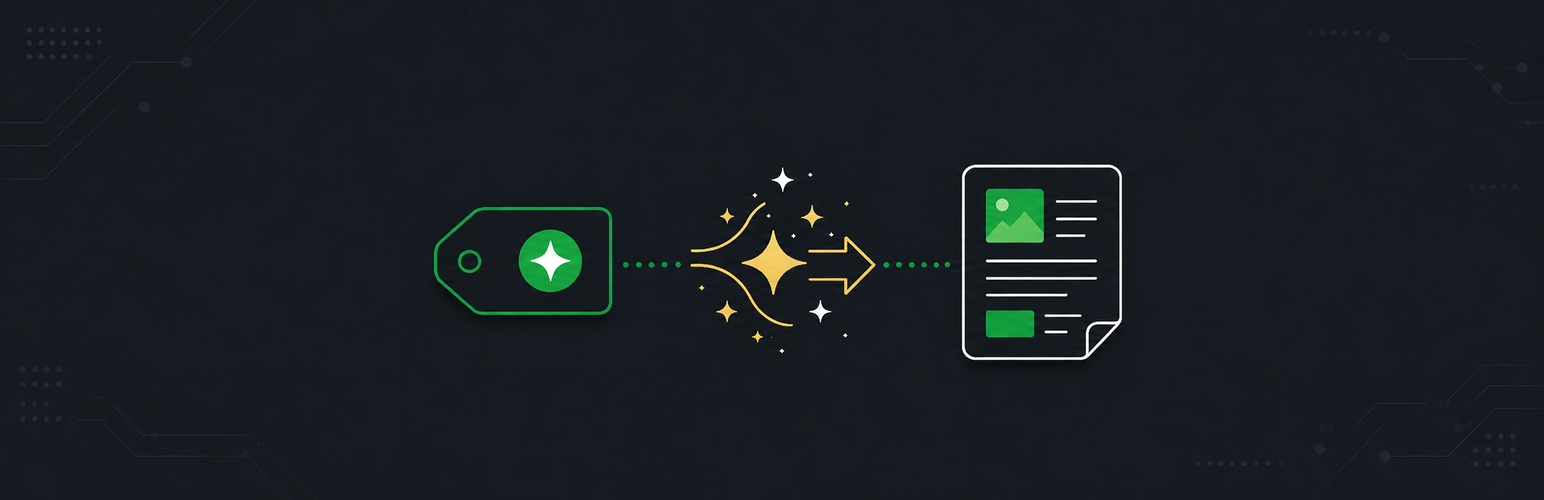
內容簡介
Auto Release Posts for GitHub 是一款可自動監控 GitHub 倉庫新版本的外掛,並利用 AI 生成易於閱讀的部落格文章。使用者可選擇自動發佈或將文章保存為草稿,並在新文章準備好時接收電子郵件通知。
【主要功能】
• 監控多個 GitHub 倉庫的新版本
• AI 驅動的文章生成,支援多種連接器
• 根據版本類型調整內容風格
• 可選擇研究深度,標準或深入分析
• 自動生成 SEO 友好的文章標題和摘要
• 可配置的發佈/草稿工作流程
外掛標籤
開發者團隊
② 後台搜尋「Auto Release Posts for GitHub」→ 直接安裝(推薦)
原文外掛簡介
Auto Release Posts for GitHub monitors GitHub repositories for new releases and uses AI to research each release and generate a human-readable blog post about it. Posts can be automatically published or held as drafts for review, with email notifications when new posts are ready.
Built on the AI Client API and Connectors introduced in WordPress 7.0 — configure your AI provider (Anthropic, OpenAI, Google, or any other connector) once under Settings → Connectors, and this plugin uses whatever you’ve set up. No AI API keys to manage in the plugin itself.
How it works:
Monitor — Add any GitHub repository and the plugin checks for new releases daily via WP-Cron.
Generate — When a new release is detected, the AI researches the release and writes a blog post tailored to your audience.
Publish — Posts are created as drafts for review, or published automatically based on your per-repository settings.
You can also generate a post on demand at any time from the Repositories tab.
Features:
Monitor multiple GitHub repositories for new releases
AI-powered post generation via WordPress Connectors — works with Anthropic, OpenAI, Google, and any other configured connector
Significance-aware content — patch, minor, major, and security releases get tailored tone and structure
Choose the research depth — Standard reviews release notes, linked issues and PRs, metadata, and the README; Deep adds commit messages and file changes since the last release
SEO-friendly post slugs and excerpts generated automatically by AI
Configurable publish/draft workflow with per-repository overrides
Per-repository post defaults (categories, tags, post status)
Choose your post title format — prefix with project name and version, version only, or no auto-prefix (let the AI write the full title in single-project sites)
Generate posts on demand for any historical release — pick from a version dropdown when a repo has multiple releases; older releases are automatically backdated to keep the archive in chronological order
Custom prompt instructions to guide AI writing style, tone, and voice
Regenerate posts with feedback — refine AI output directly from the block editor sidebar
Email notifications on draft creation, publication, or both
Source attribution in the block editor — see which GitHub release generated each post
Idempotency — the same release never creates duplicate posts
Optional project link support — enter a URL or WordPress.org slug for download CTAs
Optional pre-release tracking per repository — track stable releases by default, or opt in to include betas, release candidates, and other pre-release versions
Monorepo support — per-repository tag patterns limit posts to selected packages (e.g. @headstartwp/core@*, @headstartwp/next@*) when one repository releases many packages
For developers:
Extensible via filter hooks at every stage of the pipeline
Customize preferred AI models via the ghrp_wp_ai_client_model_preferences filter
Override significance classification, prompt content, post terms, and post status per-release
All prompt templates defined in code, versioned with the plugin
Requirements:
WordPress 7.0 or later
PHP 8.2 or later
At least one AI connector configured under Settings → Connectors (Anthropic, OpenAI, or Google recommended)
Auto Release Posts for GitHub is an independent project. It is not affiliated with, endorsed by, or sponsored by GitHub, Inc. or the WordPress Foundation. “GitHub” and “WordPress” are used here for descriptive purposes only.
External Services
This plugin connects to external services to fetch release data and (via WordPress Connectors) generate post content. Each service is described below.
GitHub REST API
What it is: GitHub’s REST API (https://api.github.com) is used to read release data and repository metadata, and — when a Personal Access Token is configured — to list repositories the token can access.
What is sent: HTTP requests to api.github.com containing the repository owner and name. If a GitHub Personal Access Token is configured (in the Settings tab, or via the GHRP_PAT constant or environment variable), the token is sent in the Authorization header.
When it is sent: Daily via WP-Cron (configurable via the ghrp_check_frequency filter), and on demand when generating, regenerating, or refreshing posts from the plugin’s admin screens.
Terms of Service: https://docs.github.com/en/site-policy/github-terms/github-terms-of-service
Privacy Policy: https://docs.github.com/en/site-policy/privacy-policies/github-privacy-statement
Image sideloading from GitHub-hosted domains
What it is: When AI-generated post content references images hosted on github.com, githubusercontent.com, or github.io, the plugin downloads those images to the WordPress Media Library so posts render without external image dependencies.
What is sent: HTTP GET requests to the specific image URLs referenced by the AI output. No data beyond a standard HTTP request.
When it is sent: At post creation or regeneration time, for image URLs included in the AI-generated content. The allowed domains and limits are configurable via the ghrp_sideload_allowed_domains, ghrp_max_sideload_images, ghrp_sideload_time_budget, and related filters.
Terms of Service and Privacy Policy: same as GitHub above.
AI providers (via WordPress Connectors)
What it is: AI-generated post content is produced by whichever AI connector you have configured under Settings → Connectors in WordPress 7.0+. The plugin does not call AI provider APIs directly — it dispatches prompts through the WordPress AI Client API.
What is sent: The release title, release notes body, repository metadata (owner/name, language, description), and any custom prompt instructions you have configured are sent to the AI provider selected by your connector. Optional Deep research mode additionally sends recent commit messages and file change summaries between releases.
When it is sent: When a new release is detected by the daily scheduled check, when you click “Generate post” or “Regenerate,” and when regenerating from the block editor sidebar.
Privacy and terms for the AI provider depend on which connector is configured. Common providers:
Anthropic — Terms — Privacy
OpenAI — Terms — Privacy
Google AI — Terms — Privacy
Source Code
The complete, human-readable source code for this plugin is published at:
https://github.com/jakemgold/github-release-posts-wordpress
Bundled JavaScript. The minified files under dist/js/ are built from the source files under assets/js/ using the @10up/scripts toolkit (which wraps Webpack). To rebuild:
npm install && npm run build
Source-to-build mapping:
dist/js/admin.js is built from assets/js/admin/index.js
dist/js/editor.js is built from assets/js/editor/index.js
dist/css/admin-style.css is built from assets/css/admin/style.css
Both source and build outputs ship with the plugin, so the source is available locally as well as in the public repository.
Third-party libraries. The plugin has no third-party PHP dependencies. The vendor/ directory only contains Composer’s own PSR-4 autoloader scaffolding generated from the plugin’s own classes — it does not include any external libraries. The composer.json require block requires only php: >=8.2. PAT encryption uses libsodium, which has been part of PHP core since 7.2.
Bundled npm packages used at build time (development only — not shipped at runtime): @10up/scripts (which itself bundles Webpack, ESLint, Babel, and the build-time-only wp-prettier and eslint-plugin-jsdoc overrides). All declared in package.json and package-lock.json. None of these end up in the distributed plugin.