內容簡介
Aslansheed Login 讓訪客可以使用電話號碼或電子郵件及一次性代碼進行登入或註冊。此外掛完全免費,無鎖定功能或授權檢查,提供安全且便捷的使用體驗。
【主要功能】
• 支援電話號碼和電子郵件註冊
• 可自訂註冊欄位與驗證選項
• 支援多國語言及Google登入
• 提供多種傳送渠道的自動回退
• 具備雙重身份驗證及安全性功能
• WooCommerce 兼容性與帳戶同步
外掛標籤
開發者團隊
📦 歷史版本下載
原文外掛簡介
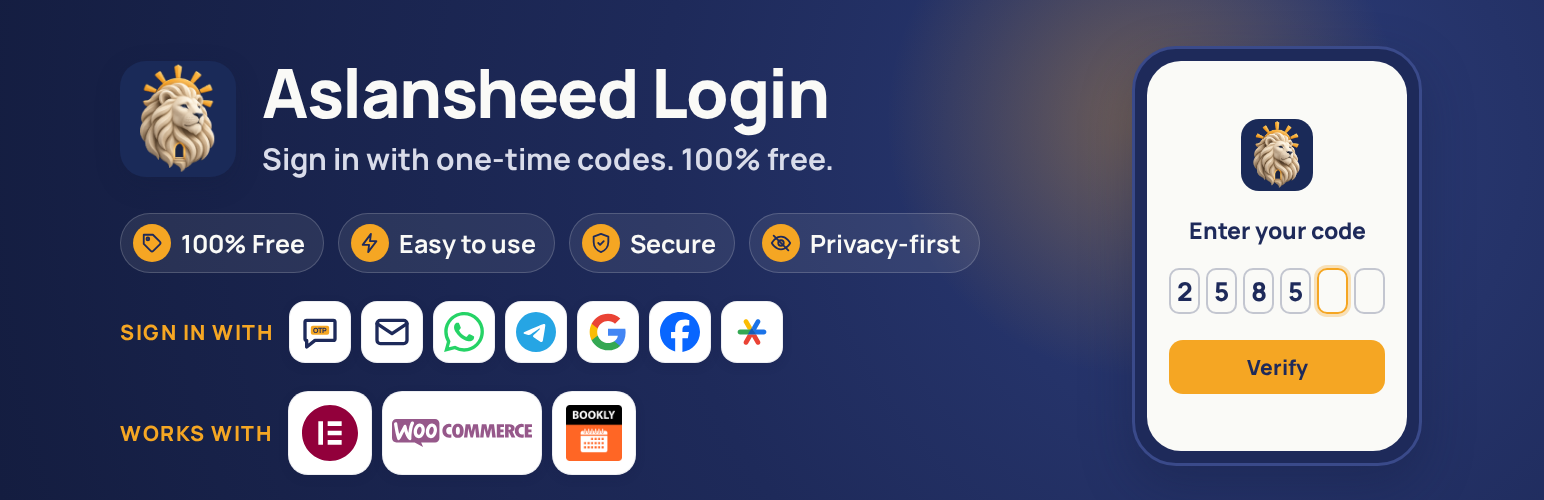
Aslansheed Login lets visitors sign in or register with a phone number or email and a one-time code. Everything is free: there are no locked features and no license checks.
Sign-in and registration
One smart form: the visitor types a phone number, email or username. The form offers a code or a password, and new users finish registration after verifying their code.
Configurable registration fields: first and last name, username, email, password with confirmation and strength meter, national ID, postal code and birth date. Each is hidden, optional or required. Birth date can use the Gregorian or the Jalali (Persian) calendar, or let the user switch. National IDs are checked with the Iranian checksum, kept unique and stored encrypted.
Optional email verification at registration: a code is sent to the address a new user gives, and the account is created only after it is entered.
Multi-country sites: an optional country list next to phone numbers, limited to the countries you allow.
Optional Google sign-in (Google Identity Services, no client secret needed).
Optional Facebook sign-in. Only the public profile and email permissions are requested. A new user can be asked for the required registration fields Facebook did not share, or the account can be created at once with whatever Facebook gave. Linking to an existing account by email, and treating the Facebook email as verified, are separate options, both off by default. Password fields have a show/hide eye button.
Custom registration fields: text, number, date, dropdown, checkboxes and more.
Account page for signed-in users ([aslansheed_account], also on the WooCommerce My Account dashboard): link or unlink Google and Facebook, set up an authenticator app, change the password and, if you allow it, change the verified phone number with a code sent to the new one.
Sign-out shortcodes: [aslansheed_logout] (link or button) and [aslansheed_logout_url] (only the address, for a page builder button). The sign-out address stays on your home page and never shows wp-login.php or a renamed admin address. An optional setting applies it to sign-out links from themes and menus too.
Works wherever you build pages: shortcode [aslansheed_login], a block, and an optional Elementor widget for the form.
Optional replacement of the WordPress login page. It is off by default and needs a secret emergency address that always shows the classic form, so you can never lock yourself out.
Delivery channels with automatic fallback
Email, SMS, WhatsApp Cloud API, Telegram Gateway and your own Telegram bot (send a code, or an Approve button).
SMS providers: Twilio, Vonage, Plivo, Telnyx, Sinch, Infobip, Africa’s Talking, Melipayamak, Kavenegar, SMS.ir and a custom HTTP gateway. If one fails, the next one is tried.
A “Send test” button for every channel and provider, and a masked message log.
Security and privacy
2FA with Google Authenticator, Microsoft Authenticator, Authy and other apps. Set it to off, optional or required, for everyone, chosen roles or chosen people. Users get recovery codes, and it also protects the classic wp-login.php form.
Codes are random, single use, expire quickly and are stored only as keyed hashes.
Gateway keys and secrets are encrypted at rest (libsodium, derived from your WordPress salts).
Rate limits per recipient and per IP, wrong-attempt limits and lockouts against SMS pumping and brute force.
Optional captcha: Cloudflare Turnstile, hCaptcha, Google reCAPTCHA v2, or a built-in check that works without any outside service.
Block lists for emails, phone numbers and IP addresses, and a country allow list for phone numbers.
Optional sign-in notification emails for users and for administrator sign-ins.
Audit log with configurable retention.
WordPress personal data export and erase tools, and suggested privacy policy text.
WooCommerce
Optional sign-in form on My Account.
Optional phone verification at the classic checkout.
Billing phone, name, email, postal code and country sync from the registration form, and postal code kept in step with the billing address.
Billing phone sync and High-Performance Order Storage (HPOS) compatibility.
The block-based checkout is not covered yet.
Bookly
Works with Bookly Lite and Bookly Pro.
When someone signs in, an existing Bookly customer with the same verified phone number or verified email, and no linked user yet, is linked to their account. Phone numbers are compared by their last ten digits, so spaces, dashes and Persian or Arabic digits do not matter.
When someone registers, or signs in and has no Bookly customer yet, they are added to Bookly with their name, email, phone number, birth date and postal code, so the booking form opens already filled in. A customer is created only when nobody in Bookly has the same phone number or email.
Only empty fields are filled. Existing details are never replaced, administrators are never linked, and when more than one customer matches, nothing is linked or created and the skip is recorded in the audit log. Linking and creating are separate options.
Tools
Import phone numbers stored by other login plugins or in any user meta key, with a preview.
Export and import the general settings as JSON. Secrets are never exported.
About the author
Aslansheed designs and supports websites (https://aslansheed.ir). Products such as plugins and Telegram bots are built in our lab at https://sheedcore.aslansheed.ir. This plugin is free and has no paid version. You can support its development at https://sheedcore.aslansheed.ir/Donate
External services
The plugin contacts a third-party service only when a site administrator turns on the matching feature. Nothing is sent to any of these services by default. Each service below is described with what it is used for, what is sent and when, and links to its terms and privacy policy.
Feedback form (About tab)
Not a third-party service. Only when an administrator presses Send, the message they wrote, the reply email they typed and, if ticked, the plugin, WordPress, PHP, WooCommerce and Elementor versions, the site language and the site address are emailed from your own site (wp_mail) to [email protected]. Nothing is sent automatically.
SMS providers
Used to deliver one-time codes by text message. You choose one provider in Settings. When a visitor asks for a code, the provider receives the recipient phone number, the message text (which contains the code), the sender name or number you configured and your API credentials. Nothing is sent otherwise.
Twilio: terms, privacy policy
Vonage: terms, privacy policy
Plivo: terms, privacy policy
Telnyx: terms, privacy policy
Sinch: terms, privacy policy
Infobip: terms, privacy policy
Africa’s Talking: terms, privacy policy
Melipayamak (https://www.melipayamak.com): terms. The website does not publish a separate privacy policy page.
SMS.ir (https://sms.ir): terms. The website does not publish a separate privacy policy page.
Kavenegar (https://kavenegar.com): the website does not publish a separate terms of service or privacy policy page. Its FAQ describes the service.
Custom gateway: a web address that you enter yourself. The same data is sent to that address, and its terms are those of the service you chose.
WhatsApp Cloud API (Meta)
Used to deliver one-time codes by WhatsApp. When a visitor asks for a code, the recipient phone number and the message text (which contains the code) are sent to graph.facebook.com together with your access token. Business terms, privacy policy.
Telegram Gateway and Telegram Bot API
Used to deliver one-time codes by Telegram. Telegram Gateway (gatewayapi.telegram.org) receives the phone number and the code when a code is requested. The Telegram Bot API (api.telegram.org) receives the chat ID, the message text and the bot token when a code is requested or when you connect a bot. Terms, privacy policy.
Google sign-in (Google Identity Services)
Used to let visitors sign in with their Google account. Only when Google sign-in is on, the visitor’s browser loads Google’s script from accounts.google.com, and when the visitor signs in, the server sends the ID token that Google issued to oauth2.googleapis.com to verify it. Terms, privacy policy.
Facebook sign-in (Meta Platforms)
Used to let visitors sign in with their Facebook account. Only when Facebook sign-in is on, the visitor’s browser loads Meta’s script from connect.facebook.net and shows Facebook’s own login dialog. When the visitor signs in, the server sends the access token Facebook issued, together with your app credentials, to graph.facebook.com to check the token and read the visitor’s Facebook ID, name and, if they agree, email address. Nothing else is requested. Terms, privacy policy.
Captcha providers (optional)
Used to block automated sign-in attempts. The built-in check contacts no one. Only if you enable one of the providers below, the visitor’s browser loads the provider’s script, and when a form is submitted the server sends the captcha token and the visitor’s IP address to the provider to check it.
Cloudflare Turnstile: terms, privacy policy
hCaptcha: terms, privacy policy
Google reCAPTCHA: terms, privacy policy
Third-party code
The QR code on the 2FA setup screen is drawn in the browser by qrcode-generator 2.0.4 by Kazuhiko Arase (MIT license), bundled as assets/js/vendor/qrcode.js inside a small wrapper that exposes it to the plugin. Source: https://github.com/kazuhikoarase/qrcode-generator
Privacy
The plugin stores phone numbers and email addresses used for sign-in, a security audit log and a message log in which recipients are masked. Codes are never stored in clear text. You can set retention periods, use the WordPress personal data export and erase tools, and enable full data removal on uninstall. The plugin adds suggested text to the privacy policy guide.