內容簡介
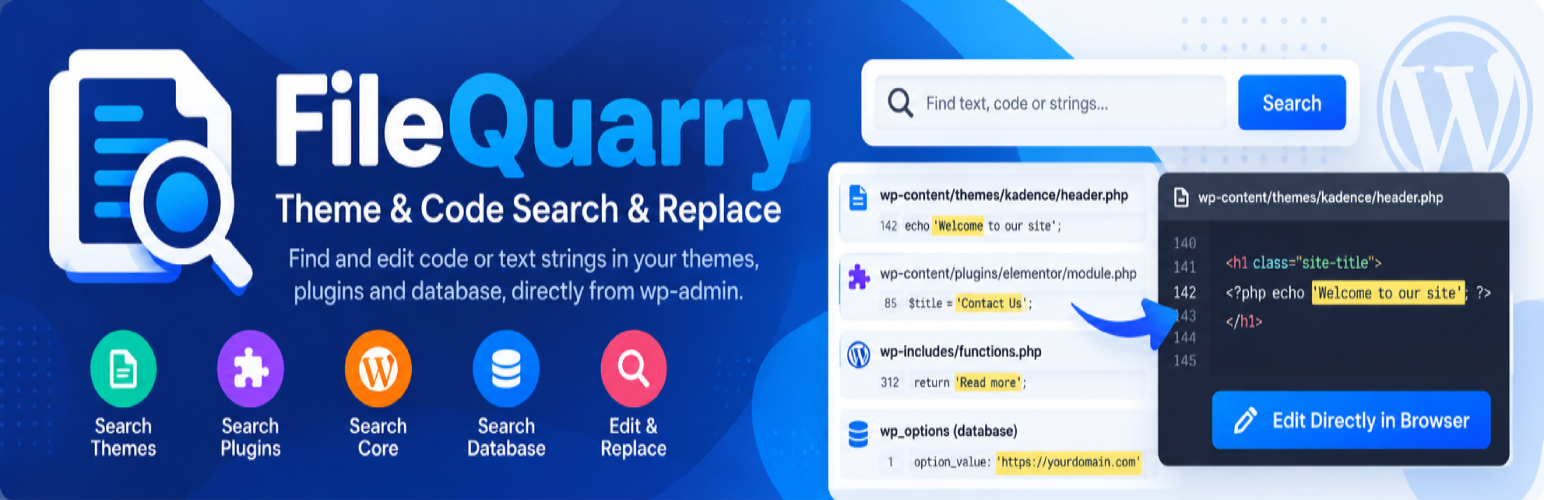
FileQuarry 是一款強大的 WordPress 外掛,能夠幫助使用者在佈景主題、外掛及資料庫中快速搜尋和替換硬編碼的文字,提升編輯效率並降低錯誤風險。
【主要功能】
• 搜尋 WordPress 核心、佈景主題及外掛
• 支援正規表達式搜尋
• 直接在瀏覽器中編輯匹配的檔案
• 批次搜尋與替換功能
• 智能掃描檢查括號一致性
• 支援單站點及多站點安裝
外掛標籤
開發者團隊
② 後台搜尋「FileQuarry – Theme & Code Search」→ 直接安裝(推薦)
原文外掛簡介
When working on themes and plugins you often notice a piece of text that appears hardcoded into the files, you need to modify it, but you don’t know what theme or plugin it’s in, and certainly not which individual file to look in.
FileQuarry lets you search through your themes, plugins, WordPress core, or your database, and presents a list of matches with the file (or table), and the line (or row) that matched your search. You can then make edits directly in your browser from the search results, or replace matches in bulk.
By default a consistency check (“Smart-Scan”) is performed when making edits to files, looking for inconsistencies with braces, brackets and parenthesis that are often accidentally left in. This drastically reduces the risk of breaking your site when making edits, but is in no way an absolute guarantee. A loopback check after saving can also automatically roll back a change that breaks your site.
Always take a full backup, or work on a staging copy of your site, before making bulk substitutions.
Features
Search WordPress core, themes, plugins, must-use plugins, or the whole wp-content directory.
Search your database tables and columns.
Regular-expression search support.
Edit matched files or database rows directly from your browser.
Bulk find & replace across search results, with an optional automatic rollback if the site breaks afterwards.
Smart-Scan bracket/brace/parenthesis consistency check before saving file edits.
Works on single-site and Multisite installs.