
內容簡介
Metabox 是一個易於使用的 WordPress Metabox 框架和更多自定義選項。您可以創建漂亮的 Metabox 選項。
設置
使用方式:作為外掛程式
1. 上傳 ‘as-metabox‘ 資料夾到 ‘/wp-content/plugins/’ 目錄或安裝為常規 WordPress 外掛程式。
使用方式:作為佈景主題
2. require_once get_template_directory_uri() .'/as-metabox/as-metabox.php';
安裝後,您可以直接從 as-metabox/config 資料夾修改和更改 metabox-config 檔案,或使用 wp hook 創建其他新選項
add_action('as_metabox_init', 'your_function_name');
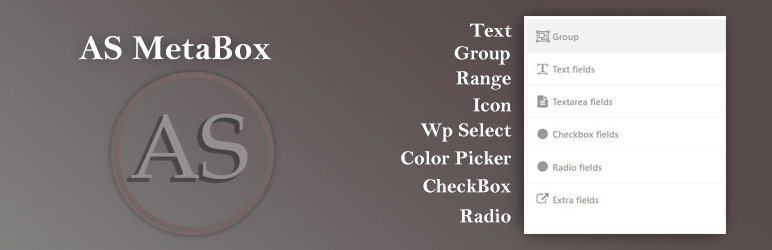
Metabox 選項
Text
Url
DatePicker
Email
Textarea
Checkbox
Radio
Select
WP Select
Number
Icons
Group
Upload
WP Editor
Color Picker
自訂選項
更多選項即將推出
更多文檔
請參閱 github.com
版本 V 1.0
初始版本發布
外掛標籤
開發者團隊
原文外掛簡介
As Metabox Easy To Use WordPress Metabox Framework And More Customizable Option. You Can Make Beautiful Metabox Option
Configuration
Usage as Plugin
1. Upload ‘as-metabox‘ folder to the ‘/wp-content/plugins/’ directory or Install as a regullar WordPress plugin
Usage as Theme
2. require_once get_template_directory_uri() .'/as-metabox/as-metabox.php';
After installation, you can modify and change directly metabox-config files from as-metabox/config folder or you can make another new option using wp hook
add_action('as_metabox_init', 'your_function_name');
Metabox Options
Text
Url
DatePicker
Email
Textarea
Checkbox
Radio
Select
WP Select
Number
Icons
Group
Upload
WP Editor
Color Picker
Custom Option
And More Options Is Upcoming
More Documentation
See github.com
V 1.0
Initial Release