內容簡介
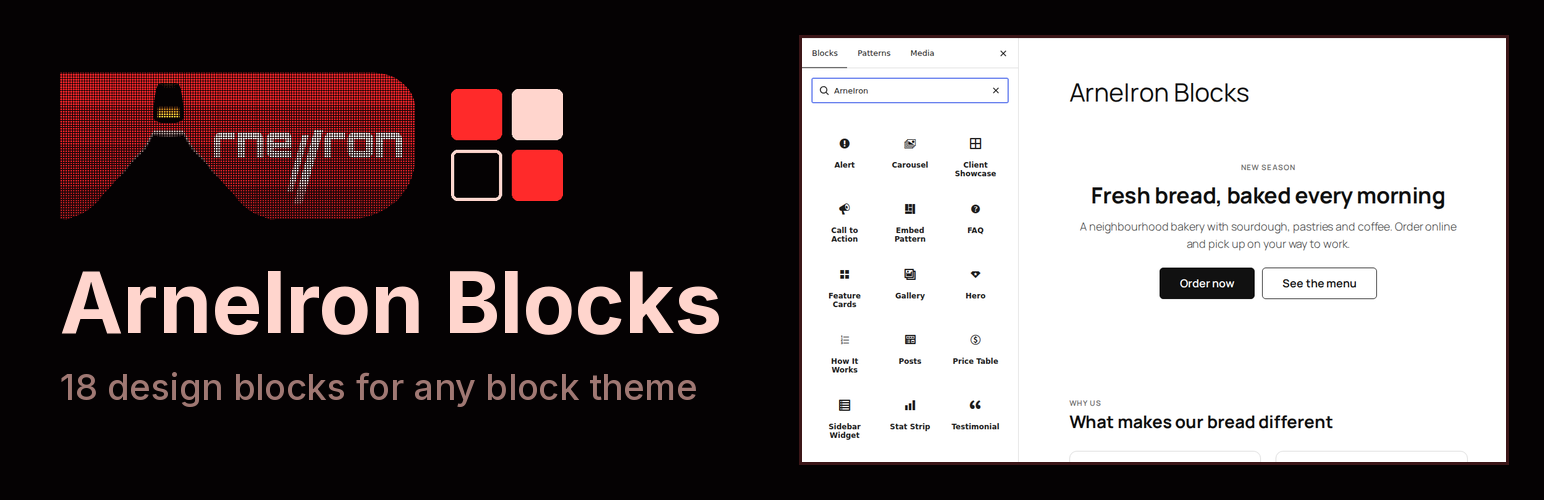
ArneIron Blocks 是一款為區塊編輯器添加十八個現成區塊的外掛,提供多種設計選項如頁面開頭、功能卡、價格表和客戶見證等,適用於任何佈景主題,並能自動調整顏色和字型。
【主要功能】
• 提供十八種現成區塊供使用
• 支援 WooCommerce 產品展示
• 自動適應佈景主題的顏色和字型
• 包含客戶見證和常見問題區塊
• 提供價格表和功能卡設計
• 無需額外設定或資料庫儲存
外掛標籤
開發者團隊
原文外掛簡介
ArneIron Blocks adds eighteen ready-made sections to the block editor: page openers, feature cards, pricing, testimonials, carousels, your latest posts and more. Each block works in any theme and takes on its colours and fonts.
Hero: a large opening section with a headline, short text and up to two buttons.
Call to Action: a full-width band with a headline, short text and one button.
Feature Cards: cards with an icon, a title, short text and an optional link.
How It Works: numbered steps that explain a process.
Stat Strip: a row of key numbers with labels.
FAQ: questions that open to show their answers.
Alert: a coloured notice for information, success, a warning or an error.
Testimonial: a customer quote with name, position and photo, also as a “Quote Card”.
Price Table: pricing cards or a comparison table for your plans, also as “Token Packages”.
Gallery: a grid of images that can open full size.
Carousel and Slide: a slider whose slides hold any blocks.
Posts: your latest posts as a grid or a carousel.
WooCommerce Products: your products with prices and add-to-cart buttons (needs WooCommerce).
Mega Menu Item: a menu item that opens a large panel built from a pattern.
Embed Pattern: one pattern, edited in one place, shown wherever you embed it.
Sidebar Widget: a titled list of links for a sidebar or page menu.
Client Showcase: cards that present client websites with a preview, name and tags.
The plugin also registers one block pattern (a blog posts carousel) and five shortcodes that sites built with earlier versions of the ArneIron theme use in their headers: [arneiron_language_switcher] (needs Polylang), [arneiron_account_menu], [arneiron_mobile_account], [arneiron_mobile_cart] (need WooCommerce) and [arneiron_balance_seam] (needs TeraWallet). Each renders nothing when the plugin it needs is not active.
The blocks look their best with the free ArneIron Lite theme, which styles them through its design tokens. In other themes they use the theme’s colours and fonts.
The plugin adds no settings page, no dashboard notice and no credit link on your site, makes no requests to external services and stores nothing in your database. Its only addition to the admin is one “Upgrade to Pro” link in its own row on the Plugins screen, pointing to ArneIron Pro, the commercial edition of the ArneIron theme.
Source code
The editor scripts of alert, call-to-action banner, FAQ, feature cards, hero, how it works, price table, sidebar widget, stat strip and testimonial are built from the readable sources in src/ with build.mjs (npm install && npm run build, esbuild, not minified). The other blocks’ index.js files are hand-written and are their own source. Every stylesheet ships readable; each *-rtl.css file is the right-to-left copy of the stylesheet with the same name. Only the vendored Swiper files are minified, as released upstream (see Third-party resources).
Third-party resources
Swiper 14.0.7, (C) Vladimir Kharlampidi
License: MIT (blocks/carousel/swiper/LICENSE)
Source: https://github.com/nolimits4web/swiper