內容簡介
ArchivioID 是一款為 ArchivioMD 外掛增強功能的外掛,為您的 WordPress 網站提供完整的加密身份與簽名層。它能管理 GPG 公鑰、驗證文章的 OpenPGP 簽名,並支援多簽名工作流程,讓任何人都能輕鬆驗證內容的真實性。
【主要功能】
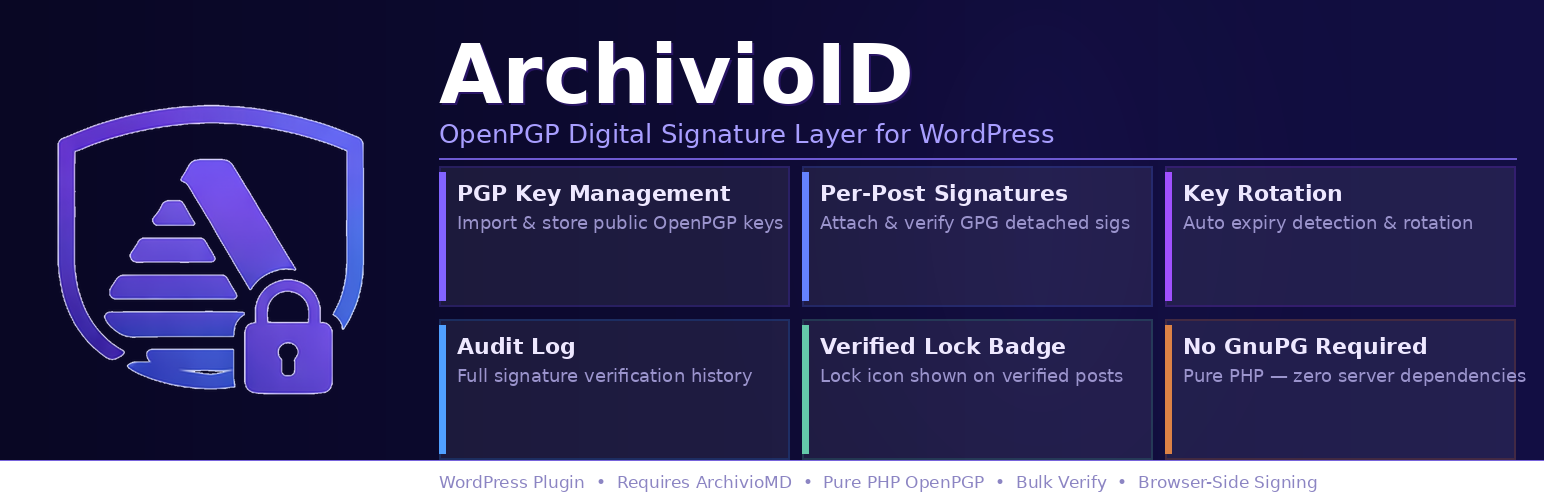
• 公鑰管理:儲存、管理及輪換 GPG 公鑰,並追蹤到期日
• 文章簽名驗證:自動驗證上傳的 .asc 簽名檔
• 瀏覽器簽名:在 WordPress 控制台直接使用瀏覽器簽名
• 多簽名工作流程:支持多個持鍵者對單一文章簽名
• 可配置簽名門檻:設定顯示驗證徽章所需的最少簽名數量
• 自動重新驗證:每日自動重新驗證所有簽名文章
外掛標籤
開發者團隊
📦 歷史版本下載
原文外掛簡介
ArchivioID is an add-on plugin for ArchivioMD that adds a full cryptographic identity and signature layer to your WordPress site. It manages GPG public keys, verifies detached OpenPGP signatures on posts, supports multi-signer workflows with configurable thresholds, and exposes public proof pages so anyone can verify authenticity without logging in.
Key Features
Public Key Management: Store, manage, and rotate GPG public keys with expiry tracking and administrator alerts
Post Signature Verification: Upload detached .asc signature files for posts — verified automatically using phpseclib v3
Browser-Based Signing: Sign posts directly in the WordPress admin using a browser-held key — no server-side key material required
Multi-Signature Workflows: Collect signatures from multiple key holders on a single post; each signer identified by key fingerprint and timestamp
Configurable Signature Threshold: Require a minimum number of verified signatures before a post displays the verified badge — configurable globally or per post type
Algorithm Enforcement Floor: Block weak signature algorithms (MD5, SHA-1) and enforce minimum RSA/DSA key sizes at upload, REST submission, and re-verification time
Automated Re-Verification: Daily WP-Cron job re-verifies all signed posts and flags content that has changed since signing
Key Expiry Notifications: Email alerts at 30, 14, and 3 days before a key expires, sent to the key owner or site admin
Key Rotation Workflow: Admin UI for generating replacement keys, migrating existing signatures, and retiring old keys
Bulk Verification: Verify all signed posts in a single admin action with per-post status reporting
REST API: Full REST endpoint for programmatic signature submission, key retrieval, and verification status
Key Server: Publishes active public keys at a stable well-known endpoint for external verifiers
Bundle Download: Downloadable evidence package (hash, signatures, key fingerprints, timestamps) for any post
Public Proof Pages: Stable public permalink at /archivio-id/verify/{post_id} — renders full chain of custody without requiring admin access
Audit Logging: Immutable log of all verification attempts, key changes, and rotation events
WP-CLI Support: Full CLI interface for batch operations and automated pipelines
Visual Status Badges: Front-end badge showing verified / unverified / threshold-unmet status on every post
Requirements
WordPress 6.0 or higher
PHP 7.4 or higher (tested up to PHP 8.5)
ArchivioMD plugin version 1.5.0 or higher (required parent plugin)
How It Works
Upload your GPG public key via the ArchivioID → Key Management admin page
Create or edit a post in WordPress
Upload a detached .asc signature file for the post, or sign directly in the browser
ArchivioID verifies the signature immediately and on every subsequent automated re-verify run
A verification badge appears on the front end; a public proof page is available at a stable permalink
Technical Details
Uses phpseclib v3 for all cryptographic operations — no system GPG installation required
Uses OpenPGP-PHP for packet parsing and key handling
All key material and signatures stored in dedicated WordPress database tables
Algorithm enforcement floor consulted at upload, REST submission, and re-verification time
Multi-signature threshold evaluated before displaying the verified badge
Public proof pages require no admin login — safe to share externally
Fully WordPress coding standards compliant
External Services
This plugin can make outbound HTTP requests to the following third-party services. All external lookups are opt-in and can be disabled under ArchivioID → Settings → Key Server Lookup.
keys.openpgp.org (VKS API)
When an administrator uses the Key Management page to look up a GPG public key by fingerprint or email address, the plugin sends a GET request to https://keys.openpgp.org/vks/v1/. No personal data beyond the fingerprint or email address entered by the administrator is transmitted. This request is made only on explicit administrator action and only when the “Allow key server lookup” setting is enabled.
* Service: https://keys.openpgp.org
* Privacy policy: https://keys.openpgp.org/about/privacy
WKD — Web Key Directory (user’s email domain)
When an administrator looks up a key by email address, the plugin may also query the Web Key Directory endpoint on the domain portion of that email address (e.g. https://example.com/.well-known/openpgpkey/). This follows the OpenPGP Web Key Directory specification (draft-koch-openpgp-webkey-service). The request is made only on explicit administrator action and only when key server lookup is enabled.
* Specification: https://datatracker.ietf.org/doc/draft-koch-openpgp-webkey-service/
* The domain contacted is determined entirely by the email address the administrator enters; it is not a fixed third-party service.
Identity Proof URLs (user-supplied)
Administrators may optionally store a public identity proof URL alongside each key (for example, a Keyoxide or Keybase profile page). These URLs are stored in the WordPress database and displayed as links in the frontend badge tooltip. The plugin itself makes no outbound request to these URLs; they are rendered as standard hyperlinks for visitors to follow voluntarily.
* Keyoxide: https://keyoxide.org
* Keybase: https://keybase.io
* Any HTTPS URL may be entered; the plugin validates only that the value is a well-formed HTTPS URL.
Source Code for Bundled Minified JavaScript
This plugin includes assets/js/openpgp.min.js, the minified build of OpenPGP.js.
Project home: https://openpgpjs.org
Source code: https://github.com/openpgpjs/openpgpjs
License: LGPL-3.0-or-later
Version used: 5.x (see assets/js/openpgp.min.js file header for exact version)
To reproduce the minified file from source:
`
git clone https://github.com/openpgpjs/openpgpjs.git
cd openpgpjs
npm install
npm run build # produces dist/openpgp.min.js
`
Copy dist/openpgp.min.js to assets/js/openpgp.min.js in this plugin.
Security
All inputs sanitized and validated; all outputs escaped
Nonce verification on all forms and AJAX handlers
Capability checks (manage_options) on all admin actions
REST API write endpoints require authentication
SQL prepared statements throughout; no raw query interpolation
Algorithm enforcement floor blocks known-weak cryptographic primitives
Support
For support, please visit: https://mountainviewprovisions.com/archivio-id
License
This plugin is licensed under GPLv2 or later.