內容簡介
**總結:**
Appsfruit Page & Post Cloner 是一個簡單但功能強大的 WordPress 外掛,能讓您透過一個點擊來複製或複製 WordPress 網頁、文章和自訂文章類型。
**問題與答案:**
1. 這個外掛能夠複製哪些內容?
- 可以複製原始內容、特色圖片、分類、標籤和元資料欄位。
2. 在哪裡可以找到「Clone」的連結?
- 在 WordPress 帖子和頁面管理清單中(與編輯、刪除的連結旁邊)。
3. 是否需要寫程式碼來設置外掛?
- 不需要,可以在設置頁面中更改設定,無需觸碰任何一行程式碼。
4. 這個外掛支援哪些 WordPress 編輯器?
- 支援 Gutenberg 和 Classic 編輯器。
5. 什麼是外掛的授權許可?
- 本外掛授權於 GPLv3 許可下。可查看LICENSE文件獲得更多詳細資訊。
外掛標籤
開發者團隊
② 後台搜尋「Appsfruit Page & Post Cloner」→ 直接安裝(推薦)
原文外掛簡介
Appsfruit Page & Post Cloner is a simple yet powerful WordPress plugin that allows you to clone or duplicate WordPress pages, posts, and custom post types with just one click.
Features
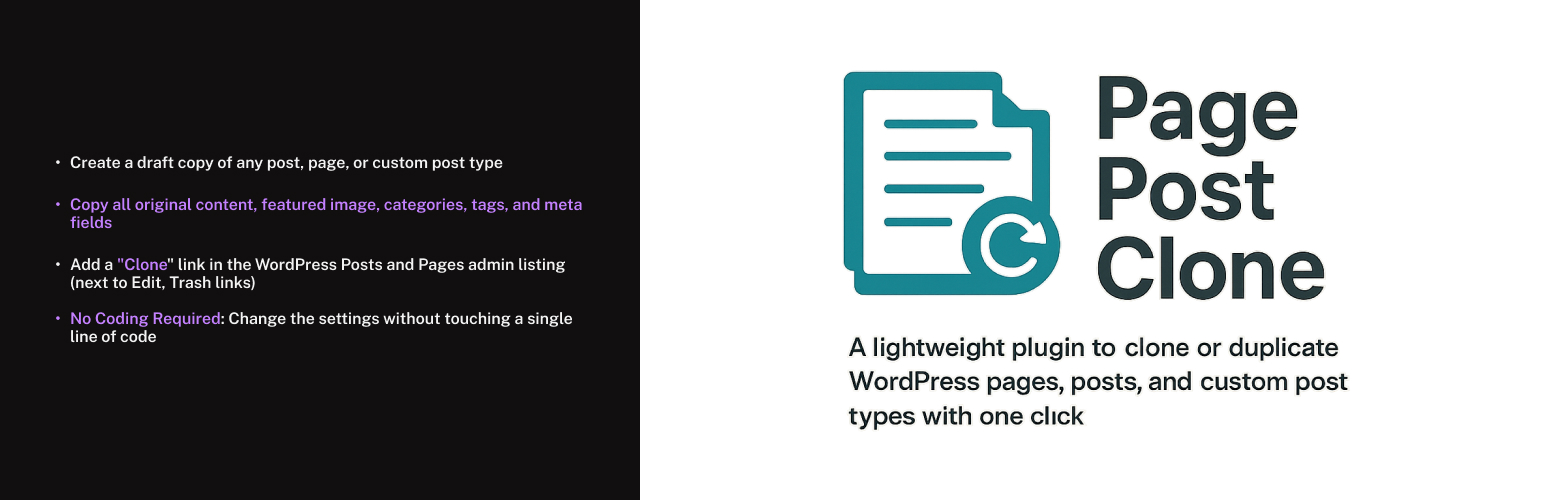
Add a “Clone” link in the WordPress Posts and Pages admin listing (next to Edit, Trash links)
Create a draft copy of any post, page, or custom post type
Copy all original content, featured image, categories, tags, and meta fields
Works with both Gutenberg and Classic Editor
Full support for Custom Post Types
Settings page to choose which post types the cloning feature applies to
No Coding Required: Change the settings without touching a single line of code
Lightweight: Designed to be lightweight and optimized for performance
Usage
Navigate to Settings > Appsfruit Page & Post Cloner in your WordPress admin
Select which post types should have the clone functionality
Navigate to your posts, pages, or custom post types list
Hover over any item and click the “Clone” link
A draft copy will be created and you’ll be redirected to the edit screen
License
This plugin is licensed under the GPLv3 license. See the LICENSE file for more details.