內容簡介
```html
<ul>
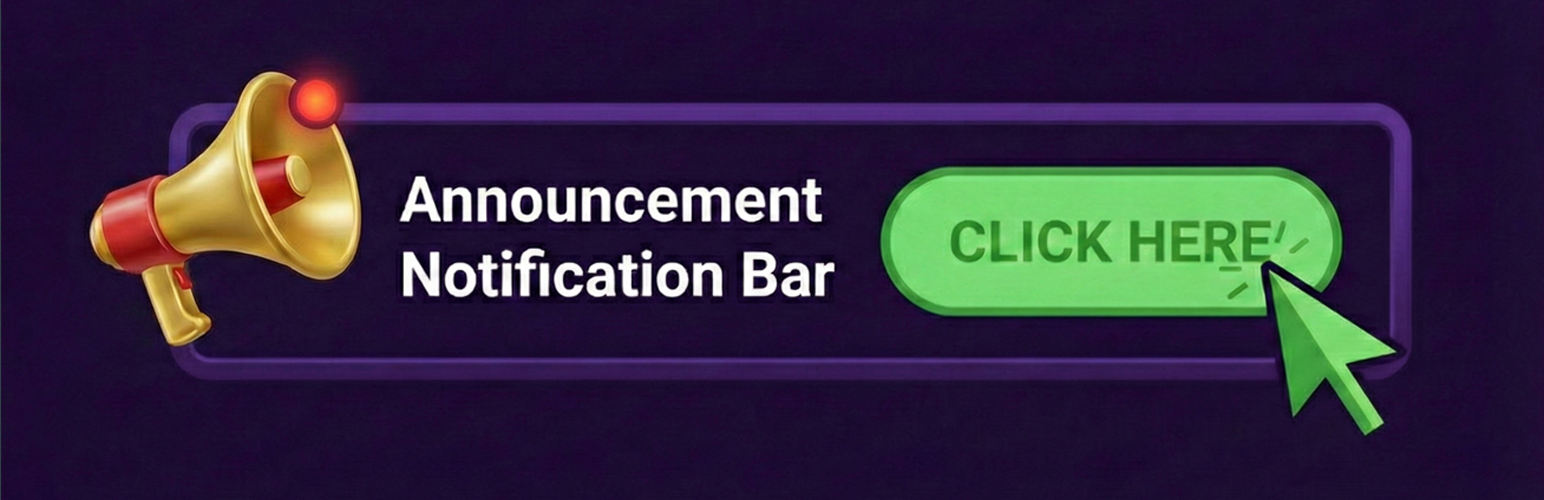
<li>公告通知欄允許您在 WordPress 網站上創建引人注目的通知欄。非常適合用於促銷、重要公告或任何您想要突出顯示給訪客的信息。</li>
</ul>
```
### 問題與答案:
1. 公告通知欄的主要功能是什麼?
- 允許您在 WordPress 網站上創建引人注目的通知欄,用於促銷、重要公告或其他要突出顯示的信息。
2. 這個外掛提供了哪些顯示樣式?
- 簡單、跑馬燈和輪播(多個旋轉)樣式。
3. 公告通知欄可以進行哪些自定義?
- 背景顏色、文字顏色和字體大小。
4. 如何增加互動性?
- 可以支持表情符號,讓公告更具吸引力。
5. 如何呈現呼籲行動(Call-to-Action)?
- 可以選擇沒有行動、按鈕,或使整個通知欄可點擊。
6. 公告通知欄的展示控制有哪些選項?
- 可以選擇在首頁、部落格頁面、個別文章類型(文章、頁面、自訂文章類型)中顯示,還可以自動檢測公共自訂文章類型。
外掛標籤
開發者團隊
② 後台搜尋「Announcement Notification Bar」→ 直接安裝(推薦)
原文外掛簡介
Announcement Notification Bar is the ultimate solution to create eye-catching announcement bars, notification banners, and sticky headers for your WordPress website. Whether you need a hello bar notification style top banner for promotions, a footer banner for alerts, or a scrolling text ticker (marquee) to grab attention, this plugin handles it all.
Perfect for boosting conversions, displaying marketing messages, showing shipping notices, or simply welcoming visitors with an engaging alert bar.
Why Choose This Notification Bar?
With this plugin, you are not just adding a simple bar; you are integrating a powerful communication tool. Whether you are running a Black Friday sale, announcing a new product launch, or simply need to warn users about maintenance, our flexible design options ensure your message gets seen. The intuitive interface allows you to set up your campaign in minutes, while the robust backend ensures it loads instantly without slowing down your site.
Boost Sales: Highlight discount codes, flash sales, and special offers in a promo bar.
Increase Engagement: Use emojis and animated scrolling text (running line) to catch eyeballs.
Inform Users: Post important updates, maintenance alerts, or holiday hours in a clear top banner.
Responsive & Lightweight: Designed for speed and looks effective on all mobile devices.
Key Features
Multiple Display Styles: Choose from Simple Text, Running Line (Marquee/Ticker), or Carousel (Rotating Slider) styles.
Flexible Positioning: Place your sticky bar at the Top or Bottom of the page; keep it fixed or let it scroll.
Full Customization: Control colors, fonts, and heights to match your brand identity perfectly.
Emoji Support: Add emojis directly to your message for a friendly, modern touch 🎉.
Advanced Call-to-Action (CTA): Add a button, make the whole bar clickable, or keep it as simple text.
Smart Display Logic: Target your notification bar to the Homepage, Blog, or specific Posts/Pages.
User-Friendly Controls: Includes a dismiss/close button so users can hide the bar (cookie support included).
Mobile Responsive: Looks great on all devices (iPhone, Android, Tablet).
Performance Optimized: Lightweight code ensuring fast page load times.
Display Styles
Simple: Clean and straightforward display
Running Line: Scrolling text animation for attention-grabbing messages
Carousel: Rotate between multiple messages automatically
Call-to-Action Options
No call-to-action for simple announcements
Add a button with custom text and link
Make the entire announcement notification bar clickable
Display Control
Choose exactly where your announcement notification bar appears:
* Homepage
* Blog page
* Individual post types (Posts, Pages, Custom Post Types)
* Automatic detection of public custom post types