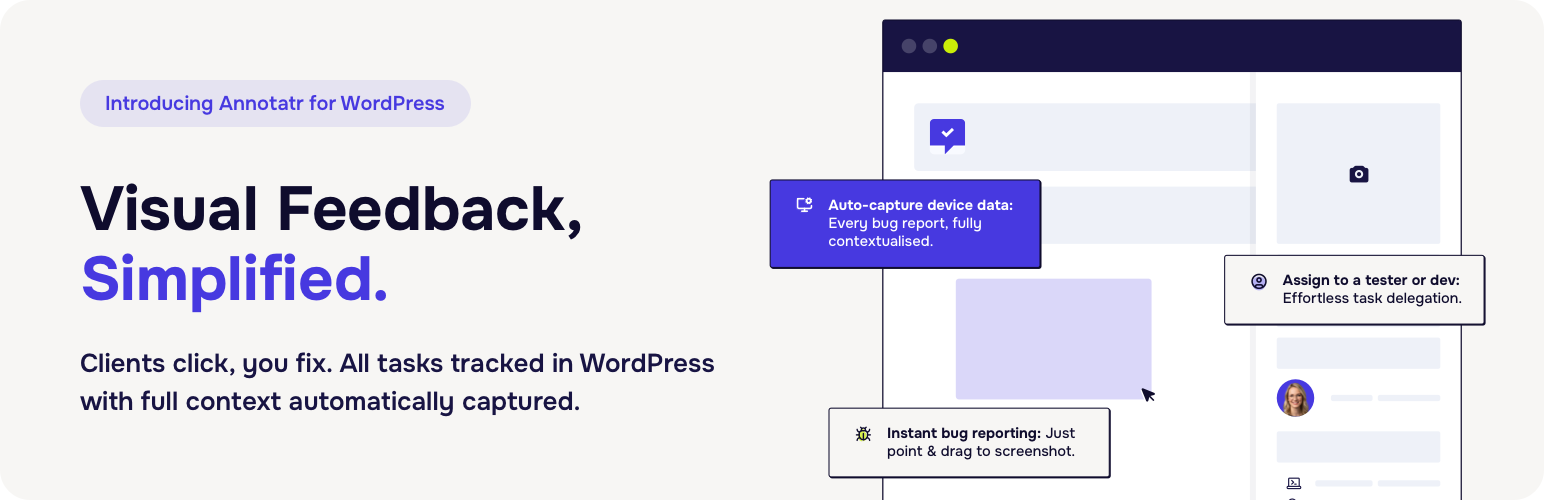
內容簡介
<h2>外掛總結</h2>
<p>設計改稿排苦難? 曾經推出客戶項目,您定知混亂:</p>
<ul>
<li>客戶發送看不懂的截圖</li>
<li>測試人員將錯誤數據傾倒到混亂的試算表中</li>
<li>開發人員無法追踪「進行中」與「完成」的情況</li>
<li>對話分散在郵件、Trello、Slack 和直接訊息之間 — 沒有一個真實的信息來源</li>
<li>重要的錯誤被忽略,因為沒有人知道誰是負責人</li>
<li>您花費更多時間管理反饋,而非實際修復問題</li>
</ul>
<h2>常見問題與回答</h2>
<ol>
<li>
<strong>外掛名稱:</strong> Annotatr 是一款針對哪種團隊建立的問題追蹤外掛?
<p><strong>回答:</strong> Annotatr 是一款針對 WordPress 團隊建立的問題追蹤外掛。</p>
</li>
<li>
<strong>提供的核心功能(免費)有哪些?</strong>
<p><strong>回答:</strong> 免費版本的核心功能包括:<br>
<ul>
<li>點擊和捕捉 — 高亮網站任何部分,截圖並立即提出錯誤報告</li>
<li>自動截圖 — 無需手動上傳或外部工具</li>
<li>團隊分配 — 添加開發人員和測試人員,以使每個錯誤都有明確負責人</li>
<li>視覺化看板 — 從「開啟」→「進行中」→「審查中」→「完成」跟踪錯誤</li>
<li>即時通知 — 當任務被創建、分配或解決時,保持團隊更新</li>
<li>評論</li>
</ul>
</p>
</li>
<li>
<strong>外掛的主要優勢有哪些?</strong>
<p><strong>回答:</strong>
<ul>
<li>單一真實信息來源 — 所有反饋都存放在 WordPress 中,而非分散在各種工具中</li>
<li>自動捕獲上下文 — 包括設備類型、瀏覽器、屏幕分辨率等</li>
<li>客戶友好 — 讓客戶直接報告錯誤,並提供專業界面</li>
<li>針對 WordPress 設計 — 沒有第三方應用、外部平台或混淆的集成</li>
<li>可視化工作流程 — 使用直觀的看板板查看進展</li>
</ul>
</p>
</li>
</ol>
外掛標籤
開發者團隊
② 後台搜尋「Annotatr – Bug Reporting, Bug Tracking, Kanban Board and Project Management」→ 直接安裝(推薦)
原文外掛簡介
Tired of juggling emails, spreadsheets, and multiple apps for bug tracking?
Annotatr is a WordPress plugin designed for developers, agencies, and teams to capture, assign, and resolve issues directly on your website. It keeps all feedback in one place, inside your WordPress dashboard, with context captured automatically.
Watch Annotatr in action: YouTube Demo
Key Benefits:
Native to WordPress — No third-party apps or accounts needed
Data belongs to you — All feedback stored in your own WordPress database
Visual Kanban board — Track issues from Open → In Progress → Done
Context captured automatically — Device, browser, screen resolution, and page URL
Collaborative — Comments, assignments, @mentions, and notifications
Core Features (Free)
Point & Capture: Highlight elements and submit bugs instantly
Automatic screenshots: Capture without manual uploads
Assign bugs to developers or testers
Real-time notifications and activity log
Page-specific tracking for easy context
Modern, fast interface using the WordPress REST API
Premium Features
Unlimited team members
Due dates & automatic reminders
Multiple board views (Kanban, List, Timeline)
Bulk actions & filters
Subtasks for notes
Console & network error logging
Whitelabel branding
Statistics dashboard
Priority support
Upgrade to Premium →
Getting Started
Add team members — assign developers and test users
Create your first note — click the Annotatr icon on any page
Point and capture — highlight elements and submit feedback
Manage notes on the Kanban board
Collaborate via comments and assignments