內容簡介
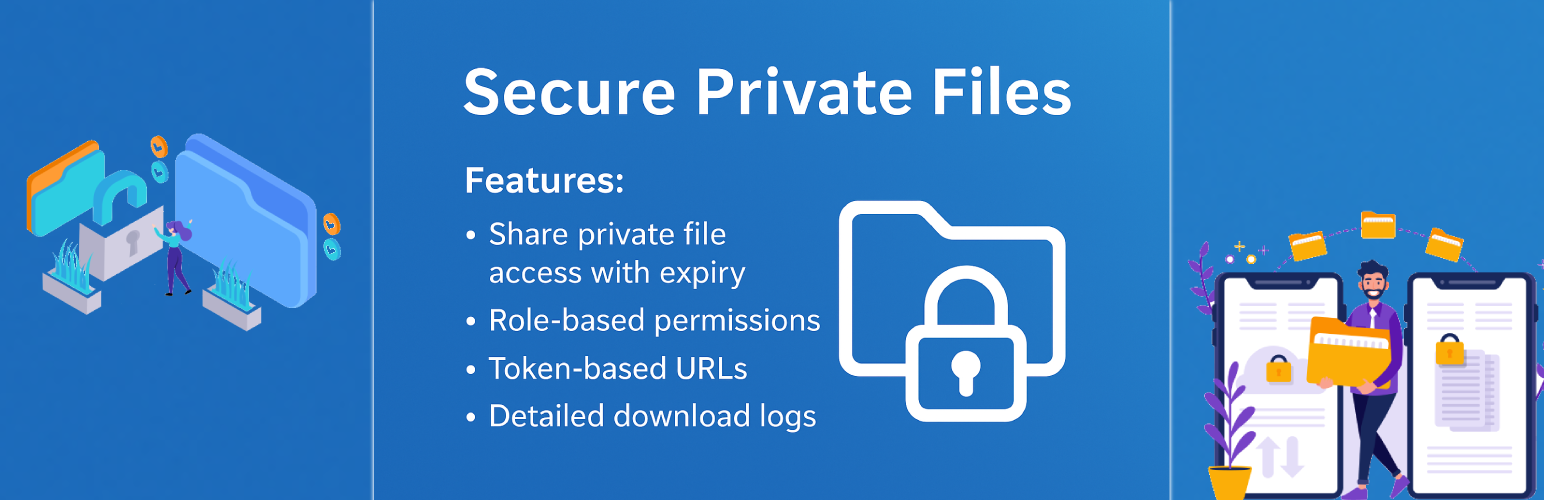
Secure Private Files 外掛讓您能夠安全地管理和分享私人檔案,僅限選定的使用者或使用者角色存取。透過獨特的基於令牌的 URL 保護檔案,確保未經授權無法訪問。
【主要功能】
• 基於令牌的安全檔案存取(無公開 URL)
• 指定檔案給特定使用者
• 按使用者角色授權存取
• 每個檔案可選擇到期日期
• 登入使用者驗證
• 下載活動日誌記錄(使用者、IP、日期)
外掛標籤
開發者團隊
原文外掛簡介
Secure Private Files allows you to securely manage and share private files with selected users or user roles in WordPress.
Files are protected using unique token-based URLs, ensuring they cannot be accessed without proper permission. You can define who can download each file, set an expiry date, and track download activity.
YouTube Tutorials | Free Support
This plugin is ideal for:
– Membership sites
– Client portals
– Secure document sharing
– Restricted downloads
– Private resources for logged-in users
Key Features
Secure token-based file access (no public URLs)
Assign files to specific users
Allow access by user roles
Optional expiry date for each file
Logged-in user verification
Download activity logging (user, IP, date)
Dedicated Private Files custom post type
Media library integration for file selection
AJAX-powered user search (Select2)
Frontend shortcode to list accessible files
Works with any WordPress theme
No third-party dependency required
How It Works
Admin creates a Private File post
Uploads or selects a file from Media Library
Assigns allowed users and/or roles
(Optional) Sets an expiry date
Plugin generates a secure download token
Authorized users can download the file using the secure link
Shortcodes
List logged-in user’s available private files
[secure_files]
Displays only files the current user is allowed to access.