內容簡介
總結:使用 Animation Builder 可以為您的網站增添動感、活力和個性,從微妙的轉換到複雜的多階段動畫,皆可在熟悉的 WordPress 生態系統中打造。透過直覺式控制和強大功能,您可以建立回應觸發器、遵循邏輯規則並無縫結合的動畫,營造出網站豐富、互動式的體驗,而且所需努力僅為平常的一小部分。
HTML 列表:<br>
<ul>
<li>何謂 Animation Builder?</li>
<li>Animation Builder 可讓您為網站增添什麼元素?</li>
<li>Animation Builder 能讓您製作出哪幾種不同類型的動畫?</li>
<li>誰可以使用 Animation Builder 來製作動畫?</li>
<li>描述 Simple Animation Builder 及其適用情境。</li>
<li>Advanced Timeline Builder 的功能是什麼?</li>
<li>Ready-to-Use CSS Classes 能提供哪種便利?</li>
<li>Legacy Activations 是一種什麼樣的方法?</li>
<li>Animation Builder 具備哪些特點?</li>
<li>在哪裡可以找到 Animation Builder 的完整文件?</li>
</ul>
外掛標籤
開發者團隊
② 後台搜尋「Animation Builder – An interface for adding scroll-triggered animations」→ 直接安裝(推薦)
原文外掛簡介
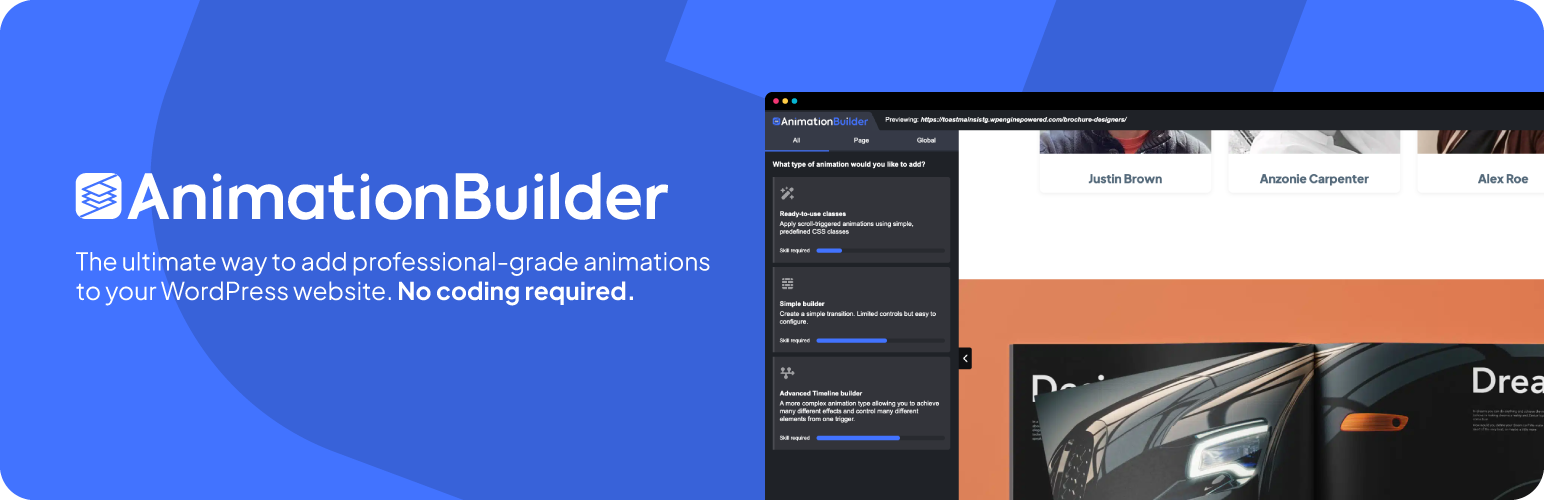
Animation Builder – Complex scroll-triggered animation with no coding required.
Animation Builder lets you craft everything from subtle transitions to complex, multi-stage scroll-triggered animations — all within a modern, familiar interface.
With intuitive controls and powerful features, you can build animations that respond to triggers, follow logical rules, and combine seamlessly to create a rich, interactive experience on your website — all with a fraction of the effort typically required.
Features
Scroll triggered – All animations respond to your scrolling, activating only when visible in the browser to ensure nothing is missed and performance remains smooth.
Lightweight & performant — Minimal footprint, optimized for fast, smooth animations.
Powered by GSAP Animation Framework — Built on the industry-standard animation engine for reliable, high-performance animations.
Zero-config defaults — works straight out of the box.
Beginner-friendly — no coding knowledge required.
The 4 types of animation included within Animation Builder
Animation Builder is designed to make animations effortless for everyone — whether you’re a seasoned developer or someone who has never touched JavaScript. With multiple ways to create and trigger animations, you have complete freedom to choose the approach that works best for you.
1. Simple Animation Builder
A clean, visual interface for creating smooth, single-step transitions. Ideal for quick enhancements when you need movement without complexity.
2. Advanced Timeline Builder
The heart of Animation Builder — a full-fledged timeline editor that lets you design professional, multi-stage animations with precision and control. No coding required, just creativity and a bit of animation logic.
3. Ready-to-Use CSS Classes
Instantly add motion to any element with our library of predefined CSS animations. Perfect for quick effects that grab attention — no setup required.
4. Legacy Activations
A tried-and-true method for scroll-based effects. Elements activate as they enter the viewport, enabling elegant CSS transitions between states — great for subtle, performance-friendly animations.
Benefits
Attract Users to Key Areas – Apply animations strategically to highlight the sections that matter most.
Improves engagement – studies show that web animations can improve “time on page” by up to 15%.
Increase Credibility – Polished, purposeful animations can make your website appear more credible.
Full documentation can be found here