內容簡介
在你的內容中添加炫酷的CSS3動畫效果。
演示 | 文件 | Class Generator
一些主要功能包括:
允許用戶在文章、小工具和頁面中應用CSS3動畫。
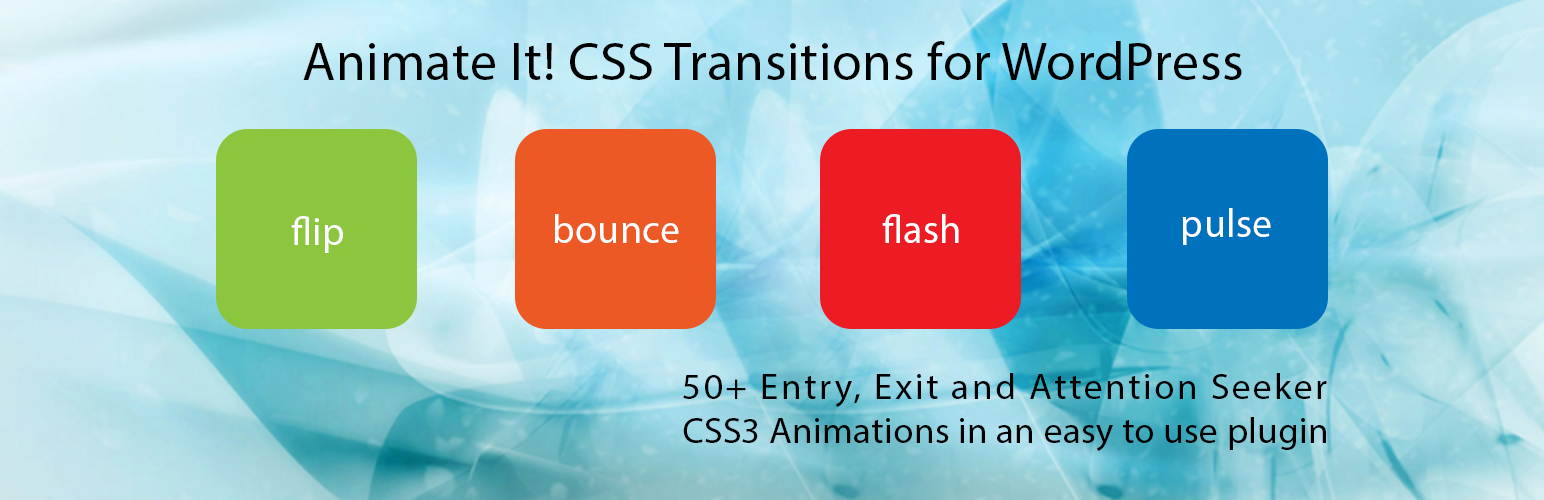
50多種進入、退出和引人注目的動畫效果。
能夠在滾動時應用動畫效果。
能夠在各個動畫區塊上添加不同的滾動偏移量。
能夠在點擊時應用動畫效果。
能夠在懸停時應用動畫效果。
提供延遲功能以創建漂亮的動畫序列。
提供控制持續時間的功能,以實現更精確的動畫效果。
在編輯器中提供按鈕,以輕鬆在文章或帖子中添加動畫區塊。
允許用戶在WordPress小工具上添加動畫效果。使用Class Generator生成所需的動畫類別。
允許用戶無限次數或任何固定次數應用動畫效果。
選項可以向個別動畫區塊添加自定義CSS類別。
在智能手機和平板電腦上啟用或禁用動畫效果的選項。
西班牙語和德語語言支持。感謝Santiago Marrone和Christian Herrmann
自定義Animate It!塊,以在其他Gutenberg塊上應用動畫效果。
所有的CSS3動畫效果都來自於Animate.css和Animo.js
外掛標籤
開發者團隊
📦 歷史版本下載
原文外掛簡介
Add cool CSS3 animations to your content.
Demo | Documentation | Class Generator
Some of the Key features Include:
Allowing user to apply CSS3 animations on Post, Widget and Pages.
50+ Entry, Exit and Attention Seeker Animations.
Capability to apply animation on Scroll.
Capability to add different scroll offset on individual animation blocks.
Capability to apply animation on Click.
Capability to apply animation on Hover.
Providing delay feature in animation to create a nice animation sequence.
Providing feature to control the duration for a more precise animation.
Providing a button in the editor to easily add an animation block in the article or post.
Allow user to add animation on WordPress widgets. Use Class Generator to generate the required animation classes.
Allow user to apply animation infinitely or any fixed number of times.
Option to add custom CSS classes to individual animation block.
Options to enable or disable animations on Smartphones and Tablets.
Spanish and German language support. Thanks to Santiago Marrone, Christian Herrmann
Custom Animate It! block to apply animations on other Gutenberg blocks.
All the CSS3 animations are from Animate.css and Animo.js