
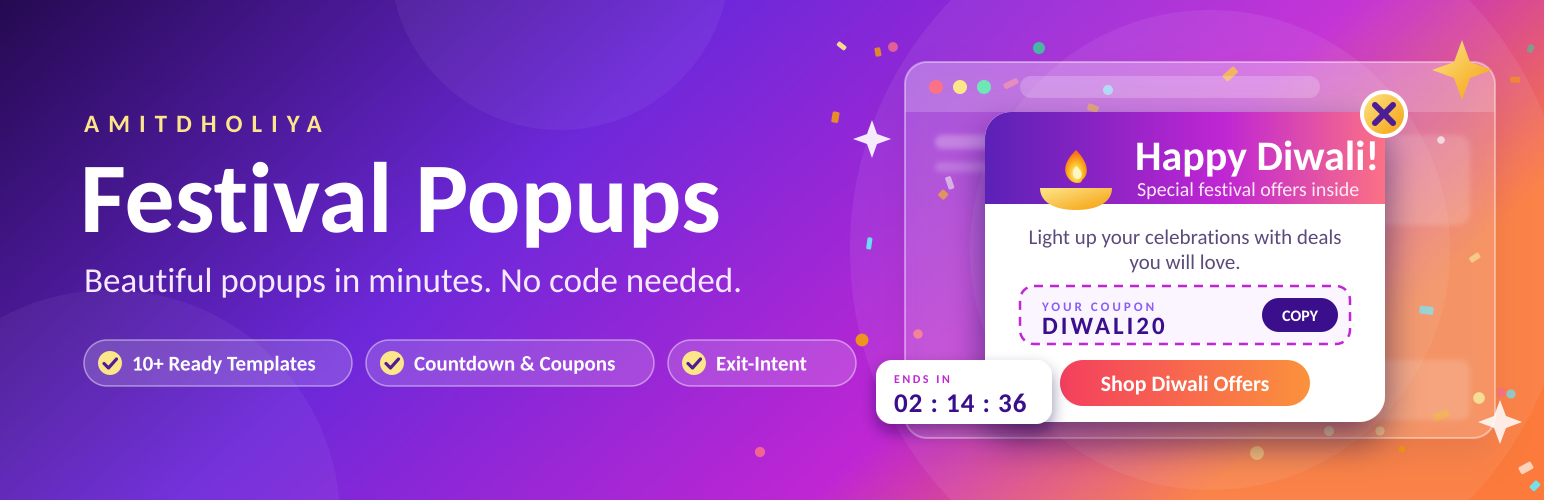
內容簡介
Amit Dholiya – Festival Popups 讓 WordPress 管理員無需撰寫程式碼即可創建吸引人的行銷彈出視窗。使用者可以透過簡單的流程設置彈出視窗,提升網站轉換率。
【主要功能】
• 可視化彈出視窗建構器
• 9 種彈出位置選擇
• 7 種動畫效果
• 多種觸發條件選擇
• 頻率限制設定
• 節慶及商業範本可用
外掛標籤
開發者團隊
② 後台搜尋「Amit Dholiya – Festival Popups」→ 直接安裝(推薦)
原文外掛簡介
Amitdholiya Festival Popups lets any WordPress administrator create attractive marketing popups without writing code.
Workflow: Popups → Add New → Choose Template → Customize → Set Trigger → Set Targeting → Preview → Publish.
Features
Visual popup builder with tabbed Content / Design / Trigger / Targeting panels
9 popup positions including full screen and side slide-in
7 animations (fade, zoom, slide up/down/left/right, bounce)
Triggers: page load, delay, exit intent, scroll depth, button click, page views
Frequency capping: every load, once per session, once per user, every X days
Targeting: whole site, homepage, specific pages/posts/categories/products, WooCommerce cart & checkout, logged-in/out, device
Ready-made festival templates: Christmas, Diwali, New Year, Black Friday, Valentine’s Day, Holi, Independence Day
Business templates: Welcome, Newsletter, Coupon, Flash Sale, Exit Intent, Announcement
Countdown timers with configurable expiry behaviour
One-click copy coupon block with optional redirect
Name/email subscribe form with a developer hook for any mailing service
Analytics: views, clicks, closes, conversion rate, best performing popups
Shortcode [smart_popup id="123"], a Gutenberg block, and Elementor button support
Loads CSS/JS only on pages where a popup actually qualifies
Developer notes
Trigger a popup from a theme template:
Capture form submissions:
add_action( 'amitfepo_form_submitted', function ( $popup_id, $name, $email ) { /* send to your ESP */ }, 10, 3 );
Filter which popups run on a request:
add_filter( 'amitfepo_popup_queue', function ( $ids ) { return $ids; } );














