
內容簡介
**總結:**
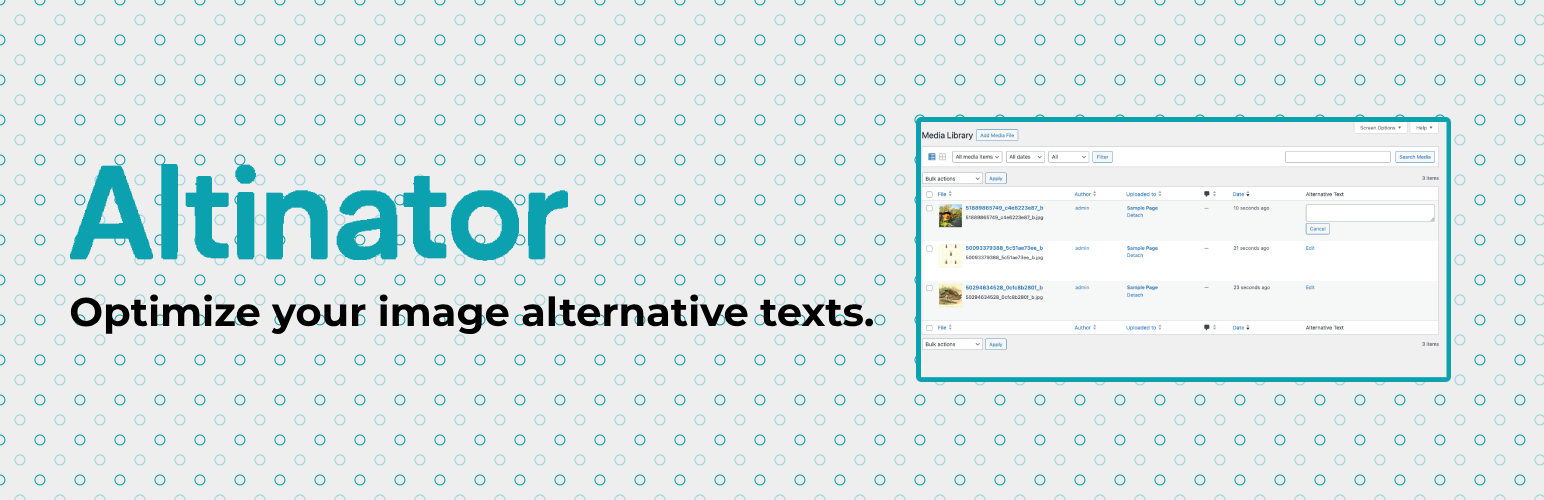
Altinator 是一個 WordPress 外掛,幫助您管理、檢查和優化網站圖片的替代文字(alt texts),提高網站的可訪問性、SEO 和編輯工作流程。
**問題與答案:**
- Altinator 在 WordPress 網站中幫助管理什麼內容?
- 答:Altinator 幫助管理、檢查和優化圖片的替代文字(alt texts)。
- Altinator 如何提高網站的可訪問性、SEO 和編輯工作流程?
- 答:Altinator 提供以下功能來達到這些目的:
1. 媒體庫過濾器,協助查找帶有/不帶有替代文字的圖片;
2. 媒體庫中的幫助選項協助瞭解替代文字;
3. 直接在媒體庫列表視圖中快速編輯替代文字;
4. 前端檢查器模組,突顯網站中缺少替代文字的圖片;
5. 設置頁面,啟用/停用功能並配置模組;
6. 通過 WordPress 鉤子和過濾器可進行擴展。
- 如何獲取更多技術文檔和可用的鉤子?
- 答:查看 README.md,可以獲取更多的技術文檔和可用的鉤子。
**連結:**
- [技術文檔和鉤子](link_to_technical_documentation)
外掛標籤
開發者團隊
原文外掛簡介
Altinator helps you manage, review, and optimize image alternative texts (alt texts) in your WordPress site. Improve accessibility, SEO, and editorial workflows with:
Media library filters for images with/without alt text
Help tab in the media library about alt texts
Quick-edit alt texts directly in the media library list view
Frontend inspector module to highlight images missing alt text on your site
Settings page to enable/disable features and configure modules
Extensible via WordPress hooks and filters
For technical documentation and available hooks, see the README.md.
Links
Technical documentation and hooks














