內容簡介
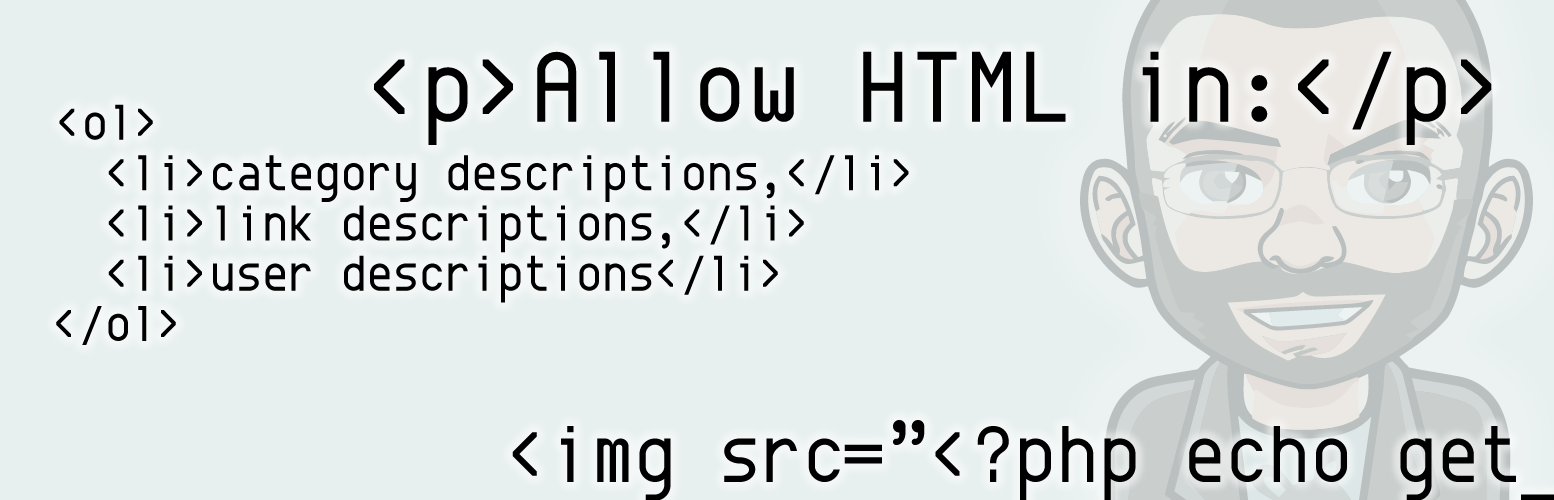
當您在類別描述文本區添加文字並保存類別時,WordPress會運行內容過濾器,剝除除最基本格式標籤以外的所有內容。
這個外掛程式可以禁用具有必要權限的角色的這些過濾器。您添加到類別描述中的任何HTML代碼都不會被剝除。
此外掛程式除了禁用過濾器之外,不進行任何其他操作。它不能保護您免於輸入無效的HTML,也不能幫助您創建所見即所得(WYSIWYG)HTML。您可以使用文章或頁面編輯畫面來幫助您創建文本和格式。切換到「代碼」標籤,然後將HTML代碼複製到類別描述欄位中。
外掛標籤
開發者團隊
② 後台搜尋「Allow HTML in Category Descriptions」→ 直接安裝(推薦)
原文外掛簡介
When you add text to the category description textarea and save the category, WordPress runs content filters that strips out all but the most basic formatting tags.
This plugin disables those filters for roles with the necessary permissions. Any html code you add to the category description will not be stripped out.
This plugin does not do anything other than disable the filters. It does not protect you from entering invalid HTML, nor does it help you create WYSIWYG HTML. You can use the post or page composing screen to help you create the text and formatting. Switch to the ‘code’ tab and copy the HTML code into the category description field.