內容簡介
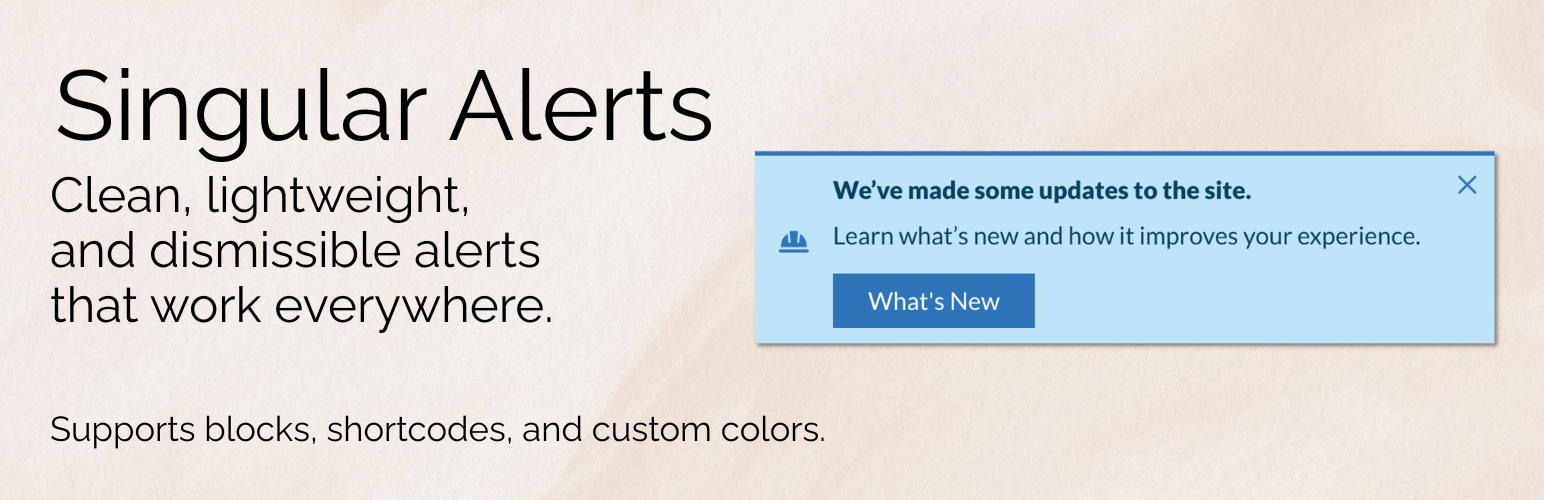
Singular Alerts 是一款多功能的 WordPress 外掛,提供精美樣式的警示、提示和通知框,適用於 Gutenberg、全站編輯、經典編輯器等,提升網站內容和用戶互動性。
【主要功能】
• 四種現代警示區塊樣式:Material、Bootstrap、Chakra、Shoelace
• 支援自訂顏色和樣式,符合品牌需求
• 可添加 SVG 圖示或自訂圖片
• 支援可關閉的通知和提示框
• 短碼和頁面編輯器支援,隨處使用
外掛標籤
開發者團隊
② 後台搜尋「Singular Alerts – Create Beautiful Alerts and Notifications in Seconds」→ 直接安裝(推薦)
📦 歷史版本下載
原文外掛簡介
Elevate your WordPress site’s content and user engagement with Singular Alerts, a versatile plugin offering beautifully styled alerts, callouts, and notification boxes for Gutenberg, Full-Site Editing, Classic Editor, and beyond. Compatible with most page builders and supporting blocks and shortcodes. If you need an alert block solution for the block editor, Singular Alerts features four easy-to-use, yet extremely versatile, alert blocks inspired by the most popular (and best looking) UI libraries.
GitHub | Docs | Shortcode Usage
Singular Alerts is designed to be lightweight, user-friendly, and highly customizable. It saves you the time needed to craft your own alert notifications out of blocks, and is flexible enough to quickly match most theme designs. Stop digging for that alert in a block suite, and install a dedicated notifications solution that works almost anywhere.
With Display Conditions, your imagination can really go wild. For example, you can create a time-based sale alert that’ll automatically hide after a certain date. For site-wide notifications, most themes and builders (including FSE) allow for site-wide template parts. Just add the notification to it, make it dismissible, and you now have a site-wide callout or notification that can be hidden when dismissed.
Major features
Four modern alert blocks and styles: Material, Bootstrap, Chakra, and Shoelace.
Use pre-selected colors, styles, and variants, or choose custom for your own branded colors.
Add your own SVG icons, or choose from the ones included. Include a custom image if desired.
Add dismissible notification and callout boxes, and have it remember the user’s choice.
Add an optional title, description, and button to the alert block.
Mark an Alert Block as Editorial, and have it only visible in the block editor.
Shortcode/page builder support: use beautiful callouts and notifications anywhere shortcodes are supported. Use the built-in shortcode builder (in the admin) to easily create these shortcodes.
Site-wide settings for headline tags, custom title classes, and more.
Lightweight: the plugin only loads what is needed where it’s needed.
Blocks are styled with inspiration from these beautiful UI libraries:
Material UI Alerts
Chakra UI
Bootstrap.
Shoelace
Each Alert block can have built-in icons or you can set your own with SVGs.
Icons included are from:
Google Fonts Material Icons
Chakra UI Icons (GitHub)
Bootstrap Icons
Use cases
Singular Alerts is more than just a beautiful alert block in post content. Here are some more popular ways to use it:
Documentation and Knowledge Base alert callouts — Tips, notes, warnings, prerequisites, and step summaries in tutorials and knowledge base articles.
Editorial workflow — Mark blocks as Editorial Only so author notes and review reminders stay in the block editor and never publish to the frontend. For example, your editor wants to add a note above a paragraph indicating it shouldn’t be edited for legal reasons.
CTAs and promos — Title, description, and button combinations for downloads, newsletter signups, event promos, or “read more” nudges.
Branded message boxes — Custom colors and four design-system themes (Bootstrap, Material, Chakra, Shoelace) allow for a customized consistent look.
Flexible content panels (Advanced) — Enable Flexible InnerBlocks to add lists, images, and other blocks inside the styled alert shell. Inner block styling beyond basic paragraph text may depend on your theme.
Template and global messaging — Place notifications in FSE template parts, headers, or footers for site-wide or section-specific notices.
Shortcode embeds — Output callouts in page builders, widgets, or form plugin areas (such as empty-cart or confirmation messages) anywhere shortcodes are supported.
Conditional messaging — Pair with plugins like Block Visibility for logged-in-only notices, role-based messages, cart states, and scheduled promos.
Compliance and disclaimers — Reusable affiliate, legal, medical, or financial disclaimer boxes with consistent styling across your site.
Development
Development happens on GitHub. Please check out the GitHub code repository for AlertsDLX.
❤️ Please help spread the word about this plugin through your kind review or support request.