
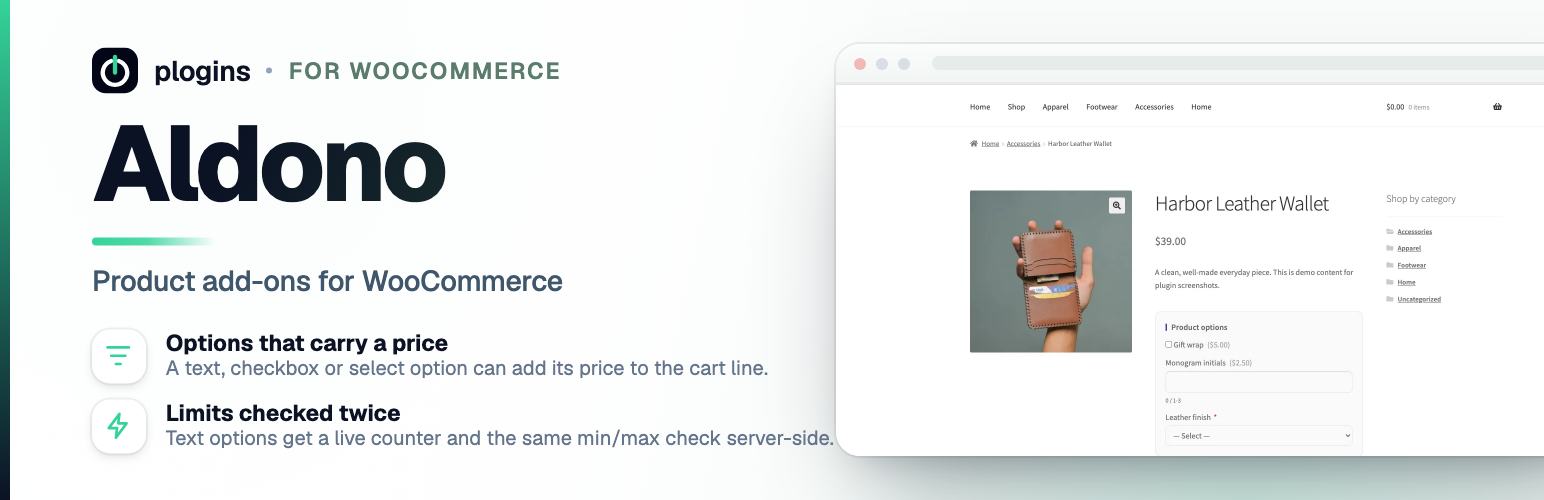
內容簡介
Aldono 是一款專為 WooCommerce 設計的外掛,讓商店擁有者能夠提供產品選項、附加選項及自訂產品欄位,讓顧客在加入購物車前選擇,例如禮品包裝、刻字訊息、延長保固或顏色選擇。
【主要功能】
• 提供多種產品附加選項
• 支援多種欄位類型,如文字、數字、日期等
• 自動計算附加選項價格
• 顯示顧客選擇於購物車及結帳頁面
• 設定選項顯示樣式與必填標示
• 無需外部服務,確保數據安全
外掛標籤
開發者團隊
② 後台搜尋「Aldono – Product Options for WooCommerce」→ 直接安裝(推薦)
原文外掛簡介
Aldono lets store owners offer WooCommerce product options, product add-ons and custom product fields that customers pick before adding a product to the cart: gift wrapping, an engraving message, an extended warranty or a colour choice.
For each product you define a list of add-ons in the WooCommerce product editor. Every add-on has a label, a field type, an optional required flag, and an optional price.
Field types, a text line, a multi-line textarea, a number, a date picker, a checkbox, a select drop-down, or a group of radio buttons.
Text limits, set minimum and maximum character lengths for text and textarea product options.
Checked input, a number must be numeric, a date must be a real calendar date, and a select or radio must post one of its own choices.
Price deltas, give an add-on (or each select or radio choice) a price; the amount is added to the cart line total automatically.
Free or paid, leave the price at zero for free options such as a personalised message.
Cart & order display, the customer’s choices appear in the cart, at checkout, and on the order.
Display settings, choose the group heading, show or hide option prices, toggle the required-field asterisk, and wrap the options in a bordered card, all from the Add-Ons settings page.
Add-on definitions are stored as standard product meta, no custom database tables, so the plugin itself stays small and fast.
Settings live under WooCommerce > Add-Ons. Removing the plugin cleans up its own options; your per-product definitions are kept as product meta so re-installing restores them.
The code is developed in the open at github.com/wppoland/plogins-addons, that’s the place to report a bug or suggest a field type you’d like to see.
External Services
Aldono does not connect to any external services. It sends no data off your site and loads no remote scripts, fonts or trackers, its admin and storefront CSS/JS are served from the plugin folder on your own server. Your add-on definitions are stored as product meta (_addons_definitions) and the display settings in a single option (addons_settings), all kept in your WordPress database.
Translations
Aldono is fully translatable and ships the aldono.pot template. Translations are delivered by WordPress.org language packs from translate.wordpress.org, which is where Polish, German and Spanish are being contributed; the package itself carries no compiled translation files.














