內容簡介
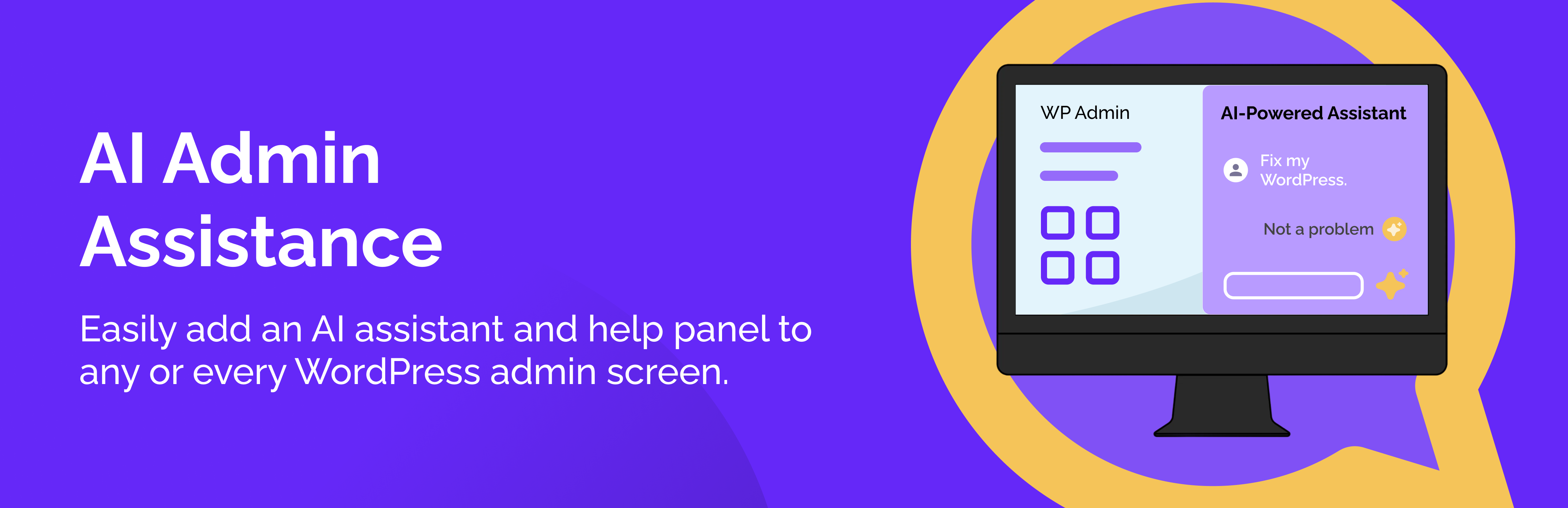
AIT AI Admin Assistance 是一款為 WordPress 控制台增添滑入式 AI 助手和幫助面板的外掛,旨在幫助用戶更快找到設定、遵循逐步工作流程,並隨時保持重要幫助連結的可用性,無需離開當前頁面。
【主要功能】
• 提供上下文相關的 AI 協助
• 滑入式管理面板(左側或右側)
• 設計師指導,針對特定螢幕
• 書籤功能,儲存 AI 答案及重要連結
• 快速連結腳部,方便存取文件或工具
• 角色基礎的可見性控制
外掛標籤
開發者團隊
原文外掛簡介
AI Admin Assistance adds an slide-in AI assistant and help panel to WordPress admin screens so you can find the right settings faster, follow step-by-step workflows, and keep important help links handy—all without leaving the page.
🌟 Pro | 📖 Documentation | ℹ️ Support
Use it as an “admin help hub” for your site (or client sites):
Show Designer Guidance that’s relevant to the current screen (global + screen/post type/taxonomy targeting)
Ask contextual AI questions right inside wp-admin (optional, can be disabled)
Run Workflows (Pro) that guide admins through common tasks step-by-step
Save answers and links as Bookmarks, filtered to the screen where you saved them
Display Quick Links in the panel footer for fast access to docs or tools
Control visibility by user role (only show the panel to the roles you want)
🔥 Key Features (Lite)
🧠 Ask AI: contextual AI assistance inside wp-admin
✅ Slide-in admin panel (right or left side)
✅ Designer Guidance (custom post type) with targeting:
Global
Screen-specific
Post type
Taxonomy
✅ Bookmarks (save AI answers + important links)
✅ Quick Links footer (configurable)
✅ Role-based visibility controls
✅ Optional UI preferences (remember open/collapsed state and panel width per user)
🌟 Pro Features (Upgrade)
🧠 Ask AI Conversations: continue the conversation to clarify or dive deeper into any admin issues
🧩 Workflows: guided, step-by-step admin tasks
🔁 Continue conversation (follow-up questions) and workflow resume support
ℹ️ Inline Guidance
✅ Configure acknowledgements that can be shown to users, including critical ones that block access until accepted.
⬆️ Easily export settings and/or guidance and/or workflows, so you can import them into another site.
⚙️ Additional configuration options, advanced controls and styling options.
External Services
This plugin can connect to the OpenAI API to generate AI answers in the “Ask AI” feature (Pro).
When enabled, requests may include:
– Your question text
– The current admin screen context (screen ID, post type, taxonomy)
– If you enable “Include extra page context”: visible headings and a schema of visible form fields (labels/types/names) without field values
You can disable AI features at any time in the plugin settings.
OpenAI policies:
– Terms of service: https://openai.com/policies/row-terms-of-use/
– Privacy policy: https://openai.com/policies/row-privacy-policy/