
內容簡介
**總結**
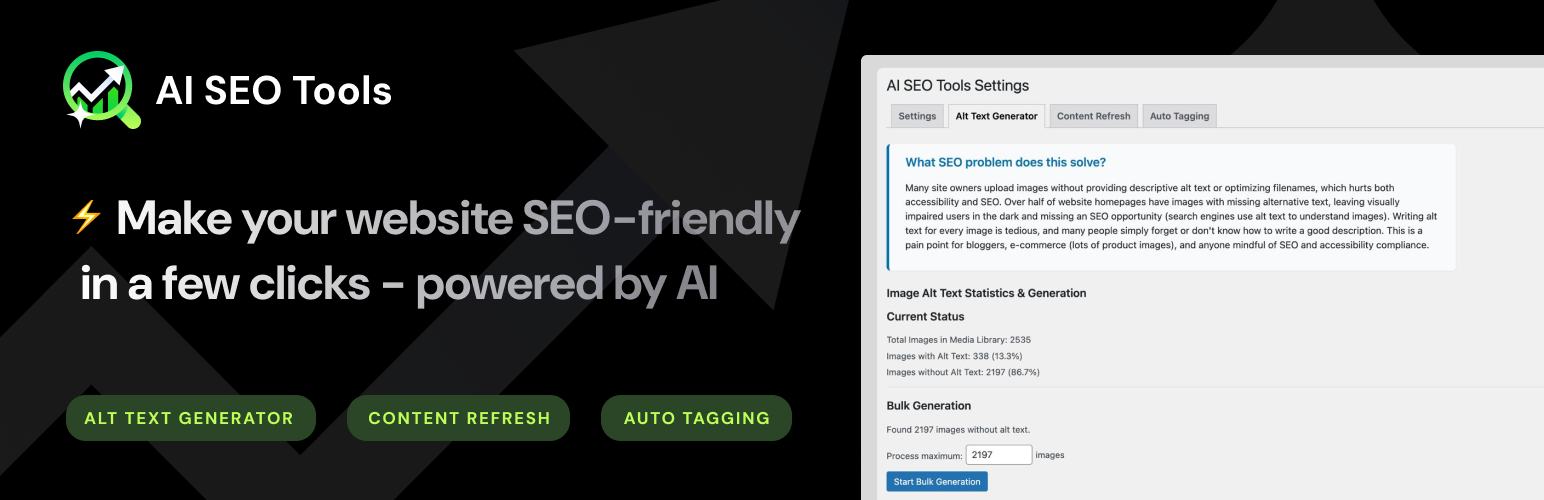
AI SEO Tools 利用生成式人工智慧來自動化和增強您的 WordPress SEO。功能包括:
- 自動生成圖片 alt 文本。
- 內容刷新與 SEO 優化器:分析並刷新舊貼文,建議使用 AI 更新、關鍵字和元描述。
- 文章自動標籤:使用 AI 自動生成語義相關標籤。
- 大量 alt 文本生成:以可配置的延遲和細節級別批量生成多張圖片的 alt 文本。
- 大量標籤處理:對多個貼文進行大量自動標籤處理。
- 大量附加標籤:將新的 AI 生成標籤附加到帶有現有標籤的貼文。
- 大量重新生成標籤:重新生成貼文的標籤以保持元資料的新鮮度。
- 自定義 alt 文本語言:在任何指定語言(例如西班牙語、法語)中生成 alt 文本。
- 自定義 alt 文本提示:自定義用於生成 alt 文本的 AI 提示。
- 動態 OpenAI 模型選擇:選擇視覺模型,刷新模型列表並緩存結果。
從我們這裡無需額外費用即可體驗所有 AI 功能!
**問題和答案**
1. 什麼是「自動圖片 alt 文本生成器」模組的作用?有什麼回報值?
- 摘要:該模組使用 AI 自動為您的媒體庫圖片生成描述性 alt 文本,從而提高可訪問性和 SEO。
- 回報值:生成的 alt 文本保存在每個圖片的 ALT 屬性中。
- 示例:
- 在「設置」->「AI SEO 工具」中啟用「Alt 文本生成器」模組。
- 訪問「Alt 文本生成器」選項卡,查看統計信息並為一個或所有圖片生成 alt 文本。
2. 「內容刷新與 SEO 優化器」模組使用 AI 來做什麼?有什麼回報值?
- 摘要:該模組使用生成式人工智慧來分析您現有的貼文,並建議更新或重寫過時部分,推薦低競爭關鍵字,自動生成元描述或摘要。它有助於維持您的內容更新和 SEO 友好,節省手動編輯時間並提升您網站的搜索排名。
- 回報值:為您的貼文提供 AI 功能的內容建議。
- 示例:
- 在外掛設置中啟用此模組。
- 訪問「內容刷新」選項卡以獲取更多信息和未來控制權。
3. 自動標籤功能的摘要是什麼?有什麼回報值?
- 摘要:使用 AI 自動為您的貼文生成語意相關標籤,從而增強元數據和內部連結。
- 回報值:應用於每個貼文的 AI 生成標籤。
- 示例:
- 在「設置」->「AI SEO 工具」中啟用「自動標籤」模組。
- 訪問「自動標籤」選項卡以對已發佈的貼文進行大量標籤。
4. 大量處理概述的摘要是什麼?提供了哪些設置?給出一個示例。
- 摘要:執行大量操作以進行 alt 文本生成、標籤、附加標籤和重新生成標籤,並提供進度反饋。
- 設置:
- 大量處理延遲:在 API 調用之間等待的秒數,以避免速率限制。
- 圖片細節級別:控制分析的細緻程度('低' 或 '高')。
- 示例:
- 在「Alt 文本生成器」選項卡中,點擊「開始大量生成」以處理多個圖片。
- 在「自動標籤」選項卡中,根據需要點擊「開始大量標籤」、「開始大量附加」或「開始大量重新生成」。
5. 如何自定義 Alt 文本語言、提示和 OpenAI 模型選擇?舉例說明。
- 摘要:自定義 alt 文本語言、提示和 OpenAI 模型選擇以進行微調 AI 行為。
- 設置:
- 自定義 Alt 文本語言:在任何指定語言中生成 alt 文本。
- 自定義 Alt 文本提示:為 alt 文本生成提供自定義提示。
- 動態 OpenAI 模型選擇:選擇模型並刷新可用列表。
- 示例:
- 勾選「在非英語語言中生成 alt 文本」,並輸入「德語」。
- 點擊設置中模型選擇旁的「刷新列表」按鈕以更新可用的模型。
外掛標籤
開發者團隊
原文外掛簡介
AI SEO Tools leverages generative AI to automate and enhance your WordPress SEO. Features include:
* Automatic image alt text generation.
* Content Refresh & SEO Optimizer: Analyze and refresh old posts, suggest AI-powered updates, keywords, and meta descriptions.
* Auto Tagging for Posts: Automatically generate semantically relevant tags.
* Bulk Alt Text Generation: Generate alt text for multiple images in bulk with configurable delay and detail level.
* Bulk Tagging: Process multiple posts for auto-tagging in bulk.
* Bulk Append Tags: Append new AI-generated tags to posts with existing tags.
* Bulk Regenerate Tags: Regenerate tags for posts to keep metadata fresh.
* Custom Alt Text Language: Generate alt text in any specified language (e.g., Spanish, French).
* Custom Alt Text Prompt: Customize the AI prompt for alt text generation.
* Dynamic OpenAI Model Selection: Choose vision models, refresh the model list, and cache results.
Enjoy all AI features at OpenAI cost, with no additional fees from us!
Automatic Image Alt Text Generator
Summary: This module automatically generates descriptive alt text for your Media Library images using AI, improving accessibility and SEO.
Return Value: The generated alt text is saved to each image’s ALT attribute.
Examples:
* Enable the Alt Text Generator module in Settings -> AI SEO Tools.
* Visit the Alt Text Generator tab to view statistics and generate alt text for one or all images.
Content Refresh & SEO Optimizer
Summary: This module uses generative AI to analyze your existing posts and suggest updates or rewrites for outdated sections, recommend low-competition keywords, and auto-generate meta descriptions or summaries. It helps keep your content up-to-date and SEO-friendly, saving hours of manual editing and improving your site’s search rankings.
Return Value: AI-powered content suggestions for your posts.
Examples:
– Enable the module in the plugin settings.
– Visit the Content Refresh tab for more information and future controls.
Auto Tagging
Summary: Automatically generate semantically relevant tags for your posts using AI to enhance metadata and internal linking.
Return Value: AI-generated tags applied to each post.
Examples:
* Enable the Auto Tagging module in Settings -> AI SEO Tools.
* Visit the Auto Tagging tab to bulk tag your published posts.
Bulk Processing Overview
Summary: Perform bulk operations for alt text generation, tagging, appending tags, and regenerating tags with progress feedback.
Settings:
* Bulk Processing Delay: Seconds to wait between API calls to avoid rate limits.
* Image Detail Level: Controls granularity of analysis (‘low’ or ‘high’).
Examples:
* In the Alt Text Generator tab, click ‘Start Bulk Generation’ to process multiple images.
* In the Auto Tagging tab, click ‘Start Bulk Tagging’, ‘Start Bulk Append’, or ‘Start Bulk Regenerate’ as needed.
Customization
Summary: Customize alt text language, prompt, and OpenAI model selection for fine-tuned AI behavior.
Settings:
* Custom Alt Text Language: Generate alt text in any specified language.
* Custom Alt Text Prompt: Provide a custom prompt for alt text generation.
* Dynamic OpenAI Model Selection: Choose the model and refresh the available list.
Examples:
* Check ‘Generate alt text in a non-English language’ and enter ‘German’.
* Click the ‘Refresh List’ button next to the Model selection in Settings to update available models.
External services
This plugin connects to the OpenAI API (https://api.openai.com) to generate AI-powered content for alt text, content refresh suggestions, and post tagging.
– What data is sent: It sends your image metadata (for alt text), post content (for suggestions), and any custom prompts or language preferences you have configured.
– When: Data is sent when you manually generate alt text, initiate bulk generation, analyze content refresh, or generate/append/regenerate tags.
– Why: AI processing is performed by OpenAI models to provide advanced SEO and accessibility enhancements.
– Service provider: OpenAI Inc.
– Terms of Use: https://openai.com/policies/terms-of-use
– Privacy Policy: https://openai.com/policies/privacy-policy














