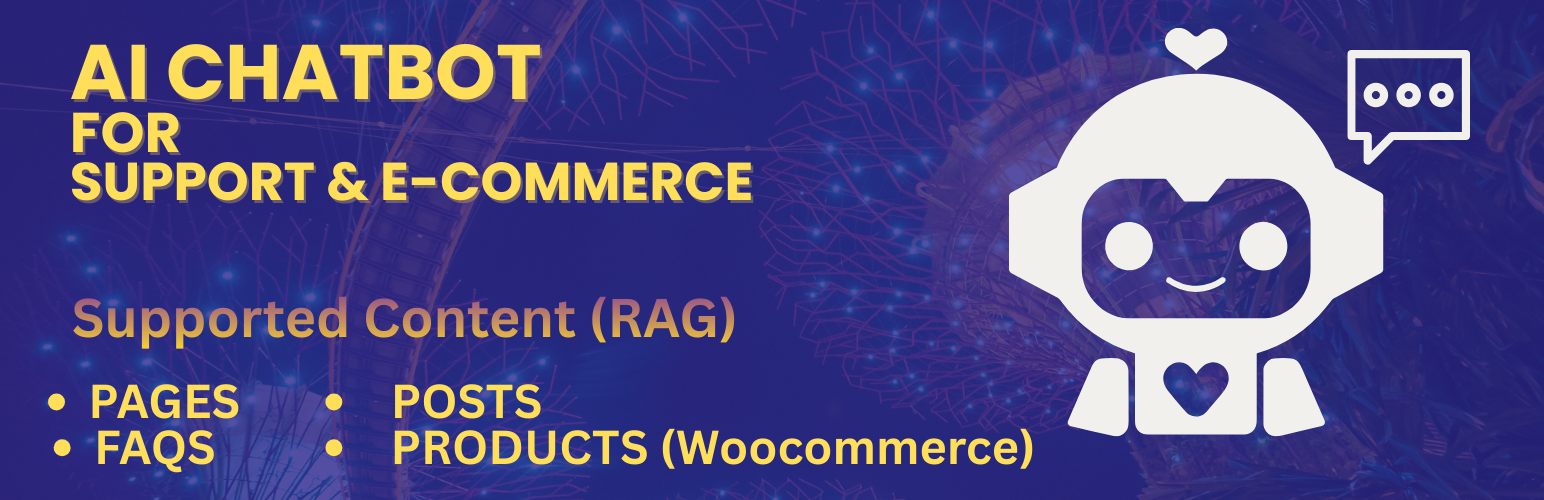
內容簡介
總結:AI Chatbot for WordPress & WooCommerce 是一個外掛,能將基於 Retrieval-Augmented Generation (RAG) 技術的 AI 聊天助手添加到您的網站,讓您可以訓練聊天機器人來回答訪客問題,並支持 Gemini 或 OpenAI 模型。
問題與答案:
1. AI Chatbot for WordPress & WooCommerce 使用何種技術來提供 AI 驅動的聊天助手?
答:使用 Retrieval-Augmented Generation (RAG) 技術。
2. 這個外掛可以讓網站擁有人訓練聊天機器人用什麼樣的 WordPress 資料?
答:包括FAQs、頁面、文章和 WooCommerce 產品。
3. 在啟用 AI 功能時,需要哪個憑證?
答:需要 API token。
4. 使用者如何使聊天機器人在前端生效?
答:安裝並啟動外掛,設置聊天機器人位置,輸入 AI 服務提供者詳細資訊,選擇要發送學習的內容類型,提交所選內容進行處理,收到 embeddings 準備好的電子郵件,並在前端啟用聊天機器人。
5. 這個外掛支援那些內容類型進行 AI 學習?
答:FAQs、頁面、文章和 WooCommerce 產品。
6. 服務上的使用限制包括什麼內容?
答:每天最多 1500 次聊天請求,最多 100 個 FAQs、100 篇文章、100 個頁面和 100 個 WooCommerce 產品。總數據大小限制為 2 MB。
7. 這個外掛連接到哪個外部服務進行處理和提供 AI 回應?
答:ragai.phpsoftsolutions.in。
外掛標籤
開發者團隊
② 後台搜尋「AI Chatbot for Support & E-Commerce」→ 直接安裝(推薦)
原文外掛簡介
Note: A publicly accessible HTTPS domain is required. Localhost and local development environments are not supported.
AI Chatbot for WordPress & WooCommerce adds an AI-powered chat assistant to your website using Retrieval-Augmented Generation (RAG).
The plugin allows site owners to train a chatbot on their own WordPress data — including FAQs, pages, posts, and WooCommerce products — and provide accurate, contextual answers to visitor questions using Gemini or OpenAI models.
Content is securely sent to an external AI processing service for embedding generation and chat responses.
An API token is required to enable AI functionality.
Key Features
Frontend chatbot widget with configurable position
Supports Gemini and OpenAI AI models
Retrieval-Augmented Generation (RAG) based answers
Learn from FAQs, pages, posts, and WooCommerce products
Manual content sync and embedding generation
Email notification when AI training is completed
HTTPS-only communication with the external service
How It Works
Install and activate the plugin
Configure the chatbot position on the frontend
Enter AI provider details (Gemini or OpenAI API key and model)
Choose which content types to send for learning
Submit selected content for processing
Receive an email once embeddings are ready
Enable the chatbot on the frontend
Supported Content Types
You can choose which data to send for AI learning:
FAQs (required)
Pages
Posts
WooCommerce products
Each content item is automatically truncated to a maximum of 1000 words before processing.
Usage Limits
The free service tier includes the following limits:
Up to 1500 chat requests per day
Maximum 100 FAQs
Maximum 100 posts
Maximum 100 pages
Maximum 100 WooCommerce products
Total data size limited to 2 MB
All limits are enforced by the external AI service.
External Services
This plugin connects to an external service to process content, generate embeddings, and provide AI responses.
Service Endpoint
https://ragai.phpsoftsolutions.in
Purpose
* Store selected WordPress content
* Generate embeddings
* Process chat queries using AI models
Data Sent
* FAQ questions and answers
* Selected page, post, and product content
* Site identifier
* Selected AI provider and model
AI provider API keys are used only for request processing and are not exposed publicly.
Service Provider
PHPSOFT SOLUTIONS