內容簡介
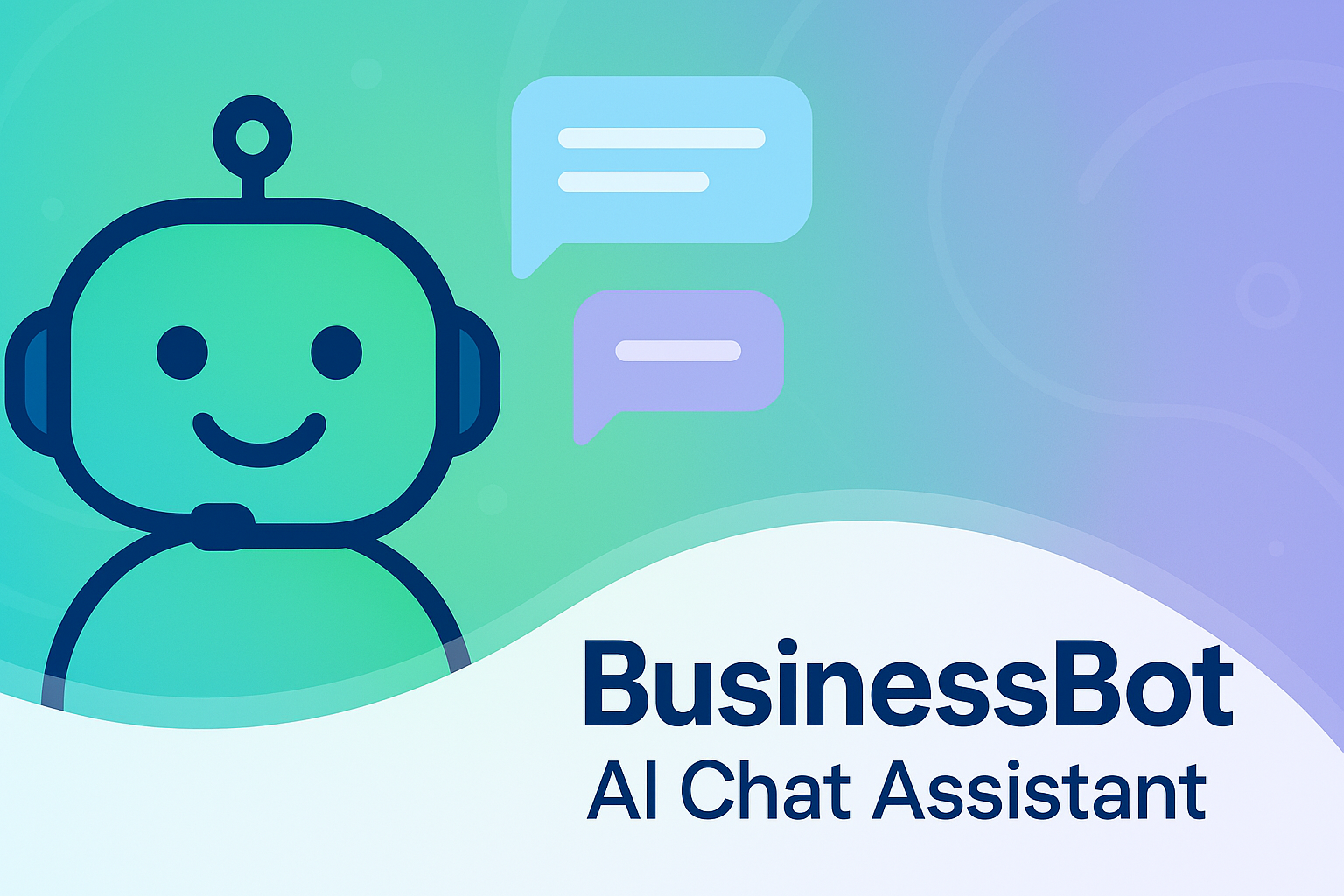
總結:AI Assistant for Business 是針對 WordPress 的個人化 BusinessBot AI Chat 助手外掛程式,能夠在您的網站上像實時支援主管般提供幫助。它使用 Google Gemini AI 根據您在管理面板中提供的信息來了解您的業務。
問題與答案:
1. 這個外掛程式的關鍵功能有哪些?
- 收集關鍵的業務細節以個人化回應。
- 整合 Gemini API 以提供 AI 功能。
- 前端底部的固定聊天按鈕。
- 提供易於遵循的指南以生成 API 金鑰。
- 與網站訪客進行無縫和智能的溝通。
2. 這個外掛程式使用了哪些外部服務?
- 這個外掛程式使用由 Google 提供的 Gemini API 來根據您的業務細節生成 AI 動力回應。
- 當用戶與聊天助手互動時,外掛程式會將當前的聊天歷史(包括業務背景和用戶問題)發送到 https://generativelanguage.googleapis.com/ 這個端點。
- 這個請求僅用於檢索相關的 AI 創建的回覆。不收集或傳輸個人身份識別信息、登入憑證或敏感用戶數據。
- 為確保透明度與合規性,您可以查閱 Google 的政策:Google 服務條款、Google 隱私政策。
3. 這個外掛程式的隱私保護如何?
- 這個外掛程式不會追踪用戶。
- 不會存儲個人數據。
- 除了 Gemini API 提示外,不會向第三方發送信息。
- 所有數據都保留在您的 WordPress 環境中,只有在調用 Gemini API 時才會傳輸由站點管理員定義的 AI 提示和業務細節。
外掛標籤
開發者團隊
原文外掛簡介
AI Assistant for Business is a personalized BusinessBot AI Chat Assistant plugin for WordPress that acts like a real-time support executive on your website. It uses Google Gemini AI to understand your business, based on the information you provide in the admin panel.
Key Features:
Collect essential business details to personalize responses.
Gemini API integration for AI capabilities.
Sticky chat button in the front-end footer.
Easy-to-follow guide to generate your API key.
Seamless and intelligent communication with site visitors.
External Services
This plugin uses the Gemini API provided by Google to generate AI-powered responses based on your business details.
When a user interacts with the chat assistant, the plugin sends the current chat history (including business context and user questions) to the following endpoint:
https://generativelanguage.googleapis.com/
This request is made solely to retrieve relevant AI-generated replies. No personally identifiable information, login credentials, or sensitive user data is collected or transmitted.
For transparency and compliance, you may refer to Google’s policies:
Google Terms of Service
Google Privacy Policy
Privacy
This plugin does not:
– Track users
– Store personal data
– Send information to third parties (except the Gemini API prompt)
All data remains within your WordPress environment except when calling the Gemini API, which only transmits the AI prompt and business details as defined by the site administrator.