內容簡介
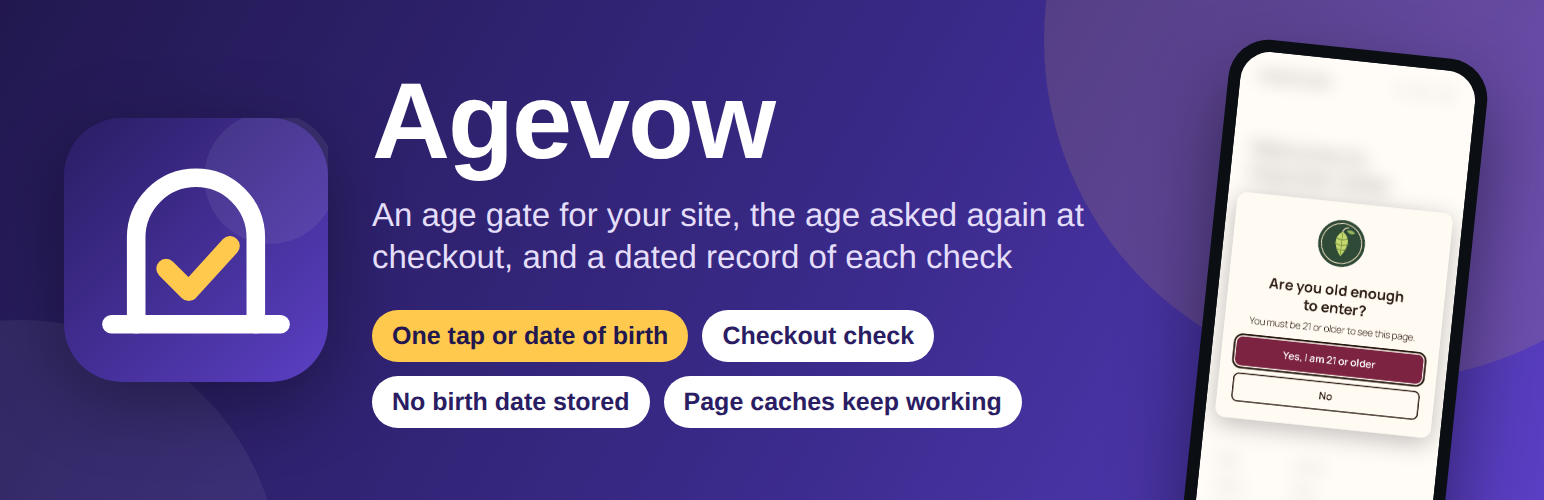
Agevow 是一款專為需要年齡驗證的網站設計的外掛,能在訪客進入特定頁面或結帳時詢問年齡,並記錄每次檢查的結果。它適用於銷售酒類、煙草等年齡限制產品的商店,並確保訪客在進入前滿足最低年齡要求。
【主要功能】
• 整站或特定頁面顯示年齡驗證
• WooCommerce 結帳時進行年齡檢查
• 記錄每次年齡檢查的詳細資訊
• 支援多種頁面快取和搜尋引擎
• 設定最低年齡限制,靈活配置
外掛標籤
開發者團隊
② 後台搜尋「Agevow – Age Verification & Age Gate」→ 直接安裝(推薦)
原文外掛簡介
Agevow asks visitors their age before they see the pages you choose, asks again at WooCommerce checkout for orders that hold an age-restricted product, and keeps a dated record that each check happened. It stores no birth date and no IP address: a date of birth is used to work out the age and is dropped.
The age question is drawn over a page that every visitor and every search engine receives in the same way, so page caches keep working and a search engine is never treated differently from a person. At checkout the question is asked on the classic checkout and the checkout block alike, and the order is refused on your server until it is answered, whichever way the order is sent.
Agevow is made for shops that sell wine, beer, spirits, vapes, tobacco, CBD or knives, and for any site with pages meant for people of a minimum age or older. Nothing is shown to your visitors until you turn the age gate on.
Age gate for the whole site, pages or categories
Show the age question on the whole site, only on your age-restricted products and their categories, or only on the pages and post categories you choose. Set one minimum age for the site, from 18 to 25; a product or a product category that needs a higher one asks its own. Pages you list stay open, logged-in visitors can skip the question if you choose, and the age gate is never shown on your admin screens, the log-in page, the privacy policy page, feeds, sitemaps or robots.txt.
Part of a page behind the age gate
Hold back only part of a page or a post — a cocktail recipe, a product’s strength table — with the Age-restricted section block, or by putting it between [agevow_section] and [/agevow_section]. Only that part waits for the visitor’s age; the rest of the page stays open and is never covered. A section asks the way the age gate asks, with its own minimum age if you choose one, and a visitor who passed the age gate is not asked again for a section of that age.
Age-restricted products and categories
Mark a WooCommerce product, or a whole product category, as age-restricted with its own minimum age: on the product’s General tab, in quick edit and bulk edit, or on the category’s screen, where it covers the categories under it too. A product asks the higher of its own age and its categories’. The Products list shows each product’s age in its own column, and a line on a restricted product’s page can tell customers what the checkout will ask.
Age check at WooCommerce checkout
When the cart holds an age-restricted product, or every cart if you choose, the checkout asks the customer to enter their date of birth or to tick that they are old enough. It is asked on the classic checkout, the checkout block and the page where an order is paid later. The answer is checked on your server: an order sent without it, under the minimum age or with a date that does not exist is refused, whether it comes from the checkout form, an express payment button or a script, with WooCommerce’s order tables switched on or off. A logged-in customer who passed can be remembered on their account for the months you choose, so their next orders are not asked again; as installed, every order asks.
Date of birth or one tap
Visitors answer with one tap (“Yes, I am 18 or older”) or with their date of birth, its day, month and year in the order their language writes them. Each mistake in a date is said in words next to its field. A visitor under the minimum age sees your message and a Leave button that can go to the address you choose. A visitor who passes is remembered in their own browser for the days you set (30 unless you change it), so they are not asked on every page.
A record that each check happened
Each order checked at checkout keeps a note of how the age was asked, the minimum age, the result and the time. The Checks screen lists every one, refusals included, beside the age gate’s daily counts (as reported by visitors’ browsers) and the history of your settings: who changed what, and when. Choose the days, download the checks as a CSV file, or print a dated summary (or save it as a PDF).
Works with page caches and search engines
Every visitor gets the same page and the age question is decided in their own browser, so a page cache can keep one copy of each page for everyone. It is tested with WP Super Cache, W3 Total Cache, WP Fastest Cache and Cache Enabler, and behind a shared cache in front of the site, the way a CDN’s “cache everything” rule keeps one copy of every page. The content of a page stays in that page under the age question: Agevow never redirects to a separate age page and never checks who is visiting.
Phones, keyboards and screen readers
The age question fits a phone, a tablet and a desktop screen. The date of birth opens the phone’s number keyboard, the field stays above the keyboard and the page does not zoom in on it. The question is a dialog that a screen reader announces by its heading, the keyboard stays inside it until it is answered, and the page underneath does not move when it appears or goes away. Visitors who ask their device for less motion get no fade, and on right-to-left sites the question is mirrored.
No birth date, no IP address, nothing sent
A date of birth is used to work out the age and is never saved, sent or written to a log. Agevow reads no IP address, and its one cookie, agevow_ok, holds only the minimum age passed and the day. It adds suggested text to your privacy policy guide, works with WordPress’s tools to export and erase personal data, and removes everything it stored when you delete it.
The Gate screen has an ordinary link, “Get early access”, to a page about a possible paid service. Nothing is sent when the screen loads; the page opens in your browser only if you click, and your e-mail address reaches us only if you type it there.
Turn it on from one screen
Open Agevow in the admin menu, say what your shop sells (a minimum age is suggested, with the dated fact behind it), choose where the gate shows and how visitors answer, look at the preview at a desktop or a phone size, and press Turn on. Your heading, message, logo and colours are optional; a colour that would be hard to read is pointed out as you pick it.
How Agevow is different
It asks again where it matters, at checkout: on the classic checkout, the checkout block and when an order is paid later, for orders with an age-restricted product, and the answer is checked on your server.
It keeps a dated record that each check happened: on each order, the age gate’s daily counts, the history of the settings, and a printable summary for the days you choose.
It stores no birth date and no IP address, and its record works with WordPress’s tools to export and erase personal data.
Every visitor and every search engine gets the same page: the age question is decided in the visitor’s browser, with no exceptions by browser name, so page caches keep working.
It is a real dialog: the keyboard stays inside it, phones get a number keyboard for the date, and nothing on the page moves.
This plugin does not connect to any external service.
Agevow checks ages and keeps a record. Whether a shop meets a law is decided by that law and its regulator. This is not legal advice.