外掛標籤
開發者團隊
原文外掛簡介
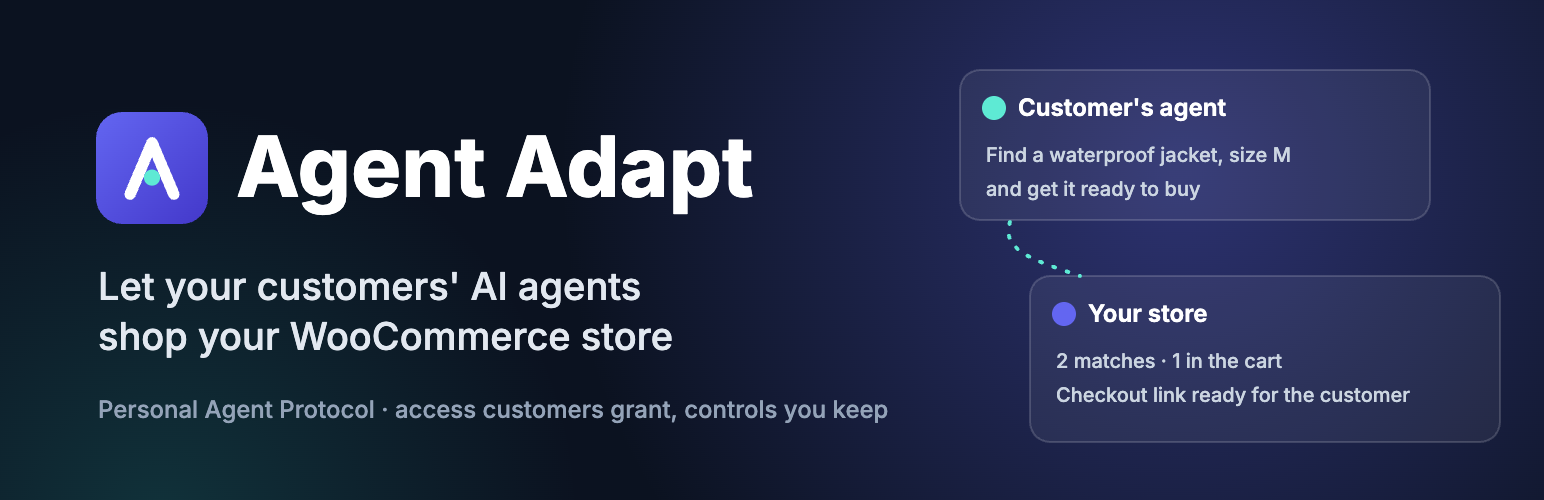
More shoppers now ask an AI assistant to find a product, compare options or reorder something they bought before. Agent Adapt gives those assistants a proper way in to your WooCommerce store, so they don’t have to scrape your pages or ask for your customer’s password.
It implements the Personal Agent Protocol (Version 0.2), an open standard for how a person’s AI agent works with a business. Under the protocol, the agent proves who it is, the customer decides what it may do, and your store decides which agents it serves.
What an agent can do without signing in
Search your catalogue and read product details, prices, stock and variations. Products you’ve hidden from search or the catalogue stay hidden.
Read your published returns and refunds, terms, and privacy pages.
Build a cart: add items, change quantities, remove lines, and apply or remove coupons. It’s the same WooCommerce cart your store already uses, so your prices, taxes, stock rules and coupon rules all apply.
See what changed in that cart. If a price changes, an item sells out or stock runs low after the agent added it, the cart tells the agent, line by line, instead of changing quietly.
Pick up a cart it left. When the same agent comes back for the same shopper within 30 days, it’s offered the cart from last time and brings it back only if it chooses to. Coupons aren’t carried over.
Hand the cart back to the customer. The agent gets a link to your own checkout page, and the customer pays there, with your payment methods. Agents never take payment.
What a signed-in agent can do
When the customer asks their agent to use their account, the agent sends them to your store’s own sign-in page. The customer signs in there, sees which agent is asking and what it wants, and approves or declines. The agent never sees the password. Once approved, the agent can:
List the customer’s orders and read an order’s details.
Cancel an order that hasn’t been paid yet.
Put a past order back in the cart.
Read the customer’s saved billing and shipping addresses.
Access lasts 90 days. The customer can end it at any time from My Account → Connected agents, and WooCommerce emails them each time a new agent connects. Changing their password or role disconnects every agent at once. Administrator and shop manager accounts can never be connected to an agent.
The agent’s own browser
Some agents also open your website in a browser of their own. Agent Adapt lets that browser join the same visit, so the website, the agent and the customer all see one cart and one sign-in. That browser can browse and shop, but it can’t open the dashboard, the login page, the customer’s account details, saved payment methods or checkout.
You stay in control
WooCommerce → Agents lists every agent that has used your store, with its activity over the last 30 days. Block an agent and it is refused immediately, everywhere.
Orders that came through an agent show it in WooCommerce’s order attribution, with the agent’s name as the source.
What agents couldn’t do. When a customer’s agent finds no way to do something the customer asked for, it can tell your store. WooCommerce → Agents groups those reports by what the customer wanted, so you can see what’s missing. Reports are written by the agents, so they can be wrong; reports sent while the customer was signed in are included in WordPress’s personal data export and erasure tools.
Tools → Site Health checks the things that commonly break agent access, such as HTTPS, permalinks, a cache or firewall intercepting the discovery documents, or a host that strips the Authorization header. Each check says how to fix the problem.
How agents find your store
Agent Adapt publishes /.well-known/poppy.json and the standard OAuth server metadata at the root of your domain. Agents that follow the protocol read these, prove their identity with signed requests, and use short-lived tokens bound to their own keys (DPoP). There are no API keys to issue and nothing to configure.
About the protocol
The Personal Agent Protocol is a published draft, and its authors may change it. Agent Adapt follows the current draft and will track changes as they are published. Agent Adapt is independent and is not affiliated with or endorsed by the protocol’s authors.
Documentation, guides and the free download are at getagentadapt.com.
External services
Agent Adapt sends no data about your store or your customers to us or to any analytics or advertising service.
To verify an agent, your store contacts that agent’s own servers. A personal agent identifies itself with an HTTPS address it controls. When an agent first uses your store, and again when its cached copy expires, your store fetches two public documents from addresses the agent publishes: its client metadata document and its public signing keys (a JSON Web Key Set). These requests send nothing but the request for the document: no cookies, credentials, store data or customer data. Requests to private and local network addresses are refused. The documents are cached for a limited time.
If the agent’s metadata names a logo, your sign-in and approval pages show it, so the customer’s browser loads that image from the agent’s server, with no referrer.
Which agents your store contacts depends on which agents your customers use, so there is no single provider. Each agent operator’s own terms of service and privacy policy apply to the documents and images it serves. The approval page shows each agent’s name and the domain where it publishes its documents, and you can block any agent under WooCommerce → Agents.
Site Health’s checks also make requests to your own store, over its public address, to confirm that agents can reach it. These never leave your own site.