內容簡介
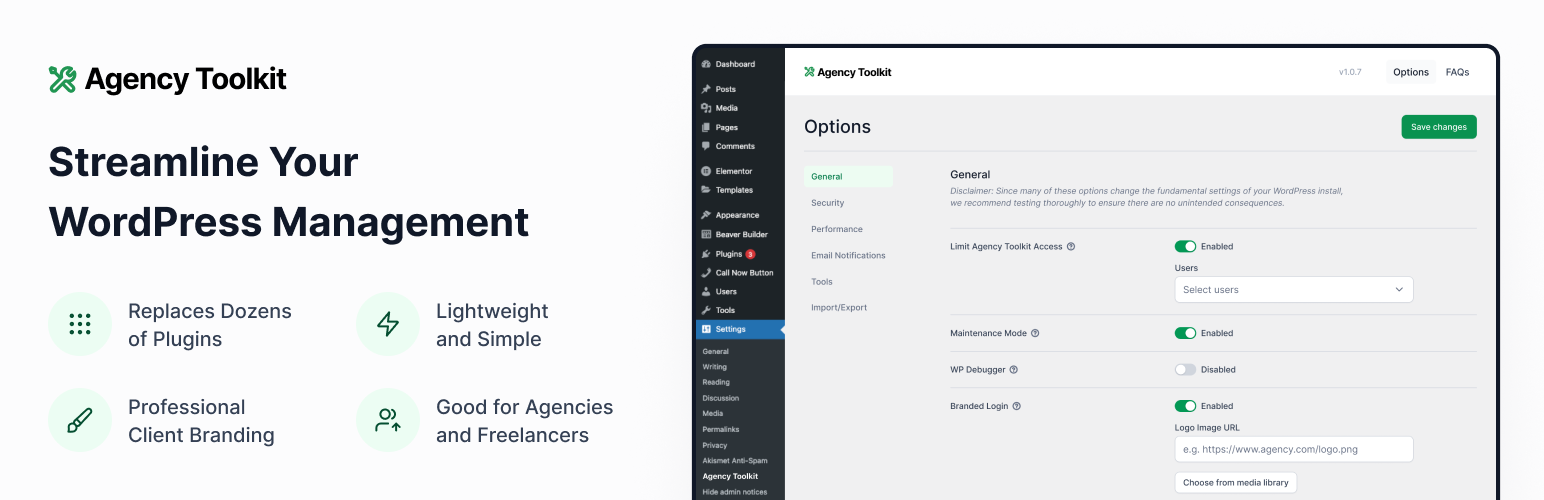
Agency Toolkit 外掛為代理商、自由工作者及網站擁有者提供輕量化的方式,快速進行 WordPress 的除錯、優化及簡化管理,減少對其他外掛的需求,並確保只有特定用戶能訪問設定。
【主要功能】
• 限制可查看設定頁面的用戶
• 啟用維護模式
• 啟用 WordPress 除錯工具
• 禁用主題與外掛編輯器
• 限制安裝與更新外掛的用戶
• 接收特定外掛更新的電子郵件通知
外掛標籤
開發者團隊
📦 歷史版本下載
原文外掛簡介
The Agency Toolkit plugin provides a lightweight way for agency owners, freelancers and website owners to quickly debug, optimize, and streamline the WordPress experience without needing a dozen or more additional plugins. This plugin came out of a need for our own agency to standardize the WordPress settings across all of our maintenance clients. This plugin saves time and maintenance by reducing the need for many other third party plugins and ensures only privileged users can access these settings.
Each setting can be enabled or disabled as needed to keep things light and customized to your own needs. Currently, we support the following with more to be added:
General Settings:
Limit the users who can view the Agency Toolkit Settings Page
Enable maintenance mode
Enable the WordPress debugger
Enable a custom agency footer with a name, URL and email in the WordPress Dashboard
Enable a custom agency logo on the WordPress login screen
Show Environment Indicator in Admin Bar
Security Settings:
Disable theme and plugin editors
Limit the users who can install and update plugins and themes
Hide WordPress version generator in front-end source code
Limit the users who can view Site Health
Secure the wp-config.php file using .htaccess
Stop User Enumeration
Checksum verification for WordPress core files
Limit users who can modify Admin Email Address
Override the Disable Admin Notices Individually to show all admin notices
Backend users summary: last-seen tracking and a REST summary of users by role, activity and Two-Factor enrollment, plus a list of administrator accounts unused for a year (Kadence Security optional)
Performance Settings:
Limit or disable post revisions
Disable emoticons
Disable pingback and trackback notification emails
Disable self-pingbacks
Disable XML-RPC
Disable Media Comments
Remove RSD links
Email Notifications Settings:
Disable admin notification emails
Globally change email sender
Disable WordPress Admin Email Verification prompt
Change admin email address shared in user emails
Receive email notifications when specific plugins are updated
Receive email notifications when specific plugins are activated and deactivated
Receive email notifications for WooCommerce payment gateways set in test mode (only works with Stripe, Authorize.Net, and PayPal Payments)
Receive email notifications if WooCommerce payment gateways have been disabled
You can also export and import plugin settings via .json file to ensure you have the same settings across all of your websites.
What if I lock myself out of the Agency Toolkit interface?
We have you covered. Simply go to ‘domain.com/wp-admin/admin.php?page=inspry-agency-toolkit&rescue=email’ where ‘domain.com’ is the WordPress website root domain and ’email’ is the email associated with your WordPress admin user account. This will send a new email to your email address with a link to reset the ‘Limit the users who can view the Agency Toolkit Settings Page’ setting. This way all WordPress admin users can access access the Agency Toolkit plugin interface. You can then re-select the users who should be able to access the interface in that setting.
See an option or tweak that you would find useful? Just email us and let us know.
Enjoy!