3,000+
安裝啟用
★★★★☆
4.3/5 分(11 則評價)
3033 天前
最後更新
—
問題解決
WordPress 4.7+ v1.3.1 上架:2016-12-17
內容簡介
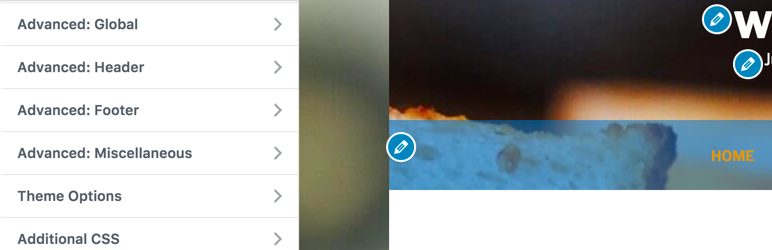
您喜歡 Twenty Seventeen 佈景主題,但它沒有太多自訂樣式的選項,例如自訂標題、頁尾、字型等。這個外掛就是為了解決這些問題而誕生。
主要特點
自訂佈局:全幅或盒型佈局
自訂字型
自訂每個部分的顏色:標題、網站品牌、頁尾小工具區、版權等
自訂樣式
自訂程式碼:允許添加 Google Analytics、Facebook Pixel 等自訂 HTML 程式碼
想要了解更多細節,請觀看影片教學。
外掛標籤
開發者團隊
原文外掛簡介
You like the Twenty Seventeen but it does not provide many options to customize its style like custom color for header, footer, custom font, … This plugin is solution for these problems.
The main features
Custom layout: Full width or boxed layout
Custom font
Custom colors for each parts: header, site branding, footer widget area, copyright, ..
Custom styles
Custom code: Allow to add custom HTML like Google Analytics, Facebook Pixel, …
Let’s take a look at video tutorial for more details.