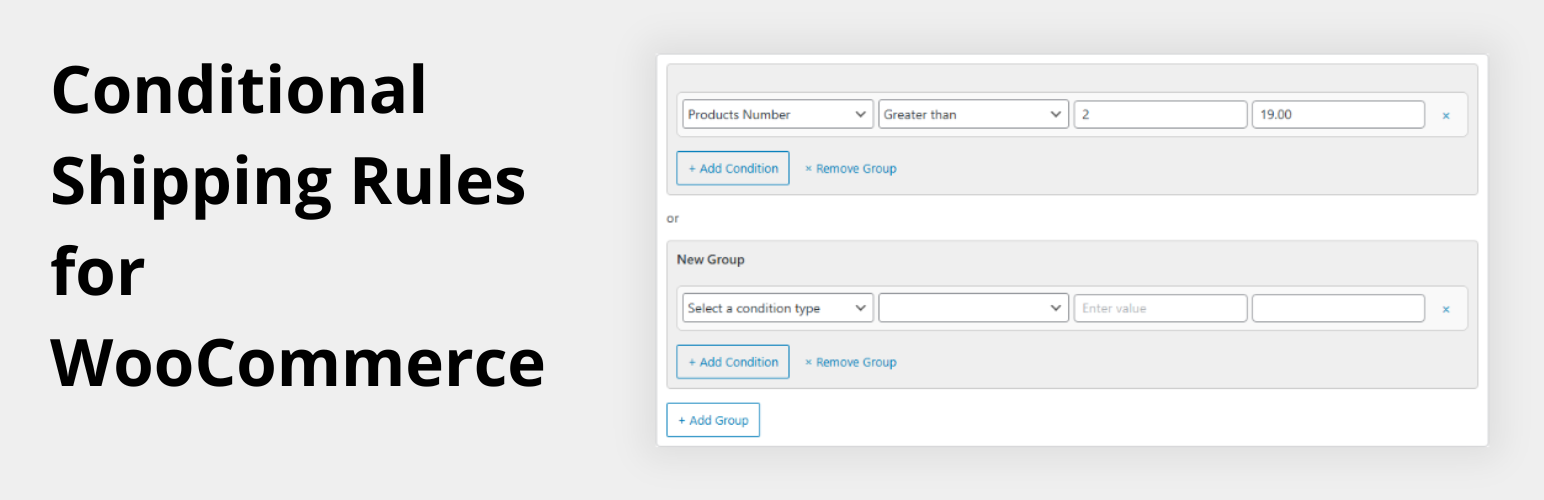
內容簡介
總結:Conditional Shipping for WooCommerce 讓您根據購物車條件定義自訂的運送規則。無論您需要根據購物車總額、商品重量或數量設定運送費率,此外掛程式都能輕鬆實現。
問題與答案:
1. Conditional Shipping for WooCommerce 可以根據什麼條件來定義自訂的運送規則?
- 可以根據購物車條件。
2. 這個外掛的主要功能有哪些?
- 以購物車總額設定運送費用、定義基於重量的運送規則、應用基於產品數量的條件。
3. 是否需要寫程式碼來使用這個外掛?
- 不需要!這個外掛是簡單且使用者友善的。
4. Conditional Shipping for WooCommerce 釋出時的授權是什麼?
- 這個外掛是根據 GPL-2.0+ 授權釋出的。
```html
<ul>
<li>Conditional Shipping for WooCommerce 讓您根據購物車條件定義自訂的運送規則。無論您需要根據購物車總額、商品重量或數量設定運送費率,此外掛程式都能輕鬆實現。</li>
<li>重點特點:</li>
<ul>
<li>✅ 以購物車總額設定運送費用</li>
<li>✅ 定義基於重量的運送規則</li>
<li>✅ 應用基於產品數量的條件</li>
<li>✅ 不需要程式編碼!簡單易用</li>
</ul>
<li>授權:此外掛程式是根據 GPL-2.0+ 授權釋出的。</li>
</ul>
```
外掛標籤
開發者團隊
② 後台搜尋「Advanced Shipping Rules For WooCommerce」→ 直接安裝(推薦)
原文外掛簡介
Tired of rigid shipping options in WooCommerce?
Advanced Shipping Rules For WooCommerce gives you the freedom to define dynamic shipping rules to add extra shipping fees based on real cart data: cart total, weight, and item quantity.
This plugin extends the default WooCommerce shipping zones, giving you much more control without the need to write a single line of code.
Perfect for store owners who want to add extra shipping fees:
– for overweight packages
– for product numbers exceeds limits
– based on more than one condition at time.
Key Features
Set extra shipping costs based on cart total (subtotal)
Create weight-based shipping rules for heavy or light orders to add extra shipping costs
Add conditions based on number of products in the cart extra shipping costs
Works with all WooCommerce shipping zones
Compatible with other shipping methods
No coding required – intuitive admin interface
Lightweight and performance-friendly
This plugin is ideal for WooCommerce shops looking for more granular control over shipping logic to add extra shipping costs, helping you tailor your checkout process to fit your business needs.
For example, maybe you want to your products vary in size and weight, and you need to add extra fees for heavier packages to cover shipping costs.
With Conditional Shipping for WooCommerce, these kinds of tailored shipping strategies are easy to implement, right from your WordPress dashboard.
How to Use
Create or select a shipping zone from WooCommerce → Shipping.
Add a new shipping method: Advanced Shipping Rules for WooCommerce.
Inside the method settings, define one or more conditions, such as:
If cart weight > 10kg, charge an additional fee
If cart quantity < 5, charge an additional fee
Save your settings and test your checkout process.
Your rules will only apply within the shipping zone you set. This allows for location-specific shipping logic (e.g., free shipping for local customers but not for international).
License
This plugin is released under the GPL-2.0+ license.