內容簡介
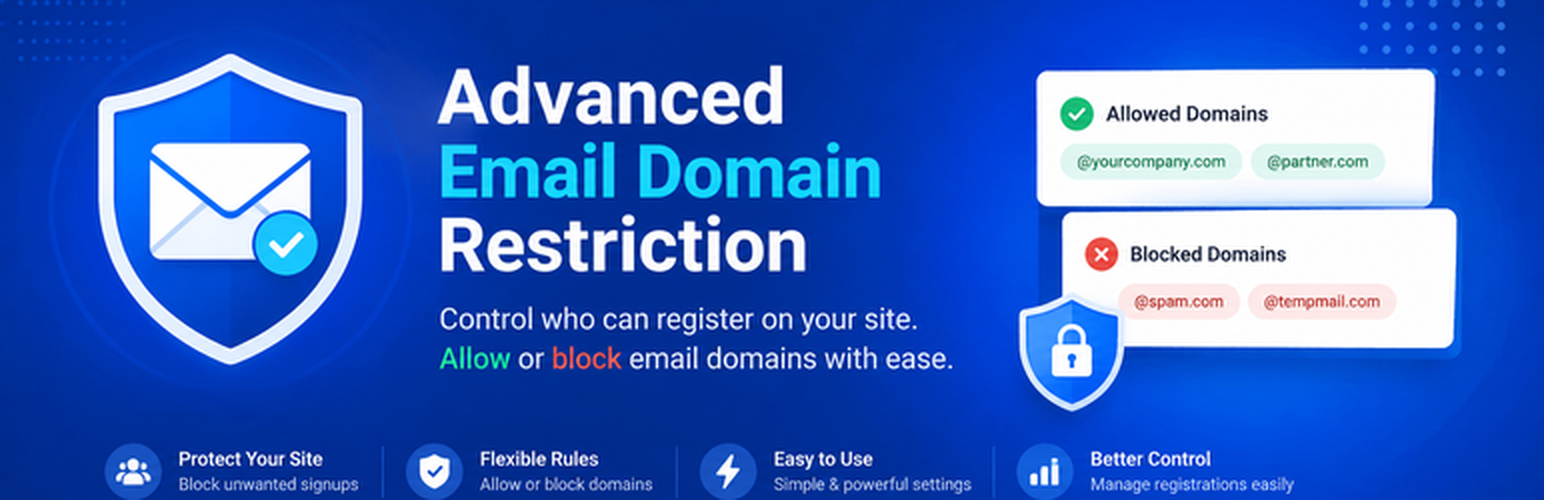
Advanced Email Domain Restriction (AEDR) 讓您全面控制誰可以在您的 WordPress 網站上註冊帳號。透過限制註冊至受信任的公司網域、特定電子郵件地址或頂級網域,防止垃圾註冊、假帳號及未經授權的註冊行為。
【主要功能】
• 允許清單:僅限受信任的網域或電子郵件註冊
• 批次上傳:透過 CSV 匯入大量網域
• WooCommerce 支援:完全相容於 WooCommerce 註冊
• 表單插件支援:自動驗證多種表單插件的電子郵件欄位
• 自訂訊息:定義限制網域的錯誤訊息
• 實時測試檢查:即時測試電子郵件地址是否被允許
外掛標籤
開發者團隊
② 後台搜尋「Advanced Email Domain Restriction」→ 直接安裝(推薦)
原文外掛簡介
Advanced Email Domain Restriction (AEDR) gives you full control over who is allowed to create an account on your WordPress site. Instead of letting anyone register with any email address, restrict registration to a trusted allow-list of company domains, specific email addresses, top-level domains (TLDs), or wildcard subdomains — and stop spam registrations, fake accounts, and unauthorized signups before they happen.
Whether you run a company intranet that should only accept @yourcompany.com addresses, a course platform that should only enroll students with a .edu email, or a membership site that wants to block free webmail providers, AEDR gives you a simple allow-list-based way to enforce it — with no regex or code required.
Common Use Cases
Restrict registration to your company domain — only allow @yourcompany.com emails to sign up for an internal site, intranet, or extranet.
Block spam and fake account registrations — stop bots and throwaway/disposable email signups by only accepting domains you trust.
Gate course or membership access by email domain — for example, only allow .edu addresses to register for a student-only LearnDash course, or restrict a corporate LMS to employee emails.
Control WooCommerce customer registration — prevent unauthorized signups on your WooCommerce store at checkout or account creation.
Enforce domain rules across every registration form on your site — WooCommerce, LearnDash, BuddyPress, MemberPress, Paid Memberships Pro, Contact Form 7, WPForms, Elementor Pro, Gravity Forms, and Fluent Forms all respect the same allow-list.
Key Features
Allow-list Only: Restrict registrations to a specific list of trusted domains, exact email addresses, TLDs, or wildcard subdomains.
Bulk Upload: Import large lists of domains via CSV.
Domain Export: Download your allowed domains list for backup or analysis.
WooCommerce Support: Fully compatible with WooCommerce customer registration.
Form & Field Plugin Support: Automatically validate email fields in Contact Form 7, WPForms, Elementor Pro, Gravity Forms, Fluent Forms, and Advanced Custom Fields (ACF).
LMS & Membership Support: Works with LearnDash, Tutor LMS, BuddyPress / BuddyBoss, MemberPress, and Paid Memberships Pro registration flows.
TLD & Full Email Support: Restrict registrations to specific TLDs (e.g., .com) or specific email addresses (e.g., [email protected]).
Wildcard Subdomain Support: A rule like *.example.com matches both example.com and any subdomain, such as sales.example.com.
Case-Insensitive: Matches gmail.com regardless of how the user types it.
Custom Messages: Define your own error messages for restricted domains.
Live Test Checker: Instantly test any email address in the admin panel to confirm whether it would be allowed or blocked.
No Regex, No Code: Every rule type is entered as plain text — no technical knowledge required.