
內容簡介
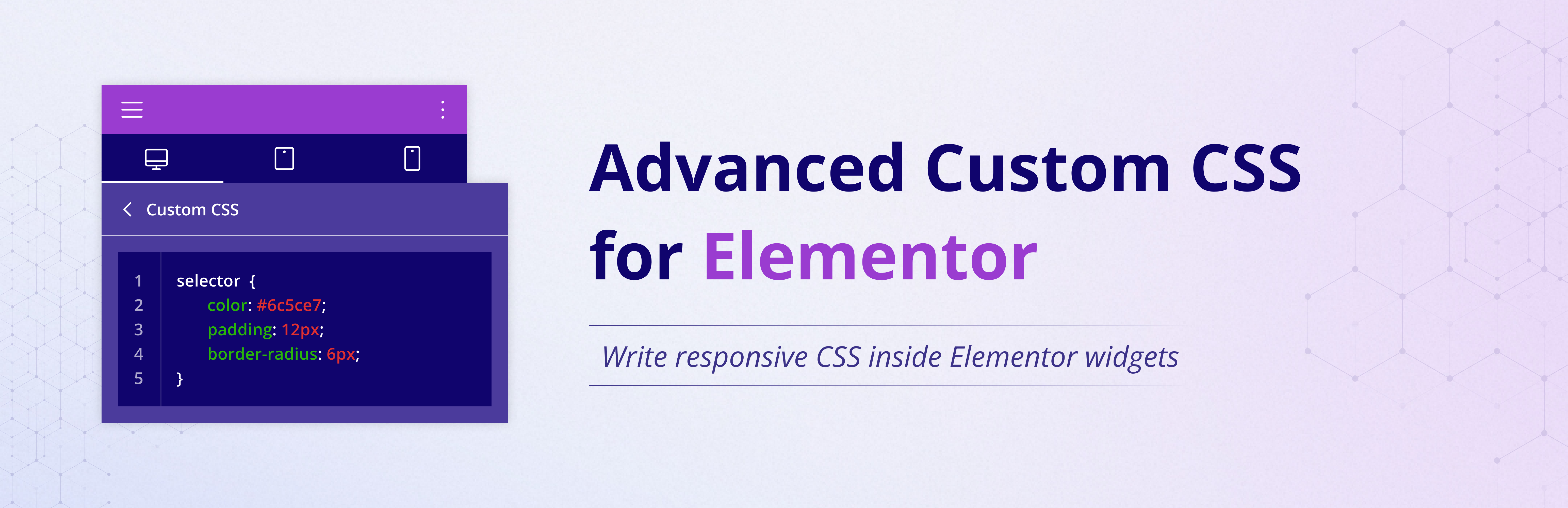
Advanced Custom CSS for Elementor 外掛讓使用者可以在不升級至 Elementor Pro 的情況下,為每個 Elementor 小工具添加自訂 CSS。使用者可以即時預覽變更,並針對桌面、平板和手機創建響應式樣式,提升設計的靈活性和控制力。
【主要功能】
• 為 Elementor 小工具添加自訂 CSS
• 支援響應式 CSS 設定
• 即時預覽編輯變更
• 使用 Elementor 選擇器語法
• 無需額外配置,輕量化外掛
• 兼容 Elementor 免費版與 Pro 版
外掛標籤
開發者團隊
② 後台搜尋「Advanced Custom CSS for Elementor」→ 直接安裝(推薦)
原文外掛簡介
Custom CSS for Elementor lets you add custom CSS to every Elementor widget without requiring Elementor Pro. Write widget-specific CSS using the familiar selector keyword, preview changes instantly, and create responsive styles for desktop, tablet, and mobile—all directly inside the Elementor editor.
If you are searching for an Elementor CSS plugin, Elementor free custom CSS support, or a way to add CSS to Elementor widgets without upgrading to Pro, this plugin is built for exactly that workflow.
With this plugin enabled, you get a dedicated Custom CSS area in the Advanced tab for each widget. You can keep styles local to a single widget, avoid global CSS conflicts, and maintain cleaner design control while editing pages.
Why Use Custom CSS for Elementor?
Add Custom CSS without Elementor Pro.
Style individual Elementor widgets without affecting the whole page.
Write widget-level CSS using Elementor selector syntax.
Create responsive CSS for Desktop, Tablet, and Mobile.
See live preview updates while editing in Elementor.
Keep your setup lightweight with no extra configuration.
Works with both Elementor Free and Elementor Pro.
Features
Add Custom CSS to Elementor widgets from the Advanced tab.
Create widget-specific CSS without impacting unrelated elements.
Use it as a free alternative when you only need Elementor Pro Custom CSS behavior.
Separate responsive CSS fields for Desktop, Tablet, and Mobile.
Supports Elementor selector syntax for precise targeting.
Instant live preview inside Elementor editor.
Lightweight plugin with zero settings pages.
Compatible with modern WordPress and Elementor versions.
Usage
Open any page in Elementor.
Click a widget you want to style.
Go to Advanced > ACCE Custom CSS.
Add CSS in Desktop, Tablet, or Mobile tabs.
Use selector to target the current widget only.
Example 1:
selector {
background: #000;
color: #fff;
}
Example 2:
selector:hover {
transform: scale(1.05);
}
Example 3:
selector img {
border-radius: 20px;
}
Use Cases
Quickly style CTA buttons on one landing page section.
Apply hover effects to selected cards only.
Create mobile-specific spacing for hero widgets.
Add custom border, shadow, and typography tweaks per widget.
Prototype CSS ideas in Elementor before moving to theme stylesheets.
Developer Notes
Default breakpoints are Tablet: 1024px and Mobile: 767px.
You can override breakpoints using this filter:
add_filter( ‘ACCE_custom_css_breakpoints’, function( $defaults ) {
return [
‘tablet’ => 900,
‘mobile’ => 600,
];
} );
Troubleshooting
= My CSS is not applying. What should I check? =
– Make sure you used selector for widget-scoped rules.
– Confirm your CSS syntax is valid.
– Clear Elementor and site cache after changes.
– Check whether another CSS plugin is overriding the same styles.
Responsive styles look different than expected. Why?
Check your media query logic and verify custom breakpoints if your project overrides defaults.
License
This plugin is licensed under the GPLv2 or later.
