內容簡介
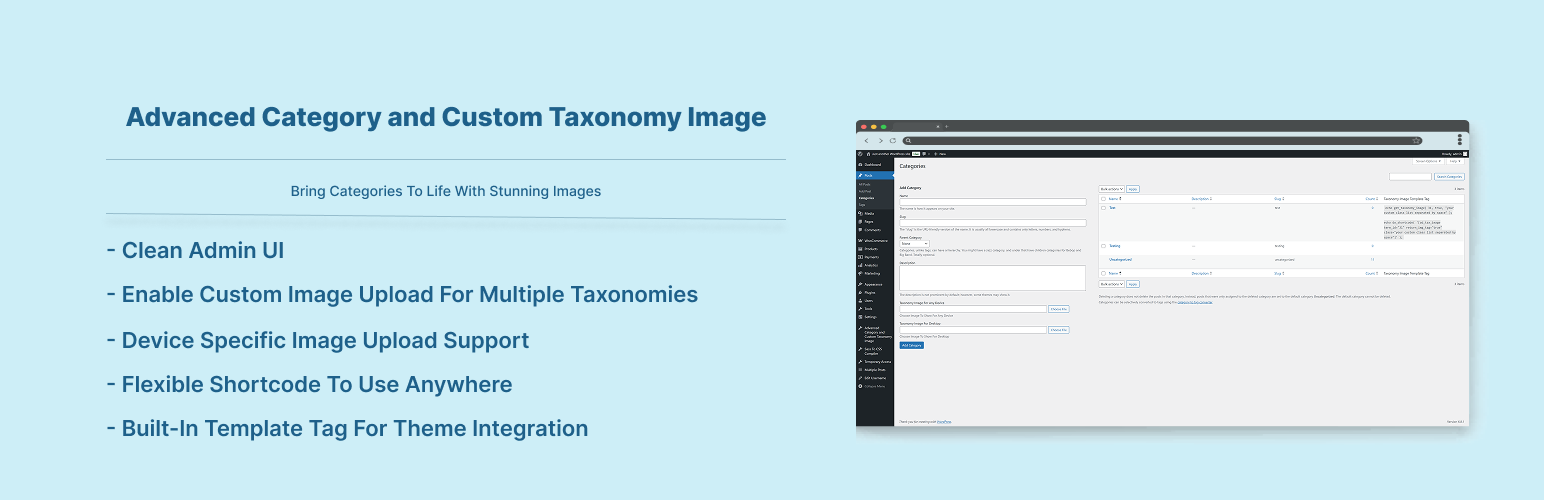
Advanced Category and Custom Taxonomy Image 外掛讓使用者可以為不同的分類或自訂分類上傳圖片,並根據不同設備選擇不同的圖片,提升網站的使用體驗與視覺效果。
【主要功能】
• 支援為不同分類上傳自訂圖片
• 根據設備(如手機、平板、桌面)選擇不同圖片
• 提供簡單的模板標籤供佈景主題使用
• 支援短碼功能,可在任何地方使用
• 使用 WordPress 預設媒體上傳圖片
外掛標籤
開發者團隊
② 後台搜尋「Advanced Category and Custom Taxonomy Image」→ 直接安裝(推薦)
原文外掛簡介
Now its easier to include category / custom taxonomy image with this plugin for different platforms. No need to overload mobile bandwidth with high pixel image size. You can now select different image for different devices. Upload Different Image For Different Devices ex: Mobile, Tablet, Desktop, iOS, Android, Windows Phone.
Built-in Template Tag To Use Anywhere You Want In Your Theme : get_taxonomy_image( $term_id, $return_img_tag, $class );
Documentation
$taxonomy_img = get_taxonomy_image( int $term_id = get_queried_object()->term_id , boolean $return_img_tag = false , string $class = '' );
get taxonomy image url if $return_html = true then return tag
Parameters :
$term_id
(int) (Required) Taxonomy ID of the term.
$return_img_tag
(boolean) (Optional) Formatted Image with tag for the field during output.
$class
(string) (Optional) A space separated string of CSS classes to add to the tag. classes ex: "your custom class list separated by space" but $return_img_tag should be true to add image class.
echo $taxonomy_img; // taxonomy image url
where $term_id is ‘category / term id’
Shortcode : use the shortcode anywhere to get taxonomy image. If you don’t provide “term_id” value then it will be current queried page taxonomy automatically.
echo do_shortcode( '[ad_tax_image term_id="" return_img_tag="true" class="your custom class list seperated by space"]' ); // keep term_id empty if you want to show current visited taxonomy archive image.
Features
Option To Enable Custom Image Upload for different taxonomies
Option To Enable Custom Image Upload for different devices
Very simple to use & WP Default Media Uploaded to upload image
Built-in Template Tag to use in your theme template
Shortcode to use anywhere.