
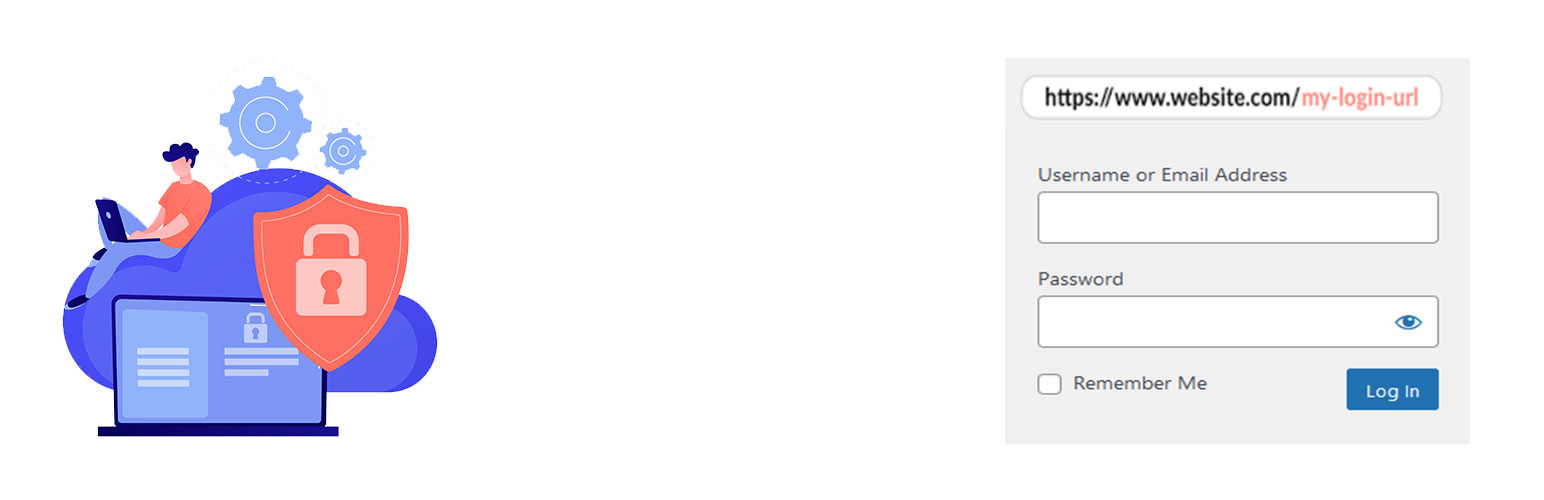
內容簡介
Admin login URL Change 是一個非常輕巧的外掛程式,可以讓你輕鬆且安全地更改登入表單頁面的網址到任何你想要的。它不會更改任何核心檔案,只是攔截頁面請求,適用於任何 WordPress 網站。這不僅方便,也可防止想入非非者。
範例:http://www.yourdomain.com/my-login。
如何使用本外掛程式
新增新的登入網址
外掛標籤
開發者團隊
原文外掛簡介
Admin login URL Change is a very lightweight plugin that lets you easily and safely change the URL of the login form page to anything you want. It does not change any core files. It simply intercepts page requests and works on any WordPress website. This is great for your convenience, but it also closes the door to would-be attackers.
Why Use Admin Login URL Change?
WordPress websites are common targets for automated bots and hackers attempting to gain unauthorized access via brute-force login attempts. The default login URLs are widely known, making them easy targets. Admin Login URL Change solves this problem by letting you rename your login URL to something unique, effectively closing this security loophole.
How to use the plugin
Add New login Slug (Example: madmin)