
內容簡介
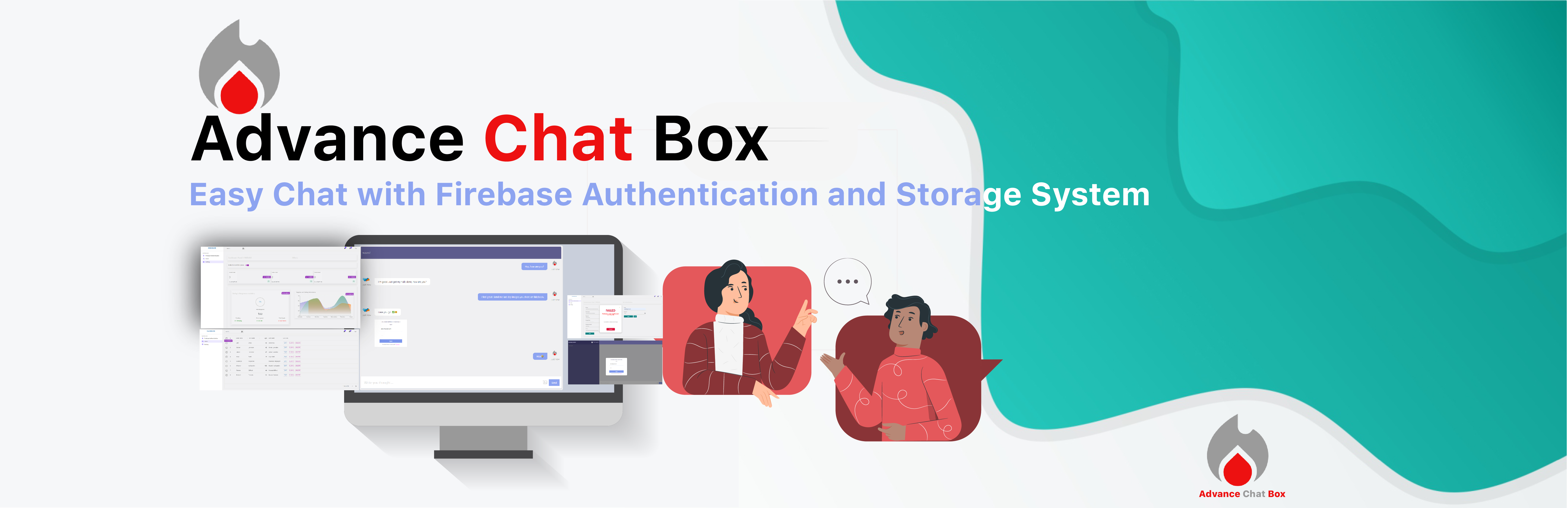
Admin Chat Box旨在允許使用者在實時中進行通訊和信息交流。聊天系統使用Firebase進行身份驗證和儲存,因此是安全可靠的。使用者可以輕鬆地使用友好的介面進行聊天和信息交流,包括圖片等。
該系統與多種平台兼容,包括網絡和移動設備,並通過推送通知告知使用者新的信息。
聊天系統的實時通訊功能可增加生產力,提高使用者協作。由於安全的身份驗證系統,只有授權使用者才能訪問聊天系統。
Firebase儲存所有聊天信息和圖片,以便簡單地訪問和檢索。
它是為處理未來大量的數據和使用者設計的,允許未來發展和擴展。通過使用推送通知功能,鼓勵使用者保持參與和活躍於聊天系統中。聊天系統的友好介面、跨平台兼容性和擴展協作功能提供了更好的使用者體驗。
不論是個人還是專業用途,此聊天系統都是實時對話和信息交換的完美替代品。
漂亮的用戶介面和超級易用
輕鬆獲取信息-聊天系統使使用者隨時獲取其信息和圖像變得容易。
改善協作-聊天系統使使用者可以實時協作,提高信息交流和流程。
提高生產力-實時通訊和友好的介面允許使用者更有效地協作和交換信息。
安全身份驗證-Firebase的安全身份驗證系統確保只有授權使用者能夠訪問聊天系統。
可靠的數據-Firebase中的消息和圖像存儲可提供可靠的數據儲存和檢索。
增強的使用者體驗-聊天系統的友好介面和跨平台兼容性提供更好的使用者體驗。
提高參與度-推送通知功能鼓勵使用者在聊天系統中保持參與和活躍。
未來可擴展-聊天系統的可擴展設計允許未來增長和用戶數擴展。
👁️查看教程| |👩🏼💻獲取ORG支持
使用方法
啟用插件後,轉到您的管理後台>Admin-Chat-Box>設置頁,然後啟用聊天框以及其他自定義功能。
外掛標籤
開發者團隊
② 後台搜尋「Firebase Support & Chat Management」→ 直接安裝(推薦)
原文外掛簡介
Firebase Support & Chat Management is a real-time communication tool powered by Firebase for secure and scalable interaction. This plugin enhances your admin dashboard by offering powerful features like Backend/Frontend Chat + Support Management, User List & Agents Management, with a robust Support System Settings interface.
Users can instantly chat with each other or enable support mode to communicate exclusively with support agents. The modern, mobile-friendly UI delivers real-time messaging and push notifications, powered by Firebase for secure authentication, data storage, and seamless updates.
Backend Chat Management allows admins to monitor and control all conversations directly from the dashboard. This includes filtering messages, and assigning agent roles to team members.
User List & Agents Management enables clear oversight and segmentation of users, team agents, and their chat roles or responsibilities. You can now onboard support agents and organize client interactions with ease.
Support System Settings centralizes all options—chat enablement, agent controls, Firebase credentials, and design customizations—under one panel for easy management.
Whether you’re building a support system for eCommerce, a team-based collaboration app, or a community platform—Firebase Support & Chat Management offers unmatched flexibility and Firebase-powered scalability.
ATTRACTIVE UI AND SUPER EASY TO USE
Easy access to information – Access messages and images from the intuitive Firebase-powered chat interface.
Improved collaboration – Enable real-time conversations through streamlined Backend Chat Management.
Increased productivity – Quick User List & Agents Management allows fast task routing and communication.
Secure authentication – Firebase ensures only authorized access.
Data reliability – Firebase provides persistent storage for messages, images, and session logs.
Enhanced user experience – Designed for both desktop and mobile users.
Increased engagement – Real-time push notifications keep users active.
Future growth – Built with Firebase to handle enterprise-level Support System Settings needs.
Key Features
🔧 Backend Chat Management
Full control over chat logs, including moderation tools.
Manage open conversations, archives, and resolve queries efficiently.
Real-time Firebase updates ensure your Backend Chat Management stays up to date.
Backend Chat Management works even on low-latency networks.
Assign agents to conversations directly from Backend Chat Management.
👥 User List & Agents Management
View, edit, and assign roles to users from the dashboard.
Create unlimited support agents with custom roles.
Manage the User List & Agents Management panel with advanced filters.
Track user activity within User List & Agents Management views.
Sync data directly from Firebase in real time.
⚙️ Support System Settings
Central panel for all system-wide configurations.
Enable/disable chat, choose layout, and set agent permissions.
Customize branding and layout under Support System Settings.
Securely store Firebase credentials and keys.
Support System Settings panel includes fallback error handling.
Each of these core modules—Backend Chat Management, User List & Agents Management, and Support System Settings—is integrated with Firebase and WordPress for a seamless user and admin experience.
👩🏼💻 Get ORG Support
How to Use
After activating the plugin:
Navigate to your Admin Dashboard > Firebase Support & Chat Management > Settings to configure Firebase and enable chat. Customize Backend Chat Management, set up the User List & Agents Management, and fine-tune the Support System Settings for optimal performance.