內容簡介
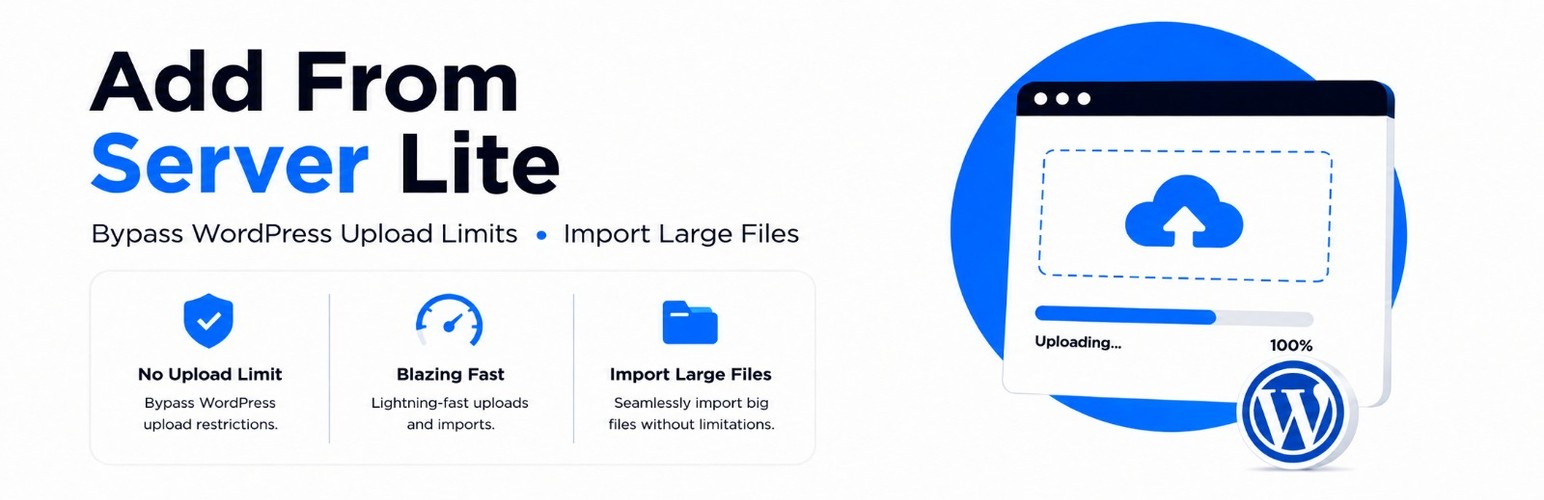
Add From Server Lite 是一款讓使用者能夠從伺服器導入大型檔案至媒體庫的外掛,無需面對瀏覽器上傳限制,簡化了檔案管理流程。
【主要功能】
• 從伺服器導入檔案,無需修改 php.ini
• 支援 FTP 或 SSH 上傳,無檔案大小限制
• 可選擇資料夾及其子資料夾進行批量導入
• 自動跳過已導入的檔案,避免重複
• 提供搜尋、過濾及分頁功能,方便管理大量檔案
外掛標籤
開發者團隊
原文外掛簡介
Import large files into the Media Library from your server. Skip browser upload limits without touching php.ini.
Stop fighting WordPress upload limits
Hosting caps and PHP upload limits should not decide whether your video, PDF, or product images make it into WordPress. Add From Server Lite (AFS Lite) lets you place files on the server with FTP or SSH, then import them into the Media Library from wp-admin.
No php.ini edits required. Free imports use chunked AJAX in the browser (keep the Import page open). Compatible with typical shared hosting for that flow, and with multisite as a normal per-site plugin (settings and Media Library stay on each site). Imports land in the Media Library, so you can use them on WooCommerce product images the usual way.
Need help? Contact eLearning evolve.
How it works
Upload files to your server with FTP or SSH (no browser size limit).
Open AFS Lite in WordPress and browse to the folder.
Select files or a whole folder and import them into the Media Library.
That is the whole idea: put the files on disk first, then let WordPress register them properly.
Built for real media libraries
Folder import: select a folder and import its files and subfolders (scanned in chunks).
Chunked imports: large jobs run in AJAX chunks while you keep the Import page open; cancel anytime.
Duplicate awareness: skips files that already look imported (hash/path checks). Pro adds skip/replace/rename and cleanup tools.
Search, filters, and pagination: find what you need in large directories.
Configurable root: choose which area of the server the plugin may browse (limited by PHP open_basedir).
Import summary: see how many files imported, were skipped as duplicates, or failed.
A UI that stays out of your way
Browse folders and files with checkboxes, a current-path display, and selection counts. Select-all controls sit at the top and bottom of the file list; Import files is available at the top of the browser and in the wizard footer. Keyboard shortcuts: Ctrl+A (or Cmd+A) selects all visible files; Esc clears search.
Security that matches the job
Importing from the server means path safety matters. AFS Lite is built with that in mind:
Files must sit under your configured root (path boundary checks).
Dangerous types such as PHP and executables are blocked by default. Types WordPress does not allow (including SVG unless you opt in under Settings) stay blocked too.
Forms and AJAX use WordPress nonces.
Paths are validated before browse or import.
Output is escaped; inputs are sanitized.
Add From Server Pro when you outgrow the basics
Lite covers local browse and import. Add From Server Pro (AFS Pro) unlocks the heavier workflow tools:
Background imports that keep going after you leave the page
Scheduled and recurring folder imports
Import history with per-file results
Pause, resume, and retry failed items
Folder structure preserve options
Remote FTP / SFTP and S3-compatible sources
REST API and WP-CLI
Email alerts and role-based access control
Get Add From Server Pro
Our other plugins
WPZoomy
Virtual Classroom for WordPress (Free)
Virtual Classroom for WordPress (Pro)
LearnDash Student Voice
Simple Email Scheduler
UpdateGuard
Topbar Buddy
MasterQuiz AI