內容簡介
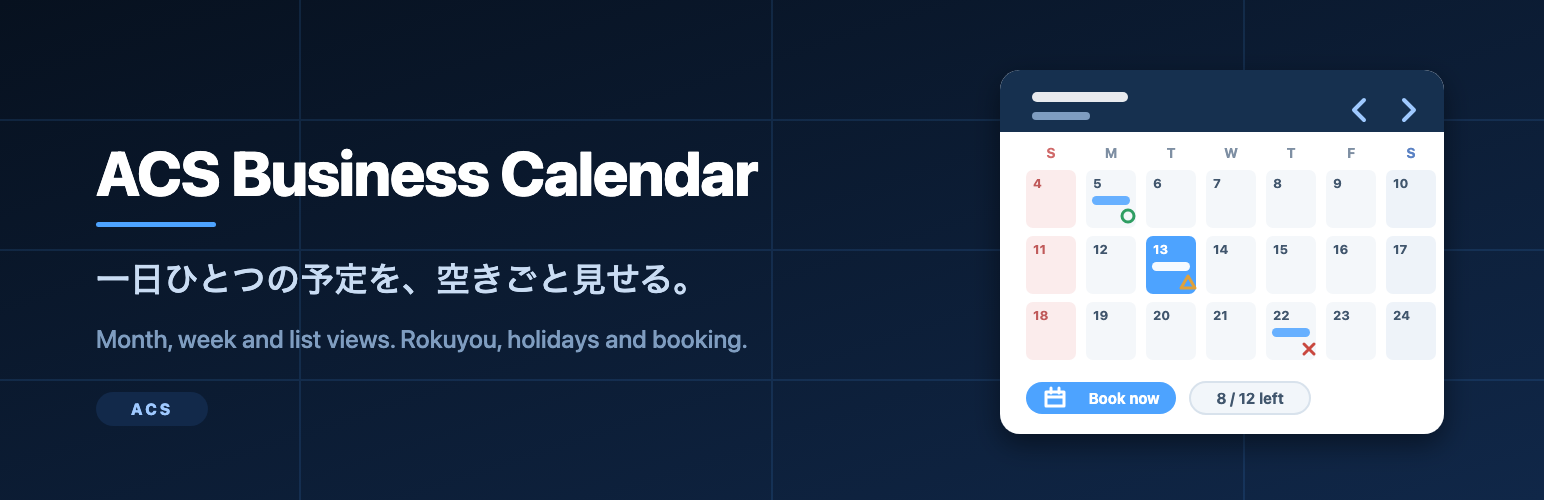
ACS Business Calendar 是一款專為日本商店、診所和工作室設計的小型預約日曆,讓使用者能夠輕鬆查看每日活動的可用性並進行預約。此外掛提供多種視圖選擇,並支援即時預約確認。
【主要功能】
• 每日一個活動,包含標題、時間、地點等資訊
• 支援月、週和列表視圖,方便切換
• 活動可用性標記,顯示剩餘名額
• 前端預約表單,簡單填寫姓名和電子郵件
• 自動發送確認郵件給訪客
• 內建假日和六曜顯示選項
外掛標籤
開發者團隊
原文外掛簡介
ACS Business Calendar is a small booking calendar built for the way Japanese shops, clinics and studios actually run a day: one thing happens on a given day, a fixed number of people can join it, and visitors want to see at a glance whether there is still room.
You create a calendar, add one event per day, and place the calendar anywhere with a shortcode. Visitors switch between a month grid, a week strip and a list, open an event to read the details, and send their booking from the same screen. They get a confirmation e-mail and you get a notification.
What it does
Month, week and list views, switched from the calendar itself.
Rokuyou (the six-day cycle: Sensho, Tomobiki, Sakimake, Butsumetsu, Taian, Shakko) shown per day, on or off per calendar.
Japanese public holidays marked, including substitute holidays and the weekday sandwiched between two holidays.
Today highlighted; Saturdays, Sundays and holidays coloured.
One event per day per calendar, with title, date, start and end time, place, description, capacity and up to five images.
An availability mark next to each event with a capacity: a circled mark for places available, a triangle when 30% or less is left, and a cross when it is fully booked.
A front-end booking form with name and e-mail required, telephone and notes optional.
Live capacity: the form disappears when the event is full, and a second booking from the same e-mail address is refused.
A confirmation e-mail to the visitor and a notification e-mail to the address you set per calendar.
A bookings screen with search, status and calendar filters, editing, deleting and a CSV export.
Per-calendar settings: rokuyou on or off, holidays on or off, bookings on or off, accent colour and notification address.
Privacy and external services
This plugin sends nothing to any external service. There is no analytics, no telemetry, no licence check and no remote update server. The rokuyou and public holiday information is read from static tables bundled inside the plugin, so the calendar works on a site with no outbound network access at all.
Bookings are stored in two tables in your own database (wp_acsbcal_events and wp_acsbcal_bookings) and are removed together with the calendars when you delete the plugin from WordPress.
Shortcode
[acsbcal_calendar id="123"]
[acsbcal_calendar id="123" view="week"]
[acsbcal_calendar id="123" view="list"]
id is the ID of the calendar, shown in the Calendars list and on the calendar edit screen. `view` sets the view the calendar opens in and defaults to `month`.
Add-on
Bulk e-mail to the people booked on an event, a booking analytics dashboard and a detailed CSV export are sold separately as an add-on at ACS Developer. This plugin is complete on its own: nothing here is locked, limited or time-restricted.
Need help installing or customizing this plugin, or a website built around it? See our WordPress website development service: https://acs-developer.com/developer-website-service/
日本語: 導入・カスタマイズ・サイト制作のご相談も上記ページで受け付けています。