
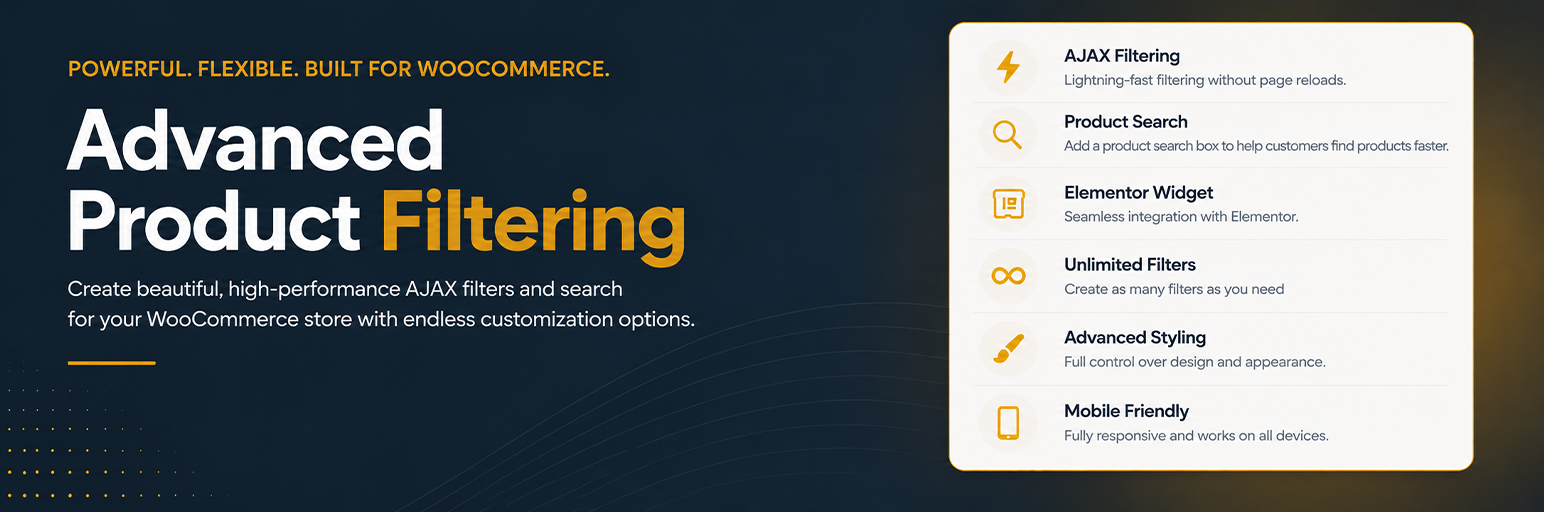
內容簡介
ACE Product Filters 是一款專為 WooCommerce 設計的 AJAX 過濾器外掛,提供商店擁有者一個實用的解決方案來建立和重複使用產品過濾器,並支援即時產品搜尋功能,提升顧客的購物體驗。
【主要功能】
• 建立無限的過濾器組合
• 即時產品搜尋功能
• 支援自訂樣式以符合商店品牌
• 可在側邊欄、頂部或自訂佈局中使用
• 顯示產品圖片、名稱和價格的下拉選單
外掛標籤
開發者團隊
② 後台搜尋「ACE Product Filters – AJAX Filters for WooCommerce」→ 直接安裝(推薦)
原文外掛簡介
ACE Product Filters started after years of testing other WooCommerce filter plugins, including paid options, and still not finding one that handled the full workflow cleanly. It began as a filter system built to cover real storefront needs end to end, and once it proved reliable, it was shared so other store owners and builders could use the same approach.
ACE Product Filters gives you a practical way to build WooCommerce filters once and reuse them across your storefront — and now also an instant product search you can drop into headers, homepages, and landing pages.
Create saved filter sets for categories, global attributes, product taxonomies, price ranges, on sale, stock status, rating, and featured products. Style them to match your store, and place them individually or inside reusable filter panels. When shoppers need to jump straight to a product instead of narrowing a grid, add a dedicated Product search: typeahead matching on product name and optional SKU, with a dropdown that shows image, name, and price.
Whether you are building a shop sidebar, a top bar, a header search, or a custom Elementor layout, you can keep the experience consistent without rebuilding the same setup for every page.
Instant product search (new in 1.3)
Separate dashboard object — not mixed into filter sets or panels
Own shortcode: [acewpf_product_search id="..."]
Own Elementor widget: ACE Product Search
Typeahead dropdown with product image, name, price, and optional SKU
Match by title and/or SKU, with debounce and a “View all” link to your theme’s product search results
Optional catalog limit: keep a search box inside chosen categories, tags, attributes, or other product taxonomies
Full appearance controls for the search box and dropdown so it matches your store branding
Filters and panels
The free plugin already includes:
Unlimited saved category, attribute, product taxonomy, and price filter sets
On sale, stock status, rating, and featured filters that query WooCommerce product data (not taxonomies)
Saved filter panels for sidebars, top bars, and grouped storefront layouts
Instant product search for headers, homepages, and landing pages, with an optional limit to chosen categories or taxonomies
AJAX filtering with a shared results selector, URL filter state, and browser history
Price range filtering with optional Min / Max inputs
Support for product tags, brands, manufacturers, and other registered product taxonomies
Single-select and multi-select, with optional AND or OR matching
Auto-include child terms when a parent is selected, plus optional nested term indentation
Changeable shortcode IDs for saved filter sets, filter panels, and product searches
Product counts and labels, with static or contextual count modes and optional panel-wide overrides
Hide terms with no matching products, per filter or as a panel override
In-filter term search for long lists, with a search box option and a panel override
Colour swatches for any taxonomy filter, with square or circle chips, spread or column layout, a hex colour per term, and an optional background behind the chips
Panel headings, grouped heading blocks inside panels, and collapsible filters
Empty-results messaging
Horizontal or vertical layout, plus styling controls for filters and panels, including responsive and mobile presentation
Live appearance preview in the filter editor
Theme-font inheritance by default, with optional Google Fonts loading when you explicitly enable it
Mobile panel toggle, close button, and per-panel text for the Filters label and Clear all action
Elementor widgets for saved filters, saved panels, and product search, plus shortcode placement
Reusable output for shop pages, category archives, Elementor templates, and custom storefront sections
Use one saved filter when you need a focused control, or combine multiple saved filters into a panel for a complete storefront filtering experience. Product search is separate on purpose: place it where shoppers should find a product quickly, without changing how your shop grid filters work.
Placement options:
Elementor widgets for saved filters, saved panels, and product searches
Shortcodes for Wonderblocks and other website builders
Block editor, widgets, and theme template areas
Need filters for posts, pages, or custom post types as well? ACE Content Filters is a separate free plugin for site content — taxonomy, search, author, and date filters, plus instant content search. You can find it at https://wordpress.org/plugins/ace-content-filters/
Usage
Create a filter set and choose whether it should use categories, attributes, product taxonomies, price, on sale, stock, rating, or featured.
Configure the behavior, labels, counts, layout direction, and design settings.
Enable AJAX when you want in-place product updates and set one shared results selector.
Place the saved filter directly, or create a filter panel and combine multiple saved filters into one reusable block.
Insert the result through the matching Elementor widget or shortcode wherever your storefront layout needs it.
Shortcodes:
[acewpf_filter id="your-filter-id"]
[acewpf_filter_panel id="your-panel-id"]
[acewpf_product_search id="your-search-id"]
Instant product search
Open ACE Product Filters and create a Product search.
Choose matching (title and/or SKU), optionally limit results to selected categories or other product terms, then set dropdown content and appearance.
Place it with [acewpf_product_search id="your-id"] or the ACE Product Search Elementor widget.
Shoppers type a product name (or SKU), pick a match from the dropdown, and go straight to the product page. Optional “View all” opens your theme’s WooCommerce product search results. This does not filter the shop grid, and it is separate from in-filter term search inside long filter lists.
External services
ACE Product Filters can optionally load Google Fonts stylesheets only when a site owner enables Google Fonts loading in the plugin settings and uses Google Font families in filter designs, product search designs, or live preview.
By default, ACE Product Filters does not request Google Fonts on the frontend or in the plugin admin.
These requests can happen on ACE Product Filters admin pages and on frontend pages where ACE Product Filters output is rendered.
Service provider:
Google Fonts API: https://fonts.googleapis.com/
Google Fonts static files: https://fonts.gstatic.com/
What may be sent:
The site visitor or admin user’s IP address
Browser and device information
The requesting site URL through normal HTTP request metadata
Service terms and policies:
Google Fonts Terms of Service: https://developers.google.com/fonts/terms
Google Privacy Policy: https://policies.google.com/privacy














