內容簡介
**總結:** AccessiMate是一款強大的WordPress可及性外掛,旨在幫助網站擁有者使其網站更易於使用者有殘障。它提供了一套全面的工具和功能,確保您的網站符合WCAG 2.1 AA標準並符合無障礙設計要求。
**問題與答案:**
1. AccessiMate的主要功能有哪些?
- 可及性工具欄
- 高對比度模式
- 字體大小控制
- 增強的焦點指示器
- 跳過連結
- 鏈接突出顯示
- 文字轉語音
- 內容掃描
- 文字簡化
- 圖片的替代文字生成
2. 透過哪些AI功能,AccessiMate使用OpenAI和Google Vision來為使用者提供更多便利?
- 自動替代文字生成
- 內容分析
- 文本簡化
- 語音合成
3. AccessiMate符合哪些無障礙設計標準?
- WCAG 2.1 AA標準
- 第508條款合規性
- ADA合規性
- EN 301 549合規性
4. 這個外掛如何尊重用戶隱私?
- 用戶可及性偏好設置本地存儲
- 啟用AI功能時,可能將內容發送給第三方服務(OpenAI/Google)
- 無用戶同意,不會收集或傳送個人數據
5. 啟用AI功能時,AccessiMate可能連接到哪些第三方服務?
- OpenAI API
- Google Vision API
6. 在哪種情況下會與第三方服務建立連接?
- 啟用設定中的AI功能
- 配置有效的API密鑰
- 用戶主動使用AI功能
**支援:** 如需支援,請訪問我們的文檔或通過我們的網站與我們聯繫。
外掛標籤
開發者團隊
② 後台搜尋「AccessiMate – Accessibility Widget for ADA & WCAG Compliance (One-Click Toolbar)」→ 直接安裝(推薦)
原文外掛簡介
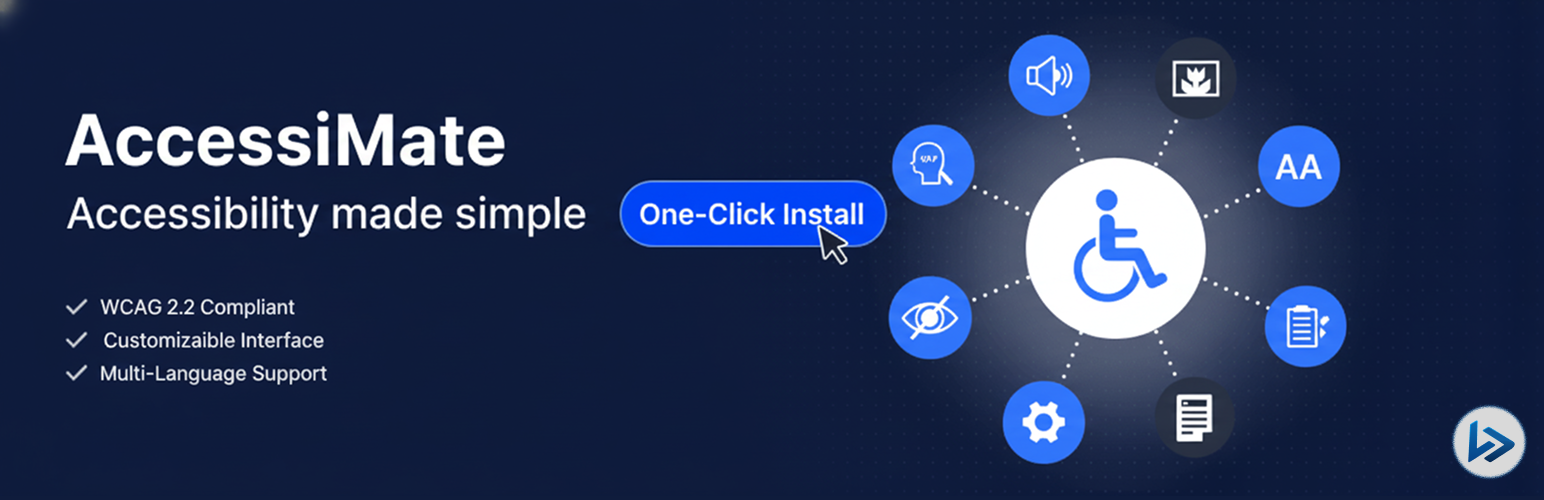
AccessiMate is a powerful WordPress accessibility plugin built to help website owners make their sites more inclusive for users with disabilities. It offers a comprehensive set of accessibility tools and features to support WCAG 2.1 AA guidelines and enhance overall usability—ensuring your website meets modern accessibility standards.
🗝️ Key Features
Accessibility Toolbar: Fully customizable frontend toolbar with options for position, animation, and theme
Toolbar Position & Animation: Choose toolbar placement (e.g., bottom left) and animation style (e.g., slide left)
Bigger Text: Increase text size for better readability
Cursor Enhancements: Improve cursor visibility for users with visual challenges
Line Height Adjustment: Adjust line spacing to reduce text clutter
Letter Spacing Control: Increase spacing between letters for clarity
Readable Font: Use a clean, legible font for easier reading
Dyslexic-Friendly Font (Beta): Enable a font designed to aid dyslexic users
Text Alignment Control: Adjust text alignment for better legibility
Text Magnifier (Beta): Magnify text on hover or focus for better visibility
Highlight Links: Highlight all links on the page for quick identification
Invert Colors: Invert website colors to reduce eye strain
Brightness Control: Adjust screen brightness for comfort
Contrast Adjustment (Beta): Improve content visibility with contrast controls
High Contrast Mode: Toggle high contrast colors for better visibility
Grayscale Mode: Convert content to grayscale for focus
Saturation Adjustment (Beta): Adjust color saturation to reduce visual overload
Reading Line: Display a horizontal line to follow text while reading
Reading Mask: Dim parts of the screen to focus on text
Highlight All Content: Highlight all page content for visual tracking
Highlight Titles (Beta): Emphasize headings and titles for easier navigation
Hide Images: Hide images to reduce distractions
Text-to-Speech (Beta): AI-powered reading of text for visually impaired users
Mute Sounds (Beta): Silence all site audio for a quieter experience
Stop Animations: Stop moving elements to prevent distractions
Keyboard Navigation (Beta): Highlight elements during keyboard navigation
Enhanced Focus Indicators: Improve keyboard navigation visibility
Skip Links: Add skip-to-content links for keyboard users
AI Accessibility Tools: AI-powered content scanning, text simplification, and alt text generation for images
Accessibility Standards
WCAG 2.1 AA compliance
Section 508 compliance
ADA compliance
EN 301 549 compliance
User-Friendly
Easy-to-use admin interface
Customizable toolbar positions
User preference persistence
Responsive design
Translation ready
⭐ See What Our Users Have to Say
“AccessiMate is a fantastic tool for making WordPress websites more inclusive and usable for everyone. It’s clear that the plugin was built with care—integrating easily and offering real improvements to how content is navigated and experienced, especially for users with disabilities. We love how it brings accessibility forward without requiring deep technical knowledge. Whether you’re just starting or already managing a complex site, AccessiMate helps meet best practices efficiently and responsibly. A must-have for developers, marketers, and site owners committed to universal access.” ★★★★★ (allena391383pity70)
🛟 24/7 Support
Our support team is available 24/7 to ensure a smooth experience with the plugin—get quick, reliable help anytime you need it.
Privacy Policy
AccessiMate respects user privacy:
User accessibility preferences are stored locally in your database
AI features (when enabled) may send content to third-party services (OpenAI/Google)
No personal data is collected or transmitted without user consent
Session data is used only for preference persistence