內容簡介
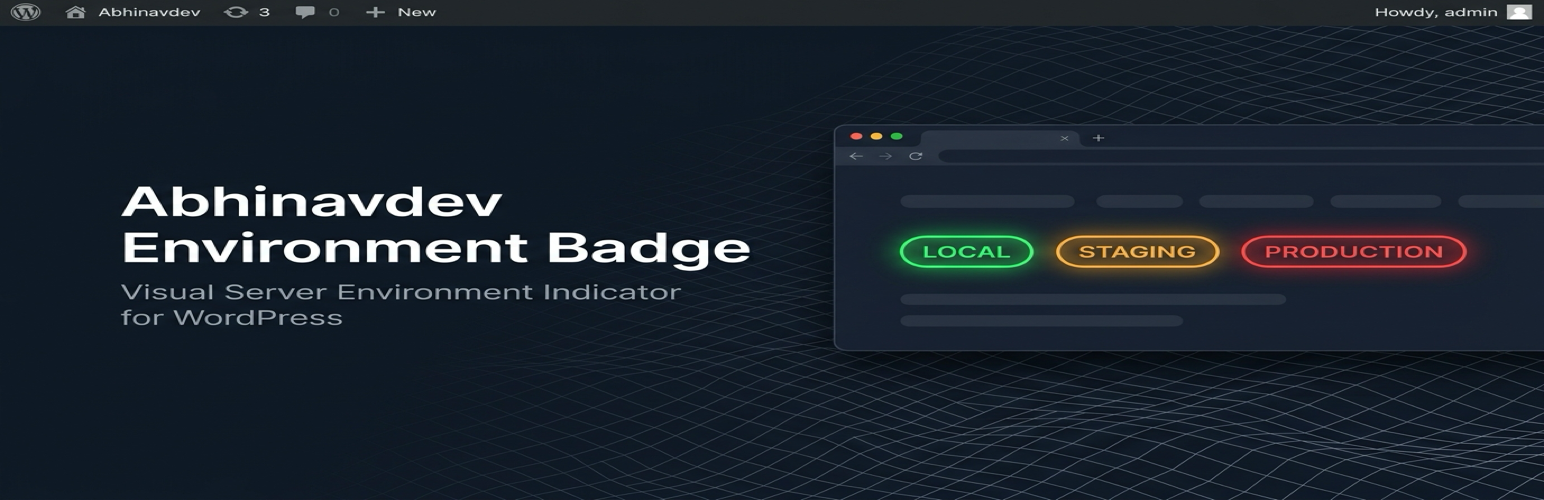
Abhinavdev Environment Badge 是一款輕量級的 WordPress 外掛,專為開發者、代理商團隊及網站擁有者設計。它能在後台和前台的 WordPress 工具列中顯示明顯的顏色標籤,幫助使用者辨識當前工作環境,降低在生產環境中誤操作的風險。
【主要功能】
• 智能環境檢測:自動識別當前環境類型
• 手動覆蓋與自訂標籤:可自定義環境標籤
• 自訂顏色調色盤:控制每個環境的背景與文字顏色
• 實時設定預覽:即時查看標籤更新
• 系統資訊下拉選單:顯示關鍵診斷資料
• 前端可見性選項:選擇管理員可見性
外掛標籤
開發者團隊
② 後台搜尋「Abhinavdev Environment Badge」→ 直接安裝(推薦)
原文外掛簡介
Abhinavdev Environment Badge is a lightweight, zero-bloat utility plugin created for WordPress developers, agency teams, and site owners.
Have you or your clients ever accidentally edited posts, deleted products, or updated theme options on a Live Production site believing you were safely working on a Staging or Local sandbox?
This plugin eliminates that risk by injecting an unmistakable, color-coded visual indicator directly into the top WordPress Toolbar (Admin Bar) on both backend and frontend.
Key Features
Intelligent Environment Detection: Automatically identifies your environment using native WordPress wp_get_environment_type(), WP_ENVIRONMENT_TYPE constants, or domain heuristics (localhost, .test, .local, staging.*).
Manual Override & Custom Labels: Need to specify a custom label like “Client UAT” or “Feature Branch”? Override detection with a single click.
Custom Color Palettes: Full control over background and text colors for each environment using native WordPress color pickers.
Live Settings Preview: See your badge update in real-time right inside the settings dashboard before saving.
System Info Dropdown: Hovering over the badge displays key diagnostic data: Active Environment, WordPress Version, PHP Version, and Host name.
Position Controls: Position the badge on the right or left of the admin bar.
Frontend Visibility Option: Choose whether logged-in administrators see the badge on the frontend or backend only.
100% Native & Lightweight: Zero third-party JavaScript libraries or external CDN dependencies. Clean CSS and native WordPress Settings API.