內容簡介
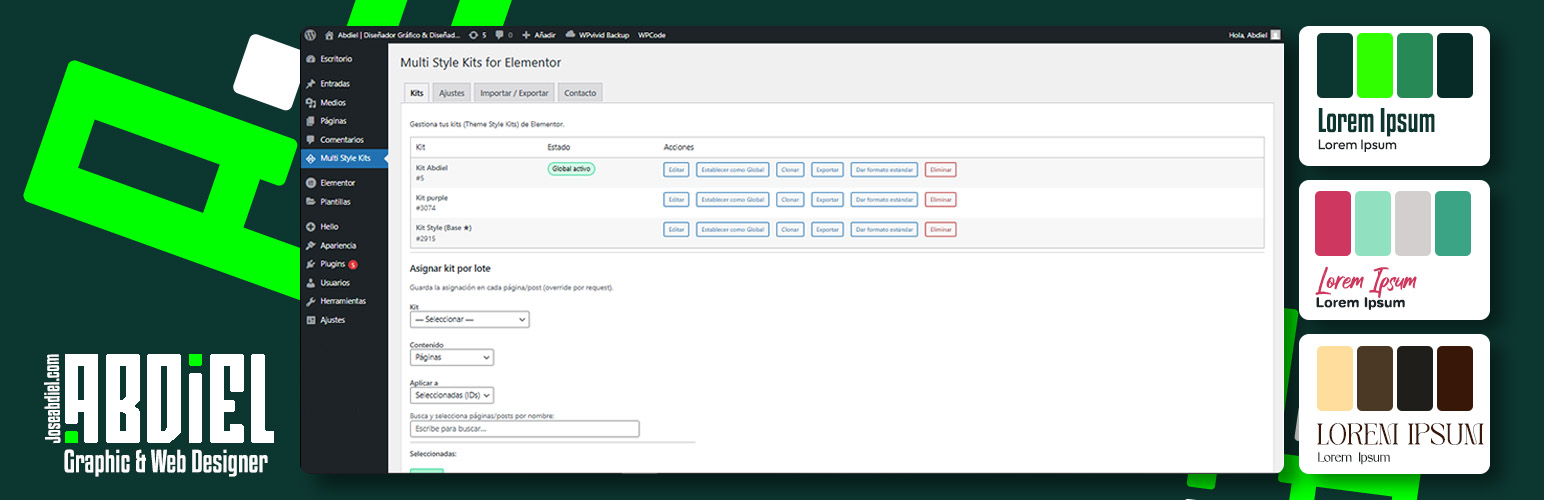
總結:Multi Style Kits for Elementor - Abdiel 讓您在同一個網站中擁有多個品牌風格板(Style Kits)的自由。此外,此外掛可解除 Elementor 對整個網站僅限一個全球風格板的限制,讓您自由調整顏色、字型和風格,同時保留原始風格。
1. 什麼是 Multi Style Kits for Elementor - Abdiel 外掛?
- 這款外掛允許您在同一個網站中創建多個風格板,讓您能夠自由調整顏色、字型和風格,而不會失去原始風格。
2. Multi Style Kits for Elementor - Abdiel 適合哪些情況使用?
- Landing Pages: 給特定的銷售頁面獨特的外觀,而不會影響首頁。
- A/B Testing: 快速交換設計系統以測試哪種轉換更好。
- Multi-Brand Sites: 為不同業務部門管理獨特的顏色調色板。
3. Multi Style Kits for Elementor - Abdiel 有哪些主要功能?
- 無限風格板:建立多個風格板。
- 每頁分配:從 Elementor 編輯器中直接為任何頁面指定特定風格板。
- 即時預覽:在保存更改之前查看風格板在您的頁面上的外觀。
- 批量分配:使用儀表板工具一次將風格板應用於多個頁面。
- 全局切換器:一鍵更改整個網站的默認外觀。
- 匯入/匯出:輕鬆在站點之間移動您的風格板。
外掛標籤
開發者團隊
② 後台搜尋「Multi Style Kits for Elementor – Abdiel」→ 直接安裝(推薦)
原文外掛簡介
Multi Style Kits for Elementor – Abdiel gives you the freedom to have multiple Brandboards (Style Kits) within the same website.
Elementor normally restricts you to one single Global Kit for the entire site.
This plugin breaks that limit, allowing you to play with colors, typography, and styles without losing your original identity.
You can have multiple “identities” living together on the same site.
It is perfect for:
* Landing Pages: Give a specific sales page a unique look without affecting your home page.
* A/B Testing: Quickly swap design systems to test what converts better.
* Multi-Brand Sites: Manage distinct color palettes for different sections of your business.
This plugin is free to use.
If you find it useful for your projects, consider supporting the development using the link in the sidebar!
Key Features
Unlimited Kits: Create as many Style Kits as you need.
Per-Page Assignment: Assign a specific kit to any page directly from the Elementor Editor.
Smart Context Awareness: Ensures styles don’t conflict between the Editor and the Frontend.
Bulk Assignment: Apply a kit to multiple pages at once using the dashboard tool.
Global Switcher: Change the default look of your entire site in one click.
Import / Export: Move your kits between sites easily.