內容簡介
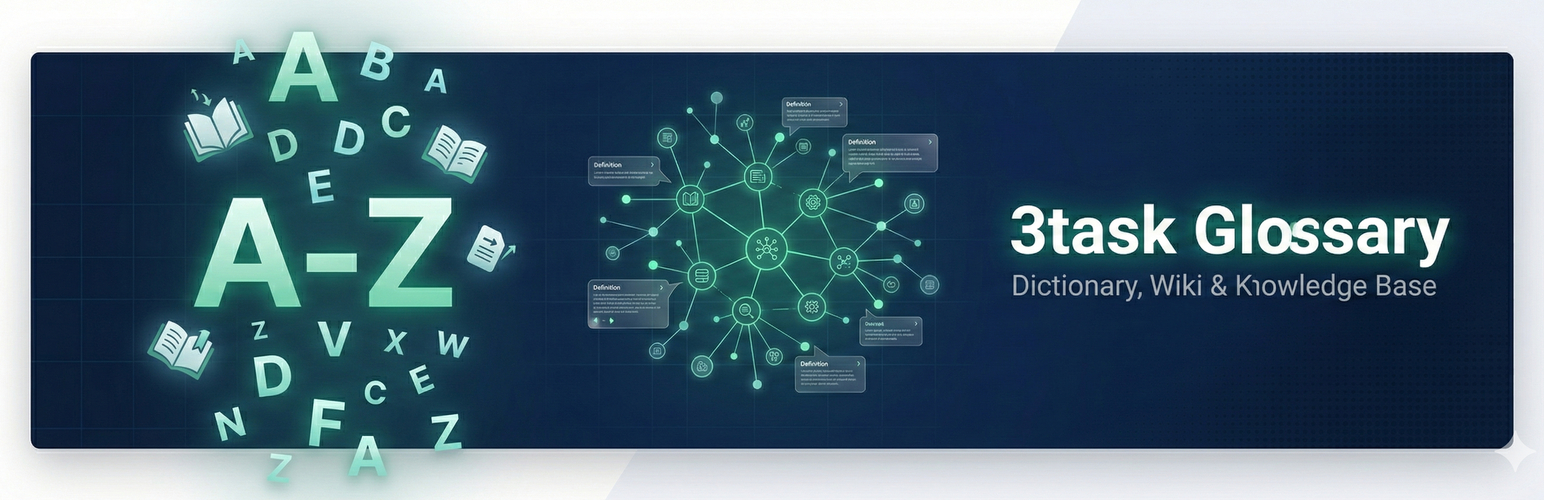
總結:3task Glossary 是一款協助您使用已熟悉的 WordPress 頁面階層來建立專業名詞解釋、字典、維基和知識庫的外掛。只需選擇一頁作為您的詞彙表,其子頁面將成為條目。
問題與答案:
1. 3task Glossary 最適合用於哪些場景?
- 答:適用於建立技術術語、行話、縮寫詞、字典、支援文件、百科全書式內容等場景。
2. 請說明如何操作此外掛?
- 答:首先創建一個 WordPress 頁面作為詞彙表,然後在其中添加子頁面作為每個條目。在外掛設置中啟用詞彙表後,您的詞彙表頁面將自動顯示 A-Z 導航和條目列表。
3. Pro 版本具備哪些高級功能?
- 答:Pro 版本提供 6 種顏色方案、3 種導航風格、站點範圍自動連結、工具提示、搜索功能、導入/導出功能、統計資料、短代碼等功能,並享有優先支援。
外掛標籤
開發者團隊
② 後台搜尋「3task Glossary – Dictionary, Wiki & Knowledge Base」→ 直接安裝(推薦)
原文外掛簡介
3task Glossary helps you create professional glossaries, dictionaries, wikis and knowledge bases using the WordPress page hierarchy you already know. No complex setup required – just select a page as your glossary, and its child pages become your entries.
Perfect for:
* Glossaries – Define technical terms, jargon, acronyms
* Dictionaries – Build word lists with definitions
* Knowledge Bases – Create support documentation
* Wikis – Organize encyclopedia-style content
* Lexicons – Academic and scientific term collections
How It Works
Create a WordPress page for your glossary (e.g., “Glossary”)
Add child pages under it for each entry (e.g., “API”, “Database”, “Widget”)
Activate the glossary in plugin settings
Your glossary page automatically shows A-Z navigation and entry list
Key Features
Uses WordPress Pages – No new post types, no database tables. Just pages.
A-Z Navigation – Beautiful alphabetical navigation with 2 styles (Buttons, Pills)
2 Color Schemes – Emerald (green) and Slate (neutral gray)
Dark Mode Support – Auto (system), Light, or Dark mode
German Umlaut Support – Proper handling of Ä, Ö, Ü, ß
Auto-Linking – Automatically link glossary terms within your glossary pages
Responsive Design – Works perfectly on all devices
Lightweight – No bloat, fast loading, SEO-friendly structure
Multi-Language Ready – Works with RTL languages, Hebrew, Arabic, Greek
Pro Version Features
Upgrade to 3task Glossary Pro for advanced features:
🚀 SITE-WIDE AUTO-LINKING (SEO Power Feature!)
The #1 reason to upgrade: Automatically link glossary terms across your ENTIRE website – not just on glossary pages! Every blog post, every page, every custom post type. One glossary term mentioned? Automatic link. Massive internal linking boost for SEO.
Site-Wide Auto-Linking – Link glossary terms across ALL posts and pages automatically
5 Tooltip Themes – Show definitions on hover (Light, Dark, Gradient, Minimal, Bordered)
AJAX Live Search – Visitors find terms instantly while typing
AI Definition Generator – Generate definitions with OpenAI, Claude or Gemini (BYOK)
Synonyms – Link multiple terms (AI, KI, Artificial Intelligence) to one entry
CSV Import/Export – Bulk create hundreds of entries, backup your glossary
6 Color Schemes – Emerald, Ocean, Sunset, Berry, Slate + Custom colors
Schema.org SEO – DefinedTermSet markup for better search visibility
Priority Support – Email support with fast response
Upgrade to Pro
Developer Notes
Filters
azgl_max_glossaries – Override maximum glossaries limit
azgl_max_entries – Override maximum entries limit
azgl_color_schemes – Add custom color schemes
azgl_nav_styles – Add custom navigation styles
Actions
azgl_before_glossary – Before glossary output
azgl_after_glossary – After glossary output
azgl_before_navigation – Before navigation output
azgl_after_navigation – After navigation output
CSS Classes
.azgl-nav – Navigation container
.azgl-entries – Entries container
.azgl-section – Letter section
.azgl-letter – Letter heading
.azgl-list – Entry list
.azgl-item – Entry item
.glossary-term – Auto-linked term
About 3task.de
3task Glossary is developed by 3task.de, specialists in WordPress plugin development. We create focused, lightweight tools that solve real problems.
Visit 3task.de
Support
Free Version:
* WordPress.org Support Forum
* Built-in Help tab in plugin settings
Pro Version:
* Priority email support
* 24-hour response time
* Custom development available
Get Pro Support