內容簡介
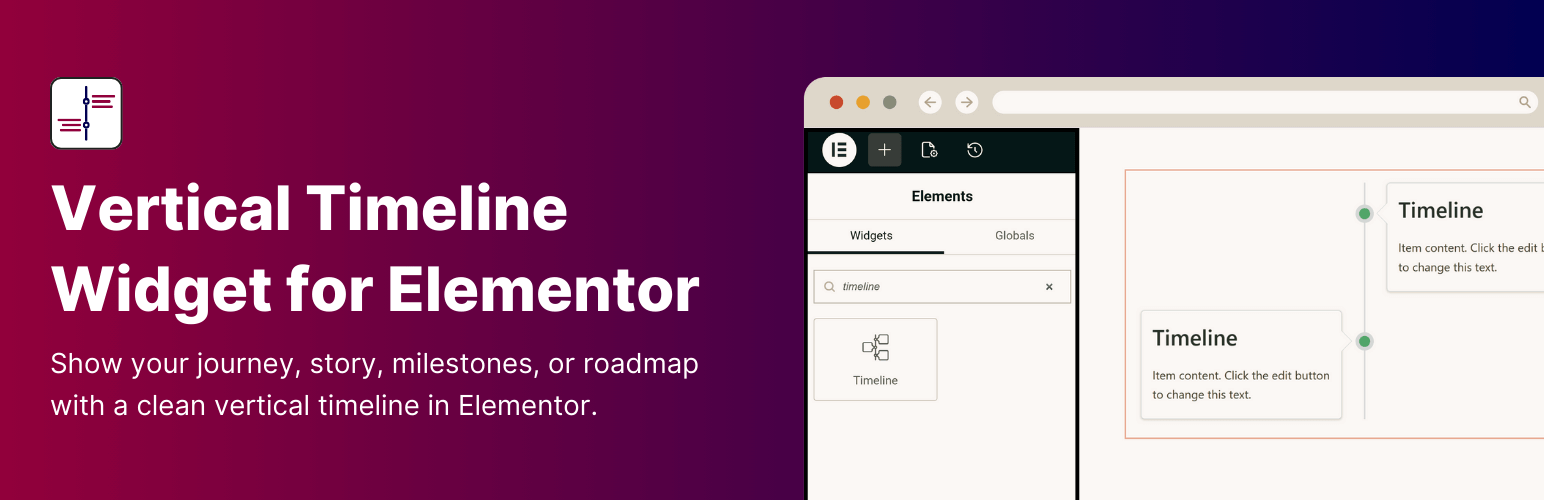
Vertical Timeline Widget for Elementor 是一款強大的外掛,幫助您在 Elementor 編輯器中以垂直時間軸的形式展示公司歷史、成就、個人旅程和里程碑,無需撰寫任何程式碼即可輕鬆拖放和自訂時間軸故事。
【主要功能】
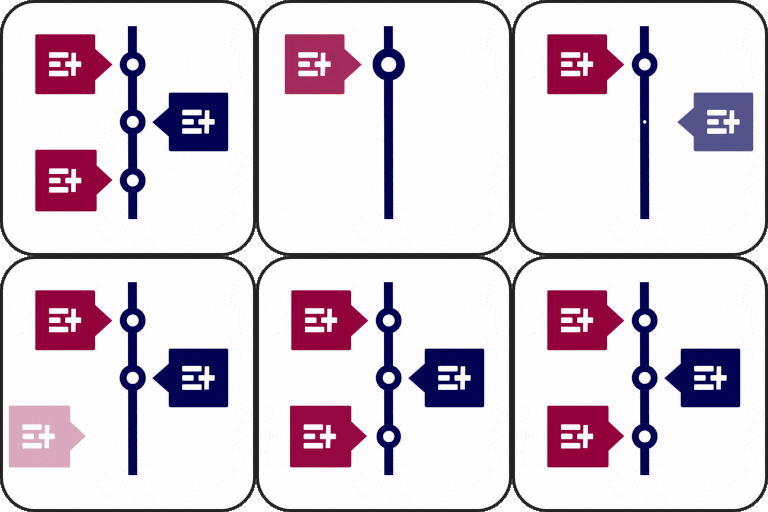
• 垂直時間軸佈局:單側或雙側顯示故事
• 添加圖片:透過互動圖片講述故事
• 時間軸自訂:自訂顏色、字型、圖示等
• 故事方向:選擇故事在時間軸中的流向
• 與所有佈景主題相容:完全相容於所有 WordPress 佈景主題
• 完全響應式:在所有螢幕尺寸上完美顯示
外掛標籤
開發者團隊
② 後台搜尋「Vertical Timeline Widget for Elementor」→ 直接安裝(推薦)
原文外掛簡介
Vertical Timeline Widget for Elementor is a powerful plugin that helps you showcase your company history, achievements, personal journey, milestones, and more in a vertical timeline layout, directly inside the Elementor editor.
Simply drag, drop, and customize your timeline stories without writing a single line of code.
Key Features
Vertical Timeline Layouts: Display your timeline in a one-sided or both-sided vertical layout that alternates stories on the left and right side.
Add Images: Visually tell your timeline story by adding interactive images.
Timeline Customization: Customize your timeline’s colors, typography, icons, spacing, and more directly inside Elementor.
Story Direction: Choose how stories flow in the vertical timeline to match your content structure.
Compatible with all WordPress Themes: Vertical Timeline widget plugin is fully compatible with all WordPress themes.
Fully Responsive: This plugin is fully responsive, ensuring that your timeline displays perfectly on all screen sizes.
Check Demos
Upgrade to Pro Version
You have to upgrade to Timeline Widget Pro to unlock more advanced features like:
* Layout Options: Choose from Vertical, Horizontal, and more timeline layouts to match your design needs.
* Advanced Style Settings: Easily adjust text size, fonts, and colors for each story in your timeline.
* Image/Video/Slideshow: Add images, videos, or slideshows to your timeline.
* Ajax Load More: Load more stories as users scroll down the timeline.
* Story Migration: You can easily migrate all your existing timeline stories to Timeline Widget Pro for Elementor without any data loss.
Check our other plugins demos
Cool Timeline: Display your company’s history, product roadmaps, personal stories, or key events using the built-in block or via simple shortcode. View Demo
Timeline Block For Gutenberg: Create interactive timelines directly within the WordPress Block Editor to display step-by-step tutorials, a company’s history, and a product roadmap. View Demo
Timeline Module Pro For Divi: Showcase your personal story or company history using stunning vertical or horizontal timelines directly inside the Divi Builder. View Demo