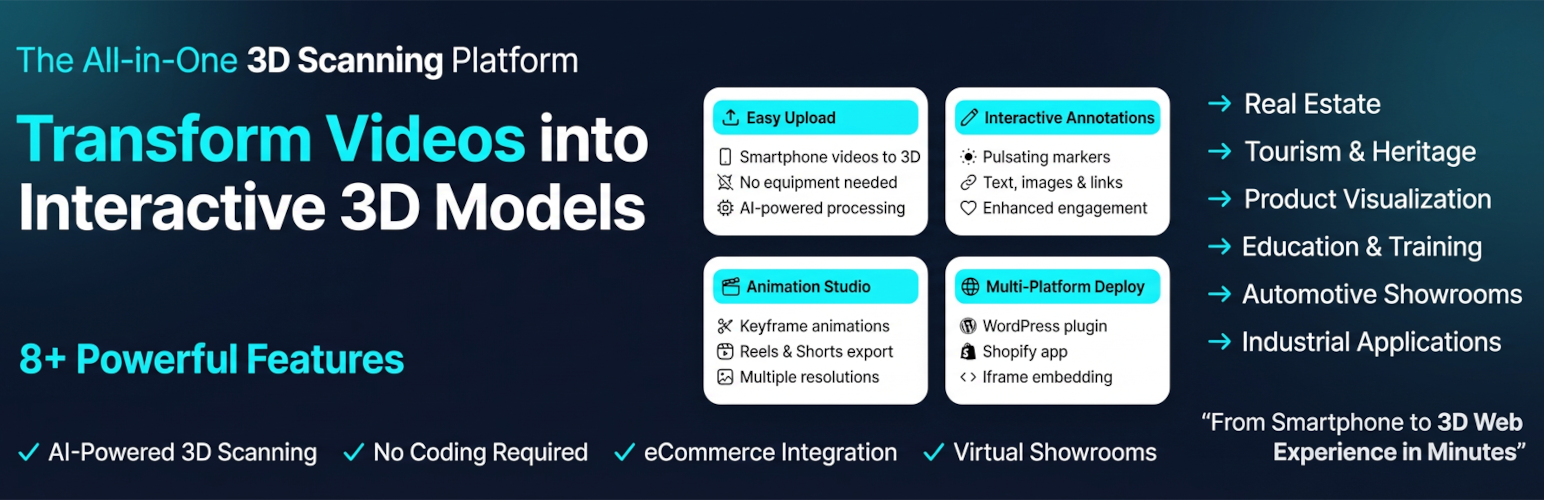
內容簡介
總結:通過交互式3D模型,從簡單的智能手機視頻創建的,讓客戶能夠從各個角度檢查物品,照片無法展示產品的特點。AI將您的智能手機錄像轉換為可嵌入的3D視圖,減少退貨並提升買家信心。與任何WooCommerce-powered WordPress網站完美集成。
問題:
1. 這個外掛的主要功能是什麼?
2. 如何可以將智能手機視頻轉換為3D模型?
3. 哪些類型的商店最適合使用這個外掛?
4. 描述與Scan the World平台連接的步驟?
5. 這個外掛需要連接到Scan the World平台,它提供哪些服務?
6. 如果想了解Scan the World平台的條款和隱私政策,應該去哪裡查看?
外掛標籤
開發者團隊
② 後台搜尋「3D Scan & Show: Product Viewer」→ 直接安裝(推薦)
原文外掛簡介
Show your products and spaces in 3D. No code needed.
Turn regular videos or photos into interactive 3D models that people can spin, zoom, and explore on your website.
What Visitors Can Do
Spin products around – See every angle, not just staged photos
Zoom into details – Check textures, finishes, fine print
Walk through spaces – Virtual tours of properties, stores, venues
Click info points – Tap annotations to reveal details, images, links
What You Can Do
Upload phone videos/photos – Our AI turns them into 3D models
Pick from your library – Connect your Scan the World account, choose models from your dashboard to display
Add to any page – Click, select your model, done
Annotate key features – Drop markers anywhere on the model
Create video tours – Export for Instagram Reels, YouTube Shorts
Zero coding. Just point, click, publish.
Who Uses This?
Online Stores – Jewelry, furniture, collectibles, anything where details matter
Real Estate Agents – Property walkthroughs without scheduling showings
Tourism Sites – Preview hotels, attractions, venues
Museums – Display artifacts people can examine closely
Interior Designers – Show off completed projects
How It Actually Works
Log into your Scan the World account (sign up free if you don’t have one)
Upload photos/videos of whatever you want to show in 3D
Our platform creates the model (usually takes a few minutes)
On WordPress, add a block and select which model to display
It appears on your page
That’s it. No embed codes to copy-paste. No iframes to wrestle with. Just browse your models and insert them.
Why People Love This
Regular product photos hide flaws and don’t show scale. People guess. Then they return stuff.
3D models? They see exactly what they’re getting. They rotate it. Zoom in. Check detail.
Result: Fewer “this isn’t what I expected” returns and more confident buyers!
Technical Stuff (Don’t Worry About It)
Works on phones, tablets, desktops. Loads fast. Looks smooth. Integrates with Shopify too if you sell there.