外掛標籤
開發者團隊
② 後台搜尋「1pay.cx Payments for WooCommerce」→ 直接安裝(推薦)
原文外掛簡介
Accept cards and crypto in your WooCommerce store with 1pay.cx.
An alternative payment gateway for merchants, including eligible high-risk businesses. No business verification is required to get started, subject to our Acceptable Use Policy.
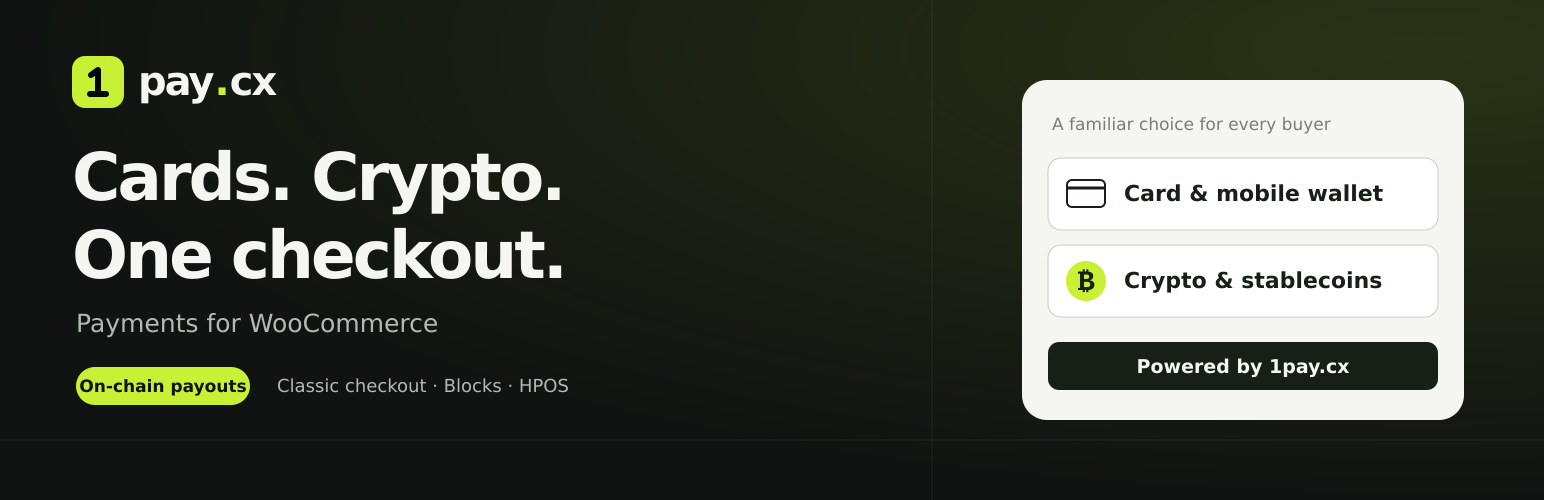
Offer hosted checkout with Visa, Mastercard, supported mobile wallets, Bitcoin, Litecoin, Monero and stablecoins. Available methods depend on the buyer and your account settings. Orders are marked paid automatically after verification.
Card payments settle on-chain to your configured wallet. Crypto payments are credited to your 1pay.cx balance for withdrawal. The plugin is free; transaction fees apply.
Features
Accept cards and supported mobile wallets through a hosted checkout.
Accept Bitcoin, Litecoin, Monero and supported stablecoins from crypto wallets.
Start with a 1pay.cx account and API key; no business verification is required to get started, subject to the service’s acceptable-use policy.
On-chain card settlement to your configured payout wallet and asset.
A flat 1% service fee for crypto payments; see the fee information below for cards.
Automatic WooCommerce order updates after a signed payment notification and a separate payment-status check with 1pay.cx.
Supports both classic and block-based WooCommerce checkout.
Compatible with WooCommerce High-Performance Order Storage (HPOS).
Uses your WooCommerce order amount, currency, billing email and order reference.
Customize the payment-method title and description shown at checkout.
Optional direct card checkout for stores that want to skip the card-or-crypto selection page.
Test with a 1pay.cx test API key before accepting live payments.
Payment references and confirmation notes are stored on the WooCommerce order.
Card details are entered on the hosted payment-provider page and never pass through your WordPress server.