
內容簡介
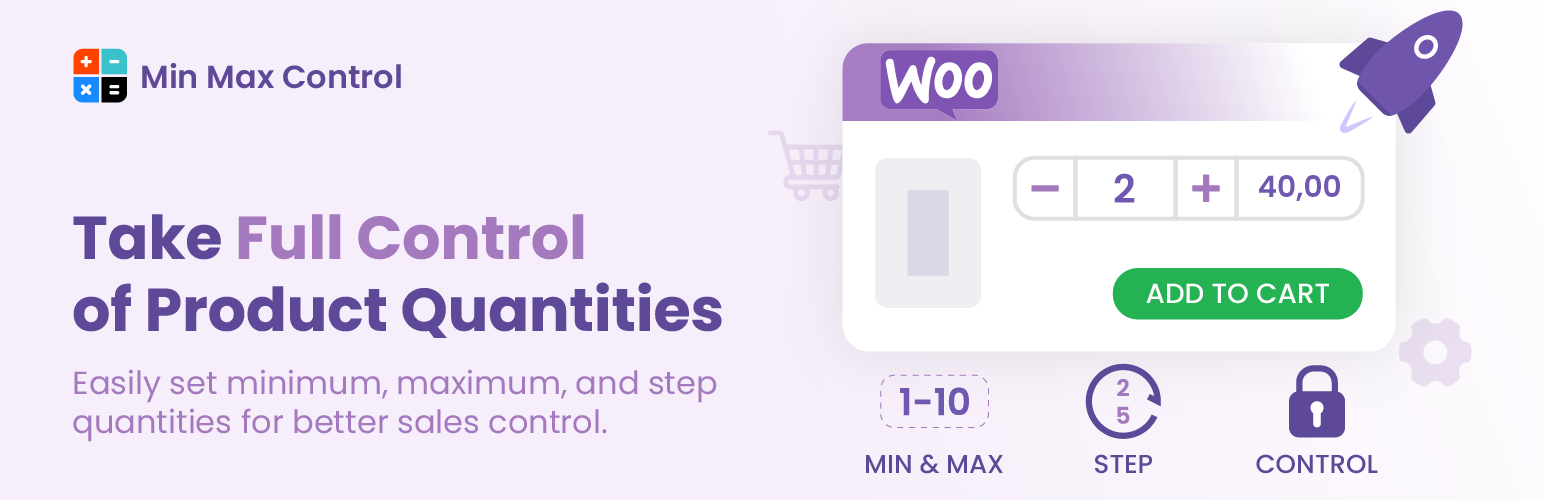
Min Max Quantity & Step Control for WooCommerce 外掛提供設定產品的以下選項:
🎉 最小數量
🎉 最大數量
🎉 數量步進值
🎉 預設數量
您可以全域性地設定所有產品的值。所有產品都將應用相同的數量值。
您還可以按類別設定值。在這種情況下,最小值、最大值和步進值僅適用於所選類別。
此外,您還可以為每個產品個別設定值。產品標籤值將覆蓋全域性和類別值。
前往 WooCommerce->Min Max Step Quantity
有用的鏈接:
官方網站
演示
文檔
購買進階版本
🔅 在整個商店中設置全域條件
🔅 類別的全域條件
🔅 在特定類別上設置條件
🔅 標籤的全域條件
🔅 個別產品設定值
🔅 將價格乘以數量
🔅 小數數量
🔅 在每個變化上設置值
🔅 設置購物車頁面條件
🔅 在購物車頁面上排除/包含產品
🏆 Min Max Quantity & Step Control Plugin for WooCommerce 是世界第一最成功的 WordPress 最小最大數量 & 步進控制外掛,擁有安裝最多的活躍用戶。
Min Max Quantity & Step Control Plugin 已獲得 5 (⭐⭐⭐⭐⭐) 的評價。讓我們看看我們的用戶說了什麼:
🎉 “易於使用且完美運作。”
🎉 “運作完美,支援夢幻。”
🎉 “很棒的外掛和更好的支援”
🎉 “超級快速和有幫助。謝謝!”
🎉 “最適合 WooCommerce 的 Min Max Quantity & Step Control 插件”
🥇🥇🥇 我們自豪認識的人的成功故事:
👨 “星期天下午提交了一個票後,最後一件我預期的事情是一個耐心和專業的 Fazle Bari 幾乎立即回應。他協助我解決問題。並在幾乎沒有時間解決問題。Min Max Step 是一個方便的插件,支援也非常好。再次感謝 Fazel。”
👣主要功能的關鍵:
👉 為所有產品全域性地設置最小和最大數量和步進值。
👉 按類別、標籤或分類法設置最小和最大數量和步進值的條件。
👉 設置產品數量步進值(每個項目)及其它。
外掛標籤
開發者團隊
② 後台搜尋「Min Max Control – Min Max Quantity & Step Control for WooCommerce」→ 直接安裝(推薦)
📦 歷史版本下載
原文外掛簡介
Doc | Demo | Get Premium
Min Max Control(Min Max Quantity & Step Control for WooCommerce) plugin offers to set product’s
🎉 Minimum Quantity
🎉 Maximum Quantity
🎉 Step Quantity
🎉 WPML supported
🎉 Cart Page Quantity (Premium)
🎉 Category wise cart page Condition (Premium)
🎉 Category wise cart page Condition (Premium)
🎉 Stock Manage – Bulk Edit
🎉 Min Max Step Manage – Bulk Edit
🎉 Default Quantity [To enable: add_filter('wcmmq_default_qty_option', '__return_true'); ]
You can set values for all products globally. The same values will apply to all products.
You can set values by category. In this case, min, max, and step values will apply only to the chosen categories.
Also, you can set values for each product individually. Product label values will override global and category values.
Go to Dashboard -> Min Max Control menu
Useful Links
Offical Site
Demo
Documentation
Purchase Premium Version
Useful Hook
wcmmq_custom_validation_msg: To modify custom validation for your browser, use add_filter('wcmmq_custom_validation_msg', '__return_true');
Example Hook
add_filter(‘wcmmq_single_product_min_max_condition’,’wcmmq_custom_handle_args’, 10, 3);
function wcmmq_custom_handle_args( $args, $product, $Min_Max_Controller )
{
//You can control based on $product or $Min_Max_Controller or existing $args
return $args;
}
Example for Custom Validation Message
add_filter( ‘wcmmq_custom_validation_msg’, ‘__return_true’ );
🔅 Set Global Condition on Whole Shop
🔅 Global Condition On Categories
🔅 Set Conditions To A Specific Category (Premium)
🔅 Global Condition On Tag (Premium)
🔅 Set Values To The Product Individually
🔅 Multiply Price By Quantity (Premium)
🔅 Decimal Quantity (Premium)
🔅 Set values on each variation (Premium)
🔅 Set Conditions On Cart Page (Premium)
🔅 Exclude/Include Products On Cart Page (Premium)
🏆 World #1 WordPress Minimum Maximum Quantity & Step Control Plugin for WooCommerce. Most active and installed plugins than others.
Min Max Quantity & Step Control Plugin Has Received 5 (⭐⭐⭐⭐⭐ ) Reviews. Let’s See What Our Users Said:
🎉 “Easy to use and works perfect.”
🎉 “Working perfect, fantasstic support.”
🎉 “Awesome plugin and even better support”
🎉 “Super quick and helpful. Thank you!”
🎉 “Best Min Max Quantity & Step Control plugin for WooCommerce”
🥇🥇🥇Success Stories of People We Are Proud to Know :
👨 “After submitting a ticket late on a Sunday afternoon. The last thing I expected was an almost immediate response from a patient and professional Fazle Bari. He assisted me with my issue. and resolved it in almost no time at all.Min Max Step is a handy plugging & the support is great.thanks again Fazel.”
👣 KEY OF MAIN FEATURES
👉 Set minimum and maximum quantity and Steps for all products globally.
👉 Set minimum and maximum quantity and Steps conditions by categories,tags or taxonomy.
👉 Set product quantity step (per item or globally quantity step).
👉 Set product default quantity for all store products.
👉 Set a different minimum/maximum quantity for each variation
👉 Set decimal quantities in your store.
👉 Set minimum/maximum amount restriction on the cart total.
👉 Set different messages of the minimum/maximum quantity restriction.
🚩 FEATURES OF GLOBAL CONDITIONS:
👉 Set global values for the whole shop. This condition will apply to all products. Click here
👉 Set conditions category-wise. Click here
🚩 FEATURES OF SET CONDITIONS ON SINGLE PRODUCT
🔅 You can set values for each product individually.
👉 Demo
👉 Documentations
🔅 You can increase or decrease a product’s quantity on the single product page, and the price will increase or decrease in accordance with the quantity.
👉 Demo
👉 Documentations
🔅 You can set a decimal quantity For your products with the help of our plugin.
👉 Demo
👉 Documentations
🔅 You can set values for every variation of a single product
👉 Demo
👉 Documentations
🚩 FEATURES OF VARIABLE PRODUCT QUANTITY
–> Set minimum variable product order quantities (cart total minimum quantity or per item minimum quantity).
–> Set maximum variable product order quantities (cart total maximum quantity or per item maximum quantity).
👉 CLICK HERE TO LEARN MORE 👈
🚩 FEATURES OF TAXONOMY:
–> You can set conditions for a specific category. Click here
–> You can set conditions for a specific Tag. Click here
🚩 FEATURES OF CONDITIONS SET ON CART PAGE (PRO)
–> Set a minimum and maximum order quantity required to checkout. Click here
–> Set a minimum and maximum price for purchasing products. Click here(
–> Exclude/Include Products On Cart Page. Click here
🚩 MORE OPTIONS AND FLEXIBILITY IN CUSTOMIZING
🔅 You can customize the MESSAGE seen by your customer.
👉 Minimum Quantity Validation Message.
👉 Maximum Quantity Validation Message.
👉 Maximum Quantity Validation Message.
👉 Minimum Quantity message for shop page.
👉 Step validation error message.
💥PREMIUM VERSION DO MORE💥
👉 Set conditions category wise.
👉 Set a minimum and maximum order quantity and price conditions on the cart page.
👉You can set or remove Cart Page conditions by Exclude/Include Products options.
👉 When you change the quantity of a product on the single product page, you’ll notice that the price doesn’t change as you change the quantity. You can do it by the pro version with our Multiply Price By Quantity option.
👉 You can customize the CART PAGE NOTICES seen by your customer.
--> Cart Minimum Price Validation Message.
--> Cart Maximum Price Validation Message.
--> Cart Minimum Quantity Validation Message.
--> Cart Maximum Quantity Validation Message.
👉 You can add QUANTITY PREFIX/SUFFIX . Show it after and before the quantity. (Example: Per Order $10 KG). Click here
👉 Purchase Premium Version 👈
🚩FAST, SECURE AND EASY 🚩
*With a Min Max Quantity & Step Control, you can be confident that your business processes will go quickly and easily. User-friendly and adaptable to all popular themes.
Translation
French (Français) – fr_FR
Bengali (বাংলা) – bn_BD
Russian (Русский) – ru_RU
Ukrainian(Українська) – uk
Spanish(Español) – es_ES
🔅OUR OTHER FREE WOOCOMMERCE PLUGINS🔅
Product Table for WooCommerce (wooproducttable)
UltraAddons Elementor Lite (Header & Footer Builder, Menu Builder, Cart Icon, Shortcode)
Quantity Plus Minus Button for WooCommerce
Add to Cart Text Changer and Customize Button, Add Custom Icon
👷 HONORABLE CONTRIBUTOR – GitHub 👷
codersaiful (161 commits 22,681 ++ 5,794 — And Pro: 50+ commits )
unikforceit (14 commits 315 ++ And Pro: 10+ commits )
fazlebarisn (9 commits 71 ++ And Pro: 10+ commits )
mdibrahimk48 (8 commits 20 ++ And Pro: 10+ commits )
rafiul (7 commits 1,718 ++ )
zbandhan (1 commits )
👉 You can join here
🥇 CONTRIBUTE 🥇
You are welcome to contribute to this project. Join with us Fork Github repository. If you contribute 1 commit, We will add your name to our plugin’s Contributor table/list of WordPress Plugin too.