
內容簡介
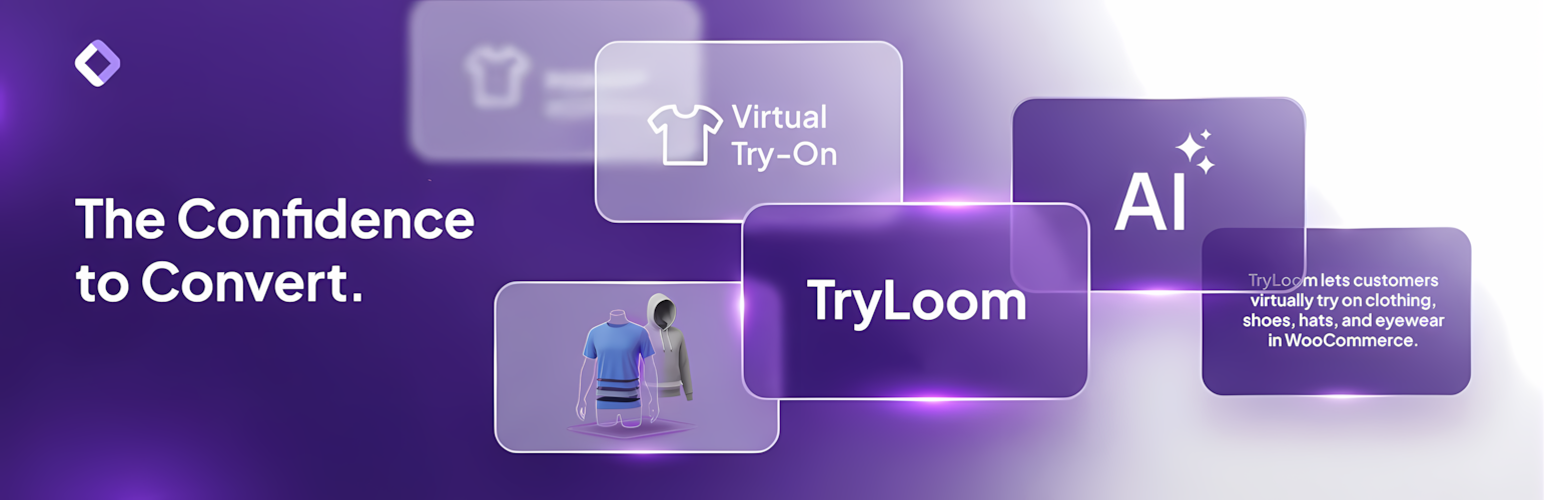
TryLoom 是一款專為 WooCommerce 設計的 AI 虛擬試穿工具,能夠幫助顧客在專業虛擬工作室中試穿產品,提升購買信心,並提供高品質的時尚照片。
【主要功能】
• 智能自動路由:根據上傳照片自動切換模式
• 雙核心 AI 引擎:提供專業工作室與真實試穿體驗
• 生成式身體重建:修復缺失的身體部位
• 快速雲端處理:確保網站速度不受影響
• 無限產品支援:適用於整個產品目錄
外掛標籤
開發者團隊
② 後台搜尋「TryLoom – AI Virtual Try On for WooCommerce」→ 直接安裝(推薦)
原文外掛簡介
GIVE YOUR CUSTOMERS THE “MODEL” EXPERIENCE.
TryLoom is not just a try-on tool; it is an AI Fashion Studio built directly into your WooCommerce store.
Most customers take photos in bad lighting with messy backgrounds (bedrooms, bathrooms, etc.). TryLoom fixes this.
Our advanced Generative AI takes your customer’s photo, dresses them in your product, and transports them into a professional virtual studio.
The result? A high-end, consistent, and beautiful fashion photo that gives them the confidence to buy.
🟣 WHY STORE OWNERS CHOOSE TRYLOOM?
Zero 3D Models: Works with your standard flat-lay product images. No expensive 3D assets needed.
Best of Both Worlds: The only plugin that offers both Generative AI (for style & viral social content) and Strict Try-On (for accurate fit & realism).
One-Click Setup: Install, connect, and go. No complex configuration or developer knowledge required.
Boost Confidence: Help customers visualize the “vibe” and style of the product on themselves instantly.
* Unlimited Products: TryLoom works on your entire catalog instantly, even on the free plan.
🟣 POWERFUL FEATURES
Smart Auto-Routing
Our proprietary “AI Brain” analyzes every uploaded user photo. If it’s a selfie, it routes to Studio Mode to reconstruct the body. If it’s a full-body shot, it routes to Try-On Mode for maximum accuracy.
Dual-Core AI Engine
Studio Mode: Automatically fixes bad lighting, reconstructs missing body parts, and places the user in a pro photo studio.
Try-On Mode: Preserves the user’s original background and pose with 100% face consistency for a realistic “Fitting Room” experience.
Generative Body Reconstruction
Customer uploaded a tight headshot? No problem. Our AI “paints in” the missing body parts so they can still see how the t-shirt or dress looks on them.
Fast Cloud Processing
All heavy GPU tasks happen on our secure cloud servers, ensuring your website speed stays lightning fast (100% optimized for Core Web Vitals).
Mobile Optimized Widget
A sleek, responsive popup designed for the “TikTok Generation.” Works perfectly on iPhone and Android devices.
Fully Customizable
Match your brand identity perfectly. Change button colors, text, and position (Before/After Add to Cart) directly from your dashboard settings.
Usage Analytics
Track which products are getting “tried on” the most directly from your WordPress dashboard to understand customer intent and stock demand.
🟣 PERFECT FOR EVERY FASHION STORE
Apparel Brands: T-shirts, Hoodies, Jackets, Coats.
Boutiques: Dresses, Skirts, Blouses, Tops.
Streetwear: Oversized fits, Graphic Tees.
Accessories: Hats, Caps, Shoes.
🟣 SAAS CONNECTION
This plugin acts as a connector to the TryLoom Cloud Platform.
Because AI image generation requires immense computing power, it cannot run directly on your WordPress hosting. Instead, we process images on our specialized cloud GPUs.
* A valid API connection (free or paid) is required for the plugin to function.
* Start for Free: The plugin includes a free tier so you can test the magic immediately. No credit card required for the free trial.
Support
For support, visit Official Support or open an issue on the WordPress plugin forum.
Privacy
This plugin handles user-uploaded images with care.
Images are processed via a secure API and stored only as configured.
Ensure your site’s privacy policy covers image uploads and processing.
The plugin does not share data with third parties beyond the API used for generation.
External Services (API)
This plugin relies on the TryLoom Cloud Platform (maintained by ToolTeek) to function.
Because AI image generation requires significant computational resources, it cannot run directly on your WordPress hosting environment. Instead, user images and product data are sent to our secure cloud infrastructure for processing and the result is returned to your site.
Service: TryLoom Cloud API & Status Check
Hosts: * us-central1-tryloombytoolteek.cloudfunctions.net (Image Generation)
status-pdpuoxmr2a-uc.a.run.app (Service Status & Usage)
Used For: Authenticating the API connection, checking plan usage/status, and performing AI image generation.
Data Sent: Site URL, API credentials, product ID, product image, and the user’s uploaded photo.
Privacy Policy: https://gettryloom.com/privacy-policy/
Terms and Conditions: https://gettryloom.com/terms-and-conditions/
Credits
Developed by ToolTeek.
Icons from Font Awesome (MIT/SIL OFL/CC BY 4.0 Licensed).
Powered by the TryLoom API.