內容簡介
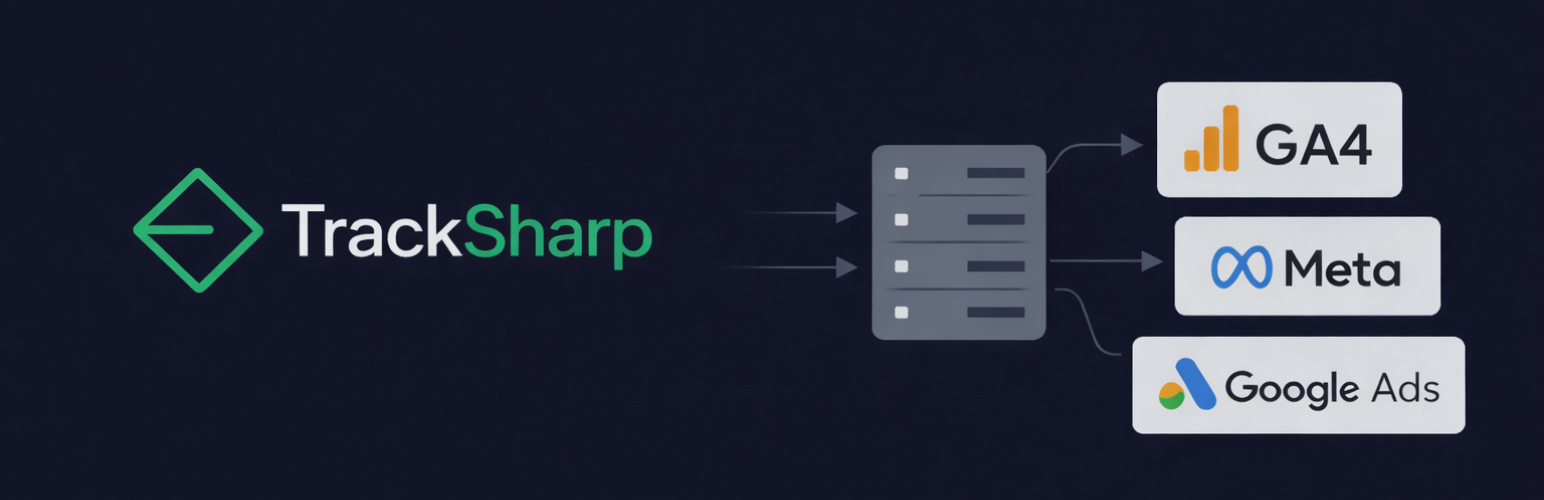
TrackSharp 是一款專為 WooCommerce 設計的伺服器端 GA4 追蹤外掛,透過第一方伺服器端事件傳送,解決瀏覽器端追蹤被廣告封鎖器、IOS 隱私設定阻擋而導致購買轉換數據遺漏的問題,無需 GTM 伺服器容器或額外雲端費用。
【主要功能】
• 伺服器端 GA4 購買事件追蹤,繞過廣告封鎖器
• 歸因稽核儀表板,診斷歷史訂單數據遺漏
• Google Ads 盲點偵測,辨識遺漏的 gclid 訂單
• Meta Pixel 健康監控,檢查像素是否被封鎖
• 原生 WooCommerce 整合,監聽內部訂單掛勾
• 五分鐘快速設定,無需撰寫程式碼
外掛標籤
開發者團隊
② 後台搜尋「TrackSharp: Server-Side GA4 Tracking + Attribution Audit for WooCommerce」→ 直接安裝(推薦)
原文外掛簡介
Improve purchase conversion tracking accuracy for WooCommerce with native server-side tracking.
Browser-based tracking is blocked by modern privacy settings (ITP), ad blockers, and consent choices. This leads to missing purchase conversions in GA4 and incomplete ad reporting.
TrackSharp adds a reliable, first-party server-side tracking layer. It ensures your most important event — Purchase — is recorded in GA4 even when browser tags fail.
No GTM server container. No Google Cloud costs. No complex coding.
“We previously used Google Tag Manager, but browser blocking still caused us to miss up to 40% of our conversions. With TrackSharp, our data is finally 100% accurate without us needing to change a thing.”
Jordi — Online Marketer at Hbeds.nl
What Problem We Solve
Most store owners don’t know how much data they are losing. Setting up server-side tracking usually requires complex Google Tag Manager (GTM) containers, monthly cloud hosting fees (Stape/Google Cloud), and developer time.
TrackSharp removes that complexity and cost.
It runs directly on your WordPress server as a native plugin. You can complete the setup in 5 minutes and immediately start auditing your data loss and fixing GA4 tracking.
Features & Capabilities
1. Instant Attribution Audit (Free)
Unique to TrackSharp: we don’t just track, we diagnose. The dashboard uses your real historical order data to highlight risks:
* Google Ads Blind Spots: See how many orders have Google Click IDs (gclid) that browser tracking might have missed.
* Meta Pixel Health: Monitor if your browser Pixel is firing correctly or being blocked.
2. Reliable GA4 Server-Side Tracking
Sends purchase events via the Measurement Protocol directly from your server. This bypasses ad blockers and iOS restrictions to close the gap between WooCommerce orders and Analytics reports.
3. Native WooCommerce Integration
Unlike generic GTM solutions, TrackSharp is purpose-built for WooCommerce. It listens to internal order hooks to ensure data accuracy.
Supported WooCommerce Events
TrackSharp tracks the complete shopping journey server-side (GA4) to ensure full funnel visibility:
Shopper Activity: view_item (product view), add_to_cart, view_cart
Checkout Flow: begin_checkout, add_payment_info
Conversion: purchase (Order Completed)
Note: Non-purchase events are sent via the first-party collector endpoint included in the free version.
Best Fit For Which Stores?
Stores running Paid Ads: If you spend budget on Google Ads or Meta (Facebook/Instagram) and suspect your ROAS is inaccurate due to tracking loss.
Cost-Conscious Owners: Stores that want reliable Server-Side tracking without paying €20-€100/month for external hosting (like Stape or Google Cloud).
Agencies & Freelancers: Professionals looking for a “set-and-forget” solution for clients that doesn’t require maintaining complex GTM server containers.
Non-Technical Founders: Anyone who wants to fix their data accuracy in 5 minutes without writing code or hiring a developer.
Pro Version: Advanced Attribution
For stores running paid ads on Google or Meta, TrackSharp Pro adds the missing attribution layer:
Google Ads Attribution: Captures attribution parameters server-side so conversions are credited to the right campaign.
Meta Conversions API (CAPI): Full server-side backup for the Facebook Pixel.
Enhanced Conversions: Sends hashed user data (email/phone) to improve match rates on both platforms.
Priority Support: Direct access to the developers via email.
How It Works
Install: Activate the plugin on your WordPress site.
Connect: Use the Setup Wizard to link your GA4 Measurement ID.
Audit: Check the Dashboard to see your “Revenue Audit” and potential data loss.
Relax: TrackSharp now runs in the background, securing your data.
Third Party Services
Google Analytics 4 (Measurement Protocol)
TrackSharp sends server-side events to Google Analytics 4 when configured.
* Service: https://www.google-analytics.com
* Terms: https://policies.google.com/terms
* Privacy Policy: https://policies.google.com/privacy
Meta (Facebook) Conversions API (Pro only)
When using TrackSharp Pro, purchase events can be sent to Meta via the Conversions API.
* Service: https://graph.facebook.com
* Terms: https://www.facebook.com/terms.php
* Privacy Policy: https://www.facebook.com/privacy/policy
Freemius
TrackSharp uses Freemius for optional upgrades, licensing, and updates.
* Service: https://freemius.com
* Terms: https://freemius.com/terms/
* Privacy Policy: https://freemius.com/privacy/