
前言介紹
- 這款 WordPress 外掛「Result Management System for Institutions」是 2025-05-14 上架。
- 目前有 50 個安裝啟用數。
- 上一次更新是 2025-08-27,距離現在已有 183 天。
- 外掛最低要求 WordPress 6.2 以上版本才可以安裝。
- 外掛要求網站主機運作至少需要 PHP 版本 7.4 以上。
- 尚未有人給過這款外掛評分。
- 還沒有人在論壇上發問,可能目前使用數不多,還沒有什麼大問題。
外掛協作開發者
astgd |
外掛標籤
online result | grading system | education system | student marksheet | student Management |
內容簡介
下面是這個外掛的總結資訊:
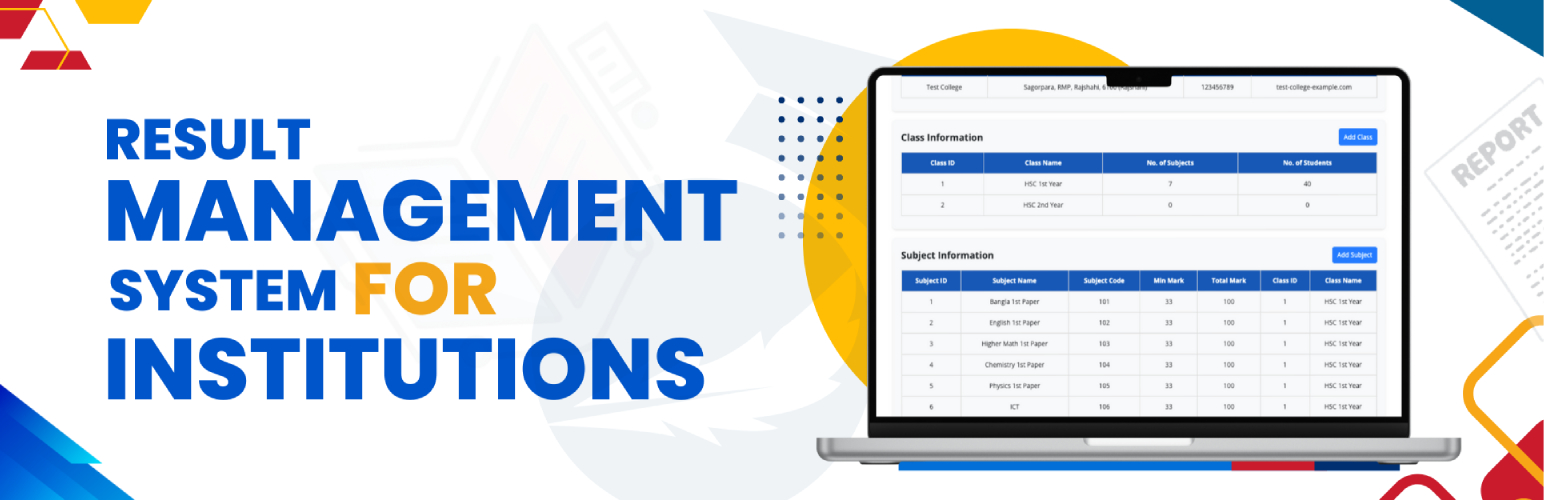
- Result Management System for Institutions 旨在簡化教育機構的成績管理。這個外掛讓您可以顯示詳細的成績單,透過 CSV 匯入學生資料,並自訂成績單的版面來滿足您的需要。
接下來,讓我們來為您準備一組問題和答案:
1. 這個外掛的特色有哪些?
- 與 WordPress 無縫整合,方便設定和管理。
- 直觀的儀表板設計,提供最佳的使用者體驗。
- 可管理無限制的班級、部門、科目、考試和其他欄位。
- 以班級/部門為基礎的科目管理。
- 支援個別和多個學生成績的添加。
- 自動計算並顯示成績指標。
- 強大的儀表板和設定。
- 允許學生或管理員透過單一點擊列印或保存成績為 PDF。
- 完全可自訂的成績單:可隱藏欄位或根據需要重新命名。
- 輕鬆添加、更新或刪除學生成績。
- 透過 CSV 匯入/匯出學生記錄和成績。
- 通過堅固的安全措施和資料加密保護敏感信息。
2. 如何使用這個外掛?
- 設定機構檔案:配置您的機構詳細資料以個性化成績門戶。
- 配置學術結構:
- 添加班級(例如 HSC 1st Year、HSC 2nd Year)。
- 添加部門(例如科學、藝術、商業)。
- 添加分區(例如 A、B、C)。
- 將科目指派給適當的班級。
- 設置考試架構:
- 添加考試年份(例如 2024-2025)。
- 添加考試名稱(例如中期考、期末考)。
- 添加學生記錄:透過匯入或手動添加包含完整信息的學生記錄。
- 配置門戶設定:在一般設定中設置公共成績門戶的 URL。
- 在任何文章或頁面中使用 [astgdrmsys_show_result] 短碼以讓學生能夠透過註冊號碼和班級進行搜尋。
希望這些問題和答案可以幫助您更了解這個外掛!如果您有其他問題,歡迎隨時提出。
原文外掛簡介
📘Result Management System for Institutions is designed to simplify result management for educational institutions. This plugin enables you to display detailed marksheets, import student data via CSV, and customize the marksheet layout to suit your needs.
🎬 Watch the Demo:
See how it works in this video –
Key Features:
🔌 Seamless WordPress integration.
🧭 Intuitive dashboard for easy navigation.
📚 Manage unlimited classes, departments, sections, subjects, exams & fields.
🗂️ Subject mapping to specific classes/departments.
🧮 Add marks individually or in bulk.
📊 Auto-calculated result metrics.
🛠️ Centralized dashboard & settings.
🖨️ One-click PDF printing or saving.
✏️ Fully customizable marksheets.
🔄 Quick result editing & management.
📥 CSV-based import/export.
🔐 Robust data security & encryption.
How to Use:
🏫 Set Up Institute Profile: Enter institutional details.
📘 Configure Academic Structure:
Add Classes (e.g., HSC 1st Year)
Add Departments (e.g., Science)
Add Sections (e.g., A, B)
📚 Assign Subjects to Classes.
📝 Set Up Exams:
Add Exam Years & Names
👨🎓 Add Student Records manually or via CSV.
⚙️ Configure Settings for the public portal.
🔍 Use shortcode [astgdrmsys_show_result] on pages/posts to allow result search.
Upgrade to Result Management System for Institutions
✨ Unlock premium features for complete control and automation.
🎓 Admin Capabilities:
🛠 Access all modules and settings
🧑🎓 Manage students, teachers, results
🔄 Edit/delete academic structures
🧮 Custom grading logic
📥 Import unlimited data via CSV
🔎 Filter & analyze student data
📝 Extend student data fields
👨🏫 Teacher Features:
➕ Add/update marks by subject
📊 Bulk mark import via CSV
🔒 Role-based limited access
👨👩👧👦 Student/Parent Access:
🔍 Search results using roll/registration number
🖨 Print/save detailed marksheets (PDF)
🚀 Upgrade to Result Management System for Institutions Premium today and unlock the full potential!
Libraries Used
This plugin includes these third-party libraries. All minified files are accompanied by original source files where applicable:
📦 PDFObject
Version: 2.3.1
License: MIT
URL: https://github.com/pipwerks/PDFObject
Files: pdfobject.min.js, pdfobject.js
📦 jsPDF
Version: 3.0.1 (2025-03-17)
License: MIT
URL: https://github.com/parallax/jsPDF
Files: jspdf.umd.min.js
📦 html2canvas
Version: 1.4.1
License: MIT
URL: https://github.com/niklasvh/html2canvas
Files: html2canvas.min.js
📦 Bootstrap (CSS only)
Version: 4.5.3
License: MIT
URL: https://github.com/twbs/bootstrap
Files: bootstrap.min.css
Note: Only the CSS file is used; no Bootstrap JavaScript components are included.
各版本下載點
- 方法一:點下方版本號的連結下載 ZIP 檔案後,登入網站後台左側選單「外掛」的「安裝外掛」,然後選擇上方的「上傳外掛」,把下載回去的 ZIP 外掛打包檔案上傳上去安裝與啟用。
- 方法二:透過「安裝外掛」的畫面右方搜尋功能,搜尋外掛名稱「Result Management System for Institutions」來進行安裝。
(建議使用方法二,確保安裝的版本符合當前運作的 WordPress 環境。
1.0.0 | 1.1.0 | 1.2.0 | trunk |
延伸相關外掛(你可能也想知道)
暫無相關外掛推薦。