
前言介紹
- 這款 WordPress 外掛「PostSimple Integration」是 2026-02-22 上架。
- 目前尚無安裝啟用數,是個很新的外掛。如有要安裝使用,建議多測試確保功能沒問題!
- 上一次更新是 2026-02-23,距離現在已有 2 天。
- 外掛最低要求 WordPress 5.0 以上版本才可以安裝。
- 外掛要求網站主機運作至少需要 PHP 版本 7.2 以上。
- 尚未有人給過這款外掛評分。
- 還沒有人在論壇上發問,可能目前使用數不多,還沒有什麼大問題。
外掛協作開發者
外掛標籤
publisher | automation | social media |
內容簡介
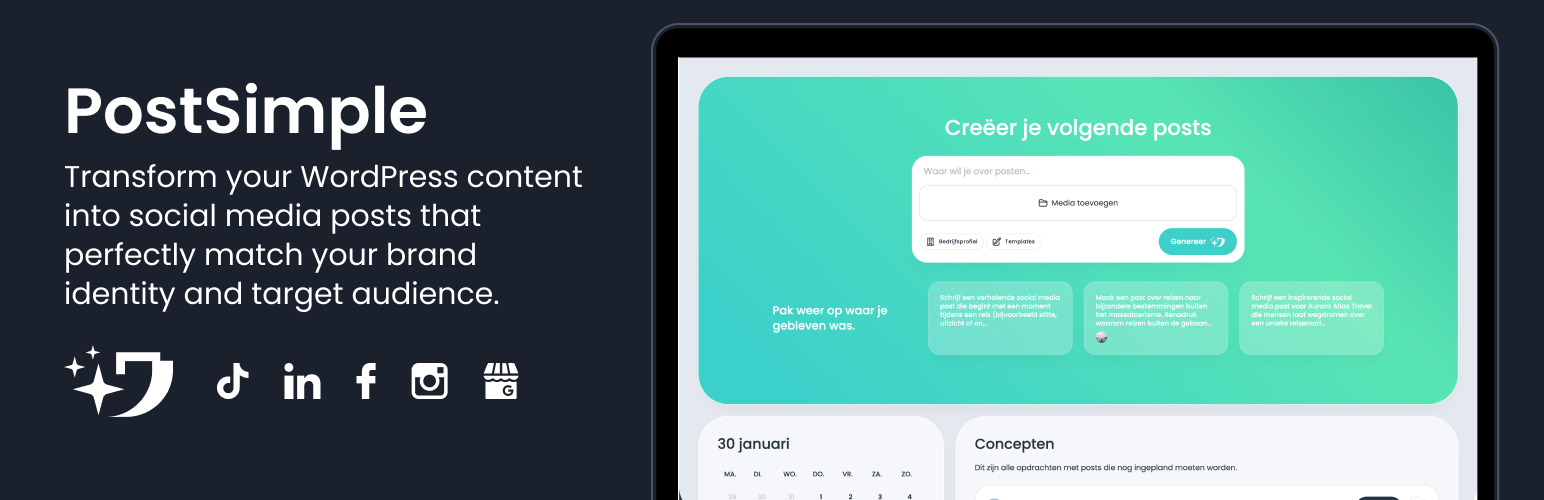
總結:PostSimple 是一個能自動發布社交媒體貼文並智能排程的 AI 社交媒體工具。這個 WordPress 外掛能協助你將 WordPress 內容與 PostSimple 輕鬆分享,進而轉換為符合你品牌風格並針對每個社交媒體平台量身定製的引人入勝社交媒體貼文。
1. 什麼是 PostSimple ?
- PostSimple 是一款 AI 社交媒體工具,能自動發布社交媒體貼文並智能排程。
2. 這個 WordPress 外掛需要哪些條件?
- WordPress 5.0 或更新版本
- PHP 7.2 或更新版本
- PostSimple Pro 訂閱包含 API 存取權限
- PostSimple API 金鑰(透過 [email protected] 進行請求)
3. PostSimple 的功能有哪些?
- 容易整合 - 搭建和配置只需幾分鐘
- 適用於所有內容 - 可用於貼文、頁面和自定義貼文類型
- 一鍵發佈 - 直接從 WordPress 編輯器發送
- 自動重定向 - 直接到您的 PostSimple 內容概述
- 安全可靠 - 安全的 API 連線並具有錯誤處理功能
- 無需技術知識 - 用戶友好介面
4. 如何使用這個外掛?
- 在 WordPress 中創建或編輯一篇貼文、頁面或其他類型的內容
- 發佈您的貼文 - 外掛需要公開訪問的 URL
- 在側邊欄(螢幕右側)找到 PostSimple 元框
- 點擊「發送到 PostSimple」按鈕
- 您將自動重定向到 PostSimple,您可以在那裡查看和編輯生成的社交媒體內容
5. 這個外掛會連接到哪些外部服務?
- 這個外掛將連接到 PostSimple API,以發送您的 WordPress 貼文數據進行自動社交媒體內容生成。
6. 使用這個外掛時會傳送哪些數據?
- 當您在貼文編輯器中點擊「發送到 PostSimple」按鈕時,外插會將以下數據發送至 PostSimple API:
- 貼文標題
- 貼文的公開 URL(永久鏈接)
7. 這項服務的細節資訊在哪里?
- 這項服務由 PostSimple 提供。
- 服務網站: https://postsimple.app
- API 端點: https://postsimple.link/api/plugins/create-post
- 使用條款: https://postsimple.app/gebruikersvoorwaarden
- 隱私政策: https://postsimple.app/privacyverklaring
8. 發送後,外掛會將用戶重定向到 PostSimple 的 https://my.postsimple.app/lab,以查看生成的社交媒體內容。
原文外掛簡介
PostSimple is the AI social media tool for automatic social media posts and smart content scheduling. PostSimple creates and publishes content in your brand’s style, tailored to each social media channel.
With this WordPress plugin, you can easily share your WordPress content with PostSimple, where it gets transformed into engaging social media posts that perfectly match your brand identity and target audience.
Requirements
WordPress 5.0 or higher
PHP 7.2 or higher
PostSimple Pro subscription with API access
PostSimple API key (request via [email protected])
Note: The API key is only available with a Pro subscription. Don’t have a Pro subscription yet? Upgrade your account at PostSimple first.
Features
Easy integration – Install and configure in minutes
Works with all content – Posts, pages, and custom post types
One-click sending – Directly from the WordPress editor
Automatic redirect – Straight to your PostSimple content overview
Secure and reliable – Secure API connection with error handling
No technical knowledge required – User-friendly interface
Usage
Create or edit a post, page, or other content type in WordPress
Publish your post – the plugin requires a publicly accessible URL
Find the PostSimple meta box in the sidebar (right side of the screen)
Click the “Send to PostSimple” button
You will be automatically redirected to PostSimple where you can view and edit the generated social media content
Note: Only published posts can be sent to PostSimple. Draft, scheduled, or pending posts cannot be sent because PostSimple needs a publicly accessible URL to analyze your content.
External services
This plugin connects to the PostSimple API to send your WordPress post data for automatic social media content generation.
What data is sent and when
When you click the “Send to PostSimple” button in the post editor, the plugin sends the following data to the PostSimple API:
The post title
The public URL (permalink) of the post
This data is only sent when the user explicitly clicks the “Send to PostSimple” button. No data is sent automatically or in the background.
Service details
This service is provided by PostSimple.
Service website: https://postsimple.app
API endpoint: https://postsimple.link/api/plugins/create-post
Terms of use: https://postsimple.app/gebruikersvoorwaarden
Privacy policy: https://postsimple.app/privacyverklaring
After sending, the plugin redirects the user to PostSimple at https://my.postsimple.app/lab to view the generated social media content.
各版本下載點
- 方法一:點下方版本號的連結下載 ZIP 檔案後,登入網站後台左側選單「外掛」的「安裝外掛」,然後選擇上方的「上傳外掛」,把下載回去的 ZIP 外掛打包檔案上傳上去安裝與啟用。
- 方法二:透過「安裝外掛」的畫面右方搜尋功能,搜尋外掛名稱「PostSimple Integration」來進行安裝。
(建議使用方法二,確保安裝的版本符合當前運作的 WordPress 環境。
延伸相關外掛(你可能也想知道)
 AddToAny Share Buttons 》WordPress外掛AddToAny Share Buttons有助於讓人們分享你的文章和頁面到任何服務,從而增加流量和參與度。服務包括Facebook、Twitter、Pinterest、WhatsApp、...。
 Astra Widgets 》最快速將更多小工具加入您的 WordPress 網站。, 當您可以為特定資訊添加小工具並在網站的任何地方擷取它們時,事情會變得多麼容易?例如:商業地址、社交資料...。
 Social Media Share Buttons & Social Sharing Icons 》在你的免費測試網站上試試看:點擊此處 => https://tastewp.com/plugins/ultimate-social-media-icons, (這個技巧適用於所有外掛 – 只需在外掛的 WP 存儲庫 ...。
 Simple Social Icons 》Simple Social Icons 是一個簡單易用的外掛,可以自訂顯示連結至您各種社交媒體帳號的圖示。使用此外掛,您可以從小工具設定表單輕鬆選擇要連結的社交媒體,...。
 Social Sharing Plugin – Sassy Social Share 》可以在實際網站上試用此插件,請透過此連結進入。, Sassy Social Share 可讓您的網站訪客透過 Facebook、Twitter、Google、Linkedin、Whatsapp、Tumblr、Pint...。
 Open Graph and Twitter Card Tags 》此外掛可增進你的 WordPress 頁面、文章、WooCommerce 商品或任何其他文章類型在社群媒體上的分享,透過設定正確的 Facebook Open Graph 標籤。, 此外掛也允...。
 Hubbub Lite – Fast, free social sharing and follow buttons 》最美觀的社交分享按鈕, Mediavine 的 Grow Social 是其中一個最易用的社交分享外掛,可讓您新增高度自訂的社交分享按鈕,完美整合您的網站設計,增加互動及社...。
 Social Media Widget 》快來查看適用於您網站的 WordPress 最新優惠。, 社交媒體小工具是一個簡單的側邊欄小工具,允許用戶輸入他們的社交媒體網站個人資料網址和其他訂閱選項,顯示...。
 OG — Better Share on Social Media 》毫不設定,功能強大。, 我們相信這個外掛對於初學者來說是最好的選擇,因為它不需要設定,只需安裝並啟用它 - 所有的神奇都將被完成!。
 Lightweight Social Icons 》「Lightweight Social Icons」是一個簡易使用、輕量化的社交網站圖示小工具,讓您可以顯示您最喜歡的社交網站圖示。, 這些圖示使用圖示字體,這表示您可以選...。
 AccessPress Social Counter 》文件 | 支援 | 演示 | 付費版, AccessPress Social Counter 是一個免費的 WordPress 外掛程式,可在您的網站上顯示社交帳戶的粉絲、訂閱和追蹤者數字!, 這是...。
 Social Media Feather | social media sharing 》WordPress Social Media Feather(翻譯:WordPress 社交媒體羽毛)是一個輕量級免費的社交媒體 WordPress 外掛,讓你可以快速而無痛地將社交分享和追蹤功能添...。
 AccessPress Social Share 》mium features like beautifully designed 10 themes to select from, major 13 social media integration (including Facebook, Twitter, Pinterest, Linked...。
 AccessPress Social Icons 》示範 | 說明文件 | 支援 | 付費版, 從你的網站連結到社交網站,輕鬆有趣!, AccessPress Social Icons 允許你建立各種社交圖示,並將你的社交網站連結至你的...。
 ClickSocial – Social Media Scheduler & Poster 》總結:透過這個WordPress外掛程式,您可以輕鬆地直接管理社交媒體,並連接到ClickSocial應用程式,從clicksocial.com上管理社交媒體發文並在WordPress儀表板...。