
內容簡介
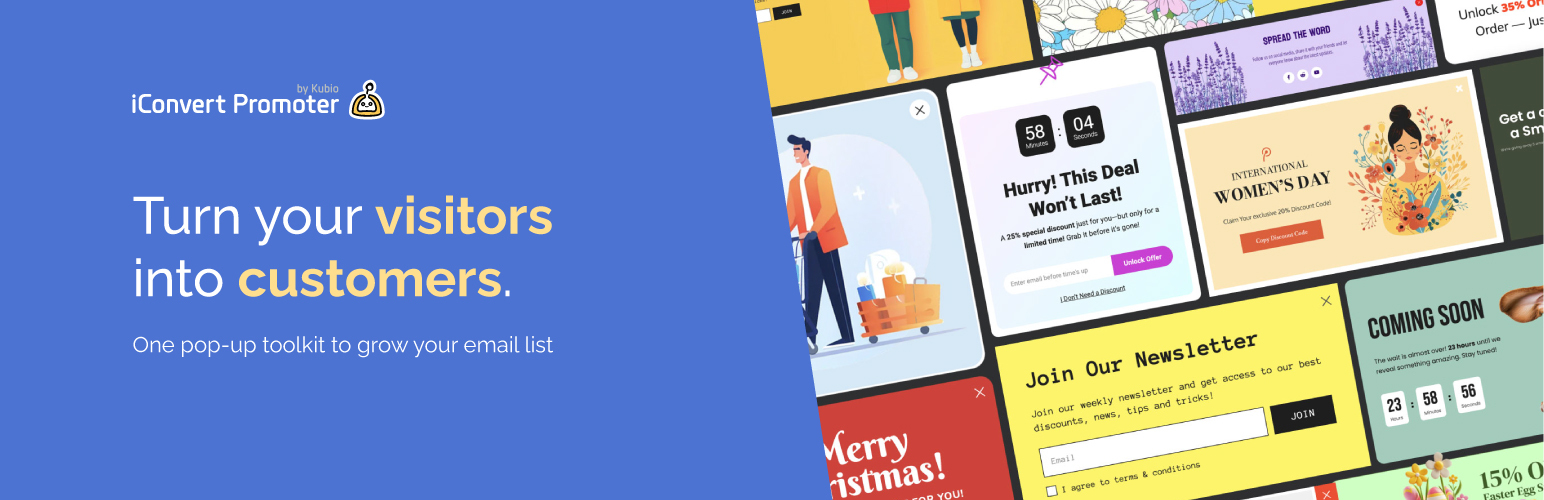
總結:iConvert Promoter 是一款功能強大的 WordPress 外掛,可幫助您建立個性化彈出式視窗和內聯活動,吸引訪客,擴展郵件列表,提高轉化率。透過其拖放編輯器、預定義模板和高級定位規則,您可以在幾分鐘內創建令人驚艷的彈出式視窗,無需編碼。
問題與答案:
1. iConvert Promoter 提供了哪些主要功能?
- 拖放編輯器
- 預定義模板
- 基於使用者行為的高級定位規則
- 適合各設備的手機友好設計
- 無限彈出式視窗
- 像素完美的自定義,可完全控制佈局和設計
- 用於分組電子郵件列表的聯繫人管理
2. iConvert Promoter 可以創建哪些彈出式視窗類型?
- 簡單彈出式視窗
- 燈箱
- 滑入式
- 漂浮條
- 內聯條
- 全螢幕
3. 提到的觸發方式有哪些?
- 頁面加載
- 點擊
- 閒置後
- 捲動百分比
- 捲動至元素
- 手動開啟
- 預覽
4. 什麼是 iConvert Promoter 的進階功能?
- 提供 PRO 版本,包含計時彈出視窗、離開意向、捲動百分比觸發等進階工具
- 透過時間在頁面上所花費的時間、在站點上所花費的時間等定位用戶
- 地理定位目標,基於訪客的實際位置個性化彈出式視窗
- 購物車觸發,包括購物車中的產品數量、總購物車金額等
- 行為定位,例如在看過頁面 X 次後、新訪客與回訪客等行為情境定向。
外掛標籤
開發者團隊
原文外掛簡介
🎯 Build Smart Popups and Inline Campaigns with iConvert Promoter 🎯
iConvert Promoter is a powerful WordPress plugin designed to help you create personalized popups and inline campaigns that engage visitors, grow your email list, and boost conversions. With its drag-and-drop editor, predefined templates, and advanced targeting rules, you can create stunning popups in minutes—no coding required.
✨ Key Features:
– Drag-and-drop editor for easy customization.
– Predefined templates for quick setup.
– Advanced targeting rules based on user behavior.
– Mobile-friendly designs for seamless responsiveness.
– Unlimited popups for all your campaigns.
– Pixel-perfect customizations with full control over layout and design.
– Contacts management for segmented email lists.
📦 Popup Types:
– Simple Popup
– Lightbox
– Slide-in
– Floating Bar
– Inline Bar
✨ Unlock your website’s hidden potential with personalized popups that appear at the right time, in the right place, and to the right audience.
Main Features
iConvert Promoter provides essential tools to help you create engaging popups and inline campaigns with ease:
Drag-and-drop editor: Design and customize popups effortlessly.
Predefined templates: Choose from a variety of designer-made templates for quick setup.
Mobile-friendly designs: Ensure your popups look great on all devices.
Unlimited popups: Create as many popups as you need for your campaigns.
Pixel-perfect customizations: Style every element of your popup, including layout, spacing, borders, shadows, transitions, and more.
Popup Types:
Simple Popup
Lightbox
Slide-in
Floating Bar
Inline Bar
Fullscreen
Triggers:
– Page Load
– On Click
– After Inactivity
– Scroll Percent
– Scroll to Element
– Manually Open
– Preview
Advanced Features
Unlock the full potential of iConvert Promoter with the PRO version, offering advanced tools and targeting options designed to maximize conversions:
Countdown popups: Create urgency with time-sensitive campaigns.
Exit Intent: Capture visitors before they leave your site.
Scroll Percentage (Advanced): Trigger popups based on precise scroll behavior.
Time Spent on Page: Engage users after they’ve spent a specific amount of time on a page.
Time Spent on Site: Target users based on their overall time spent on your site.
Location-Based Targeting (Geolocation): Personalize popups based on visitors’ physical location.
Cart-Based Triggers:
Number of items in the cart.
Total cart amount.
Specific products in the cart.
Products not in the cart.
Behavioral Targeting:
After seeing a page X times.
Sessions-based targeting (new vs returning visitors).
Source Files
📂 GitHub Repository













